
How to Choose Dell PowerStore: Sizing All-Flash NVMe Storage for Your Workload
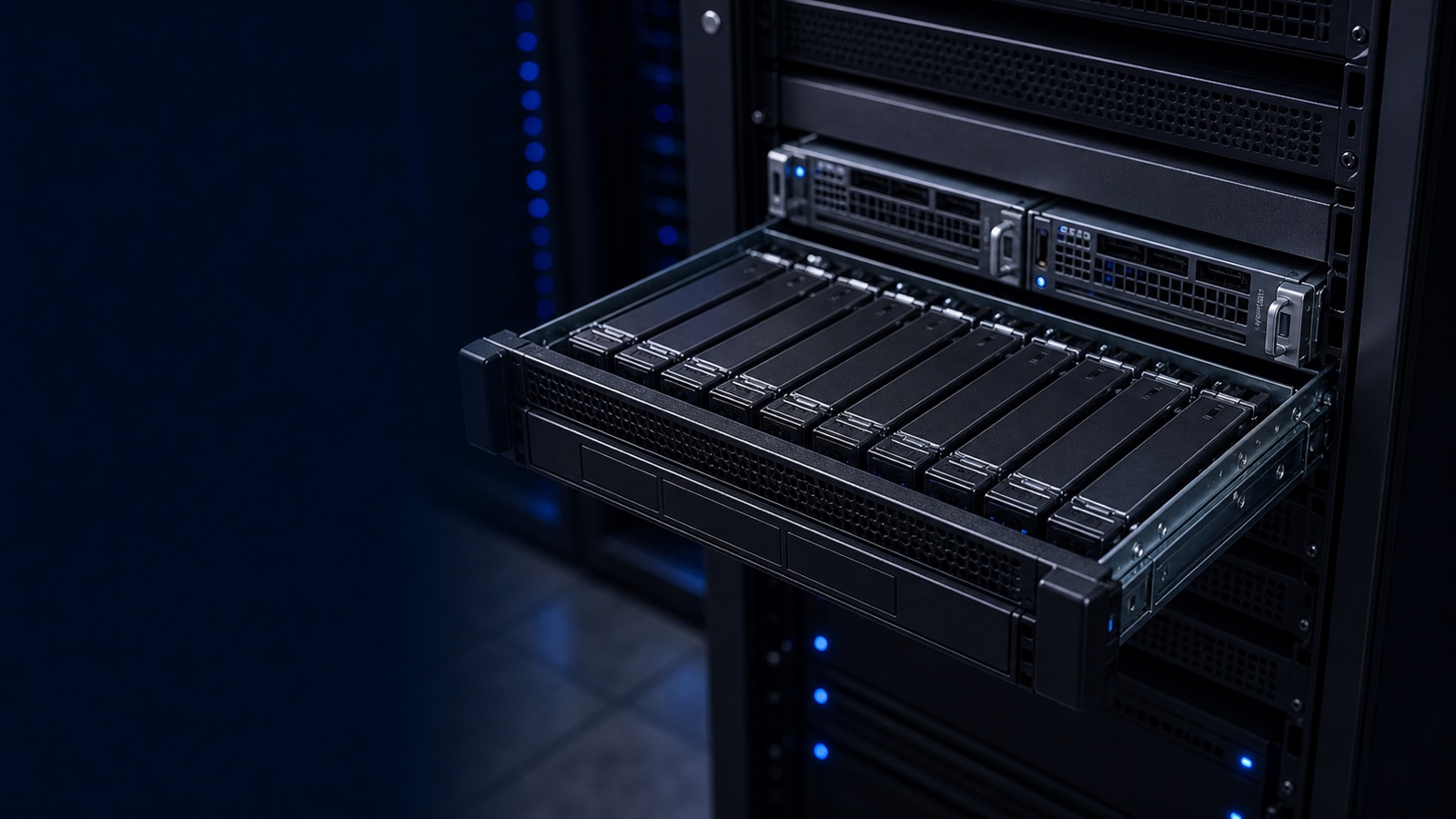
Dell PowerStore is Dell Technologies' container-based, all-flash midrange array, and it is one of the most flexible storage platforms a government or enterprise IT team can standardize on. But that flexibility cuts both ways: the difference between a right-sized PowerStore and an over- or under-provisioned one is real money, real rack space, and real performance headroom. This guide walks through how to choose a model, decide whether AppsON makes sense, and size capacity, IOPS, and data reduction with numbers you can defend in a review.
Start With the Workload, Not the Datasheet
Before you look at a single model number, characterize what the array has to carry. Sizing PowerStore well comes down to four inputs:
- Usable capacity required — your real, post-data-reduction footprint plus a growth runway (plan 24-36 months, not just day one).
- IOPS and throughput — peak and sustained, separated by read/write mix and block size. A VDI boot storm and a SQL data warehouse stress an array very differently.
- Latency tolerance — sub-millisecond is realistic on NVMe, but transactional databases and latency-sensitive analytics have tighter ceilings than file shares.
- Protocol and connectivity — block (FC, iSCSI, NVMe/TCP, NVMe/FC), file (NFS/SMB), and vVols all influence the model and the controller-side resources you reserve.
Pull these from existing telemetry wherever possible. Dell Live Optics (formerly DPACK) collects real workload data over a representative window and feeds Dell's official sizing tools. Sizing from measured data instead of guesswork is the single biggest predictor of getting the order right.
Pick the Model: T-Series vs. the AppsON Question
PowerStore comes in two architectural flavors, and choosing between them is the first major fork.
- PowerStore T (traditional array) runs as a dedicated, purpose-built storage appliance. This is the default for most environments: you present block and file storage to external compute such as PowerEdge R660 or R760 servers and let the array do one job well.
- PowerStore X with AppsON embeds a VMware ESXi hypervisor directly on the storage controllers, so you can run virtual machines on the array itself. AppsON shines for edge sites, space-constrained deployments, and use cases where collapsing a small compute footprint into the storage node genuinely reduces hardware and licensing sprawl.
Most data-center consolidation projects land on PowerStore T. Reserve AppsON for deliberate edge or co-located workloads where running a handful of VMs on the controller actually buys you something. Do not adopt AppsON purely because it is available; it consumes controller resources that would otherwise serve I/O.
Across the current generation, the model line scales from entry nodes suited to departmental or remote-site duty up through high-end models built for dense, performance-intensive consolidation. The practical selection logic:
- Entry models — remote/branch sites, SLED departments, smaller healthcare clinics, dev/test.
- Mid-range models — the workhorse tier for general VMware, mixed database, and file consolidation.
- High-end models — large virtualization estates, demanding OLTP, and environments where you want maximum drives and bandwidth per appliance.
Remember that PowerStore scales two ways. Scale-up adds NVMe drives (and optional expansion enclosures) to a node; scale-out clusters multiple appliances under one management plane so you can grow without forklifting. Buy the model that fits today's workload with a clear path to add drives, then cluster later rather than overbuying a top-tier node on day one.
Size Capacity and Data Reduction Honestly
PowerStore applies always-on inline deduplication and compression, and Dell publishes a data reduction guarantee for qualifying configurations. That guarantee is a useful planning anchor, but treat data reduction as workload-dependent, not a fixed multiplier:
- Highly reducible — VDI, OS images, many VMs from common templates, general file shares.
- Moderately reducible — mixed virtualized application estates, typical databases.
- Poorly reducible — pre-compressed media, encrypted data, and most backup streams (let PowerProtect handle backup targets instead).
Size usable capacity against a conservative reduction assumption for your actual data type, then validate it against the contractual guarantee — never the reverse. If your environment skews toward encrypted or pre-compressed data, plan capacity closer to raw. Also reserve headroom: running any all-flash array near full erodes performance and complicates expansion. A practical target is sizing so steady-state utilization sits comfortably below capacity, leaving room for snapshots, thin clones, and growth.
Validate IOPS, Latency, and Connectivity
NVMe back-end media gives PowerStore generous IOPS ceilings, but published maximums are achieved under ideal block sizes and read/write mixes. Translate your Live Optics profile into the array's terms:
- Match block size — small-block transactional I/O behaves very differently from large-block sequential.
- Account for the write penalty of your data services; snapshots, replication, and metadata work all consume back-end cycles.
- Confirm front-end connectivity — if you are moving to NVMe/TCP or NVMe/FC for lower latency, verify host HBAs, switches, and OS support end to end.
- Plan replication — asynchronous and synchronous (metro) replication between PowerStore systems adds bandwidth and capacity considerations at both sites.
Manage and monitor the result through Dell CloudIQ and the native PowerStore Manager, which surface capacity trending and performance analytics so you can catch drift before it becomes an emergency expansion.
Procurement Notes for Public-Sector Buyers
For federal, DoD, and SLED buyers, PowerStore is quoted by RFQ, and Dell maintains TAA-compliant configurations for environments that require them. If your security posture demands it, scope FIPS 140-3 validated encryption and align the deployment with your NIST 800-171 or RMF controls during design, not after. Getting the data-at-rest and supply-chain requirements into the BOM up front avoids painful rework.
The Takeaway
Right-sizing PowerStore is a discipline, not a guess: measure the workload with Live Optics, choose PowerStore T unless AppsON solves a specific edge problem, size capacity against a conservative and data-appropriate reduction ratio, and validate IOPS and connectivity against your real I/O profile with growth headroom built in. Do that, and you get an NVMe array that performs on day one and scales without surprises.
Want a sizing recommendation tailored to your workload? Request a quote or talk to a Uniqcli storage specialist — we will turn your Live Optics data into a defensible PowerStore configuration.