
Education IT Procurement: Buying Dell for K-12 and Higher Ed at Scale
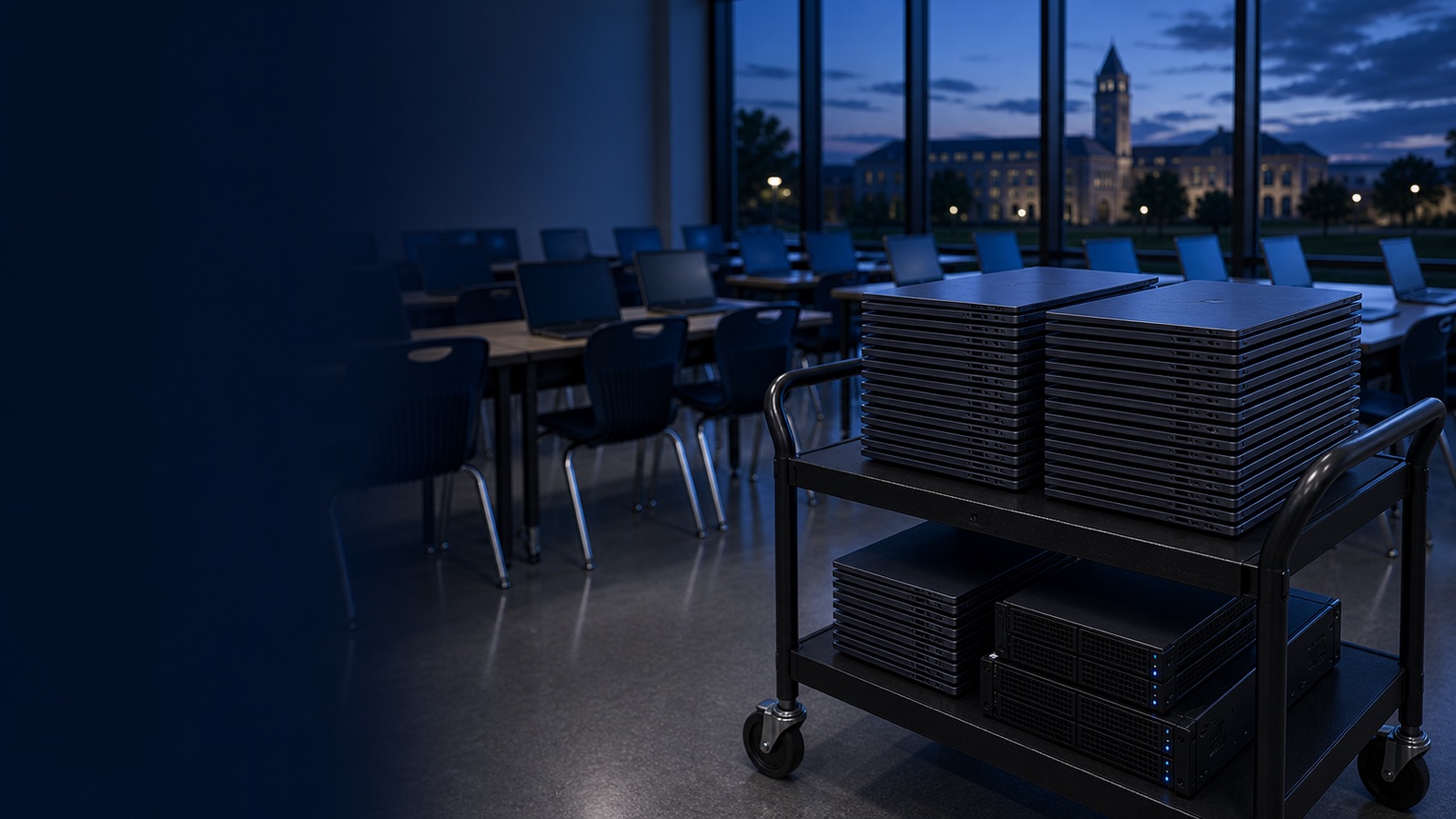
Outfitting a school district or a university with computers is rarely a simple purchase order. Education buyers operate under fund-accounting rules, board approval cycles, federal subsidy programs, and competitive-bid thresholds that most commercial buyers never touch. The good news: Dell hardware is widely available through the same cooperative and government purchasing contracts education institutions already use, which means you can standardize on Latitude, OptiPlex, Precision, and PowerEdge without running a fresh RFP for every refresh. This post walks through the contracts, the device strategy, and the operational details that keep a fleet buy from turning into a multi-year headache.
Understand the funding before you pick the contract
The contract you buy through is partly determined by how the dollars are coming in. Education funding is fragmented, and each stream carries its own compliance strings.
- E-Rate (Universal Service Fund, administered by USAC): E-Rate primarily subsidizes connectivity and internal broadband infrastructure (Category One and Category Two), not student laptops. Switching, Wi-Fi, and structured cabling can qualify; general-purpose desktops and notebooks generally do not. Know this distinction before you assume a tablet cart is reimbursable.
- State and local operating funds: The bulk of device dollars. These are governed by your state and district procurement code, including competitive-bid thresholds that trigger formal solicitation above a dollar amount.
- Federal grants and relief funds: Often carry 2 CFR 200 (Uniform Guidance) procurement rules and may require documented price reasonableness and full and open competition.
- Bonds and capital budgets: Common for one-time lab buildouts and large refreshes.
The practical takeaway: confirm the funding source first, because a federal-grant purchase may demand competition documentation that a cooperative contract already satisfies, while a state operating-fund buy may be fine on a piggybackable contract.
The cooperative and state contracts that carry Dell
You usually do not need to run your own bid. Most districts and institutions satisfy their "competitively solicited" requirement by buying off an existing publicly bid contract.
- Cooperative purchasing organizations: Contracts such as those operated by regional and national cooperatives let members purchase against contracts that were already competitively awarded. Dell client and server lines are commonly available through these.
- State master contracts: Most states maintain a negotiated IT hardware contract that schools and public universities can buy from directly.
- Federal-adjacent buyers: Public research universities and institutions touching federal money may buy through the pre-competed federal contracts their sponsorship allows. These matter when grant terms point you toward a federal contract.
- Consortium and system-wide agreements: University systems and state higher-ed consortia frequently negotiate volume pricing that individual campuses inherit.
When you buy through an authorized Dell reseller, you keep manufacturer warranty, genuine-parts sourcing, and a clean compliance trail. For institutions that care about supply-chain provenance, confirm TAA (Trade Agreements Act) compliance on the specific configurations, and where security mandates apply, validate FIPS 140-3 module certification for self-encrypting drives and NIST 800-171 alignment for systems that store regulated research or student data.
Matching Dell hardware to the education use case
Standardizing on a small number of SKUs is the single biggest lever for reducing imaging, support, and spare-parts overhead. Map devices to roles rather than buying one model for everyone.
- 1:1 student devices and general classrooms: Dell Latitude notebooks. Education-oriented configurations emphasize ruggedized hinges, spill resistance, and tool-less serviceability so a district tech can swap a keyboard or battery without an RMA.
- Computer labs, library kiosks, and admin desktops: Dell OptiPlex in small-form-factor or micro chassis. The micro form factor mounts behind a monitor, which simplifies lab cabling and theft mitigation.
- CAD, engineering, media production, and research workstations: Dell Precision mobile and tower workstations with ISV-certified GPUs for the applications your departments actually run.
- Data center, virtual desktop infrastructure (VDI), and SIS/LMS hosting: Dell PowerEdge R660 and R760 rack servers. These are the workhorses for hosting student information systems, virtual labs, and on-prem application servers.
- Storage and data protection: Dell PowerStore for primary VDI and application storage, PowerScale for unstructured research data and media archives, and PowerProtect for backup and ransomware-resilient recovery, which matters given how aggressively K-12 and higher ed are targeted.
Operationalizing the fleet: management and lifecycle
A scale buy is only as good as your ability to deploy and manage it. Dell's management stack is built to reduce per-device touch.
- Factory provisioning: Order devices with asset tagging, custom BIOS settings, and imaging applied at the factory so units arrive closer to deployment-ready. This removes hours of manual prep per cart.
- Server lifecycle management: Every PowerEdge ships with iDRAC for out-of-band management, letting your team power-cycle, reimage, and monitor a server in a closet at a remote campus without a truck roll. OpenManage centralizes firmware baselines and health monitoring across the fleet.
- Standardized imaging: Fewer client models means fewer driver packs and a smaller imaging matrix, which directly cuts the labor of every summer refresh.
- Warranty and service tiers: Align coverage to risk. Student 1:1 devices benefit from accidental-damage protection; data center gear warrants faster mission-critical response. Match the service level to what a failure actually costs you.
Plan the refresh cadence up front. Aligning purchases to the academic calendar — ordering in spring for summer imaging and fall deployment — avoids the scramble of devices landing the week classes start.
Putting it together
Effective Dell education procurement at scale comes down to three decisions: confirm the funding stream and its compliance rules first, buy through a cooperative or state contract that already satisfies competitive-bid requirements, and standardize on a tight set of Latitude, OptiPlex, Precision, and PowerEdge SKUs you can image and support uniformly. Layer in factory provisioning, iDRAC and OpenManage for the data center, and a refresh schedule tied to the academic calendar, and a multi-thousand-device rollout becomes a repeatable program instead of a fire drill.
If you are scoping a 1:1 initiative, a lab refresh, or a VDI buildout and want help mapping it to the right Dell configurations, request a quote or talk to a Uniqcli specialist. We will help you get the compliance and the configurations right the first time.