
Dell Latitude vs XPS: Business Durability or Premium Design
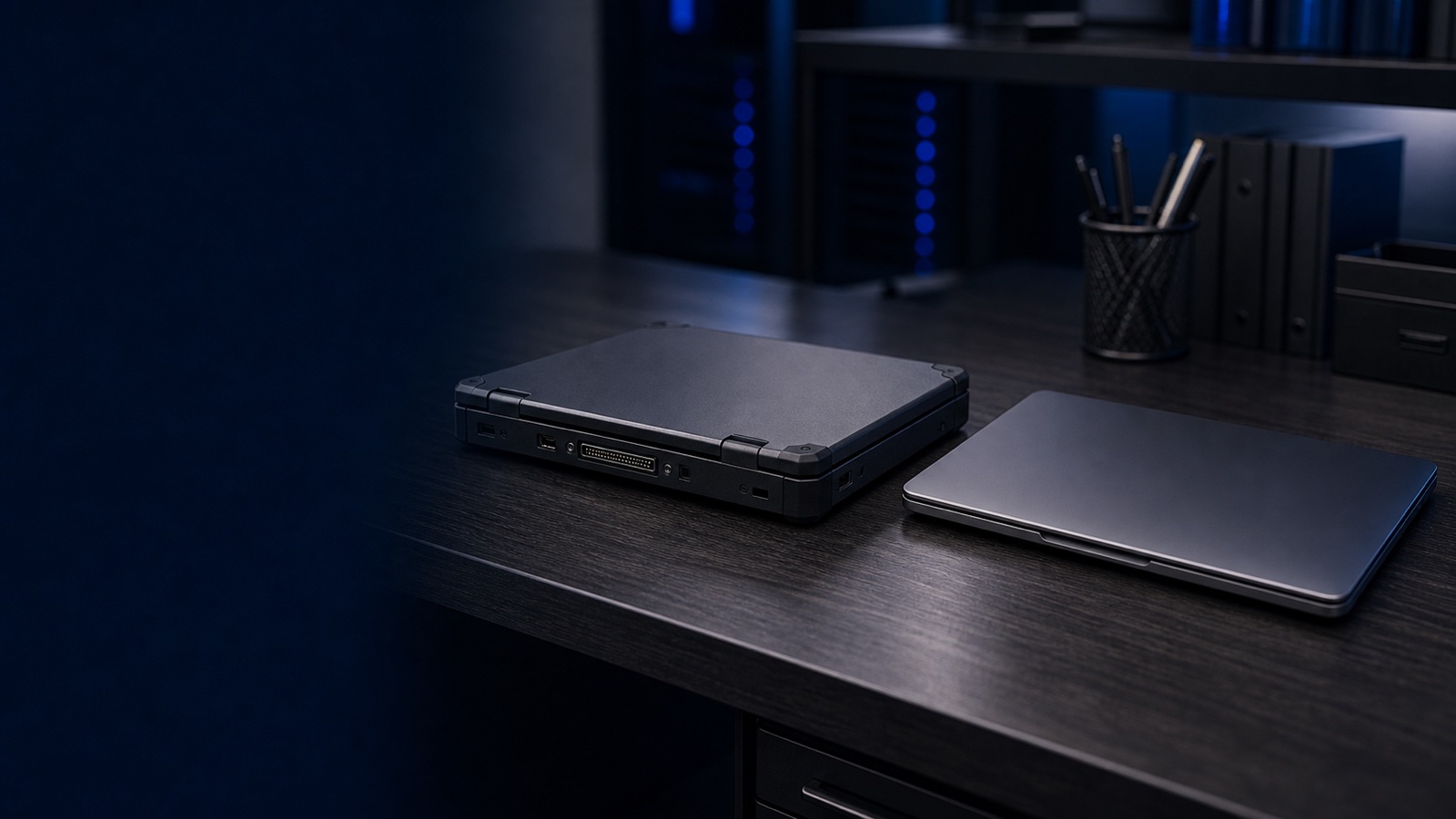
Dell builds excellent laptops on both sides of this question, but Latitude and XPS are aimed at different buyers. XPS is a consumer-premium flagship: thin, beautifully built, and tuned for individual users who value design and display quality. Latitude is Dell's commercial line, engineered around fleet manageability, hardware-rooted security, predictable lifecycles, and field serviceability. For an IT department, a security office, or a contracting officer, those differences are not cosmetic — they shape your imaging workflow, your endpoint security posture, your warranty exposure, and your compliance story. This post compares the two on the dimensions that actually matter to business and public-sector buyers.
Manageability and fleet operations
The single biggest reason Latitude exists is manageability at scale. Latitude systems are designed to drop cleanly into a corporate or agency imaging and provisioning pipeline, and Dell backs them with commercial deployment tooling — including zero-touch provisioning through Dell's factory and ready-image services, and integration with Microsoft Autopilot and standard MDM platforms like Intune. That means a Latitude can ship from the factory and enroll itself into your management plane without a tech ever opening the box.
Latitude also carries the predictability fleets depend on:
- Stable BIOS and driver branches with longer support timelines, so an image validated this quarter is less likely to break next quarter.
- Managed BIOS configuration through Dell Command tooling, letting you push firmware settings, BIOS passwords, and boot policies across the fleet rather than touching machines individually.
- Platform longevity and lifecycle notifications, so you can standardize on a model for a procurement cycle instead of chasing the constantly refreshed consumer SKUs.
XPS, by contrast, follows the consumer cadence. Configurations rotate frequently, image stability is not a design goal, and the commercial deployment services that wrap Latitude generally do not apply. You can manage XPS units through your MDM, but you lose the factory-side automation and the long, stable support branches that make large rollouts cheap to operate. For a handful of executive or developer machines that is fine. For a few hundred seats, it becomes recurring overhead.
Hardware security and compliance
Security is where the gap is most consequential for federal, DoD, healthcare, and SLED buyers. Latitude is built as a managed, attestable endpoint:
- Firmware integrity and supply-chain assurance. Latitude benefits from Dell's commercial firmware security work — verified boot, firmware update controls, and Dell's secured-supply-chain options — which matters when you have to reason about device provenance.
- TPM 2.0 and FIPS-validated cryptography. Commercial Dell platforms ship configurations aligned to FIPS 140-3 cryptographic module requirements, a frequent prerequisite in federal acquisitions and in environments handling controlled information.
- Authentication and physical security. Latitude offers business-grade options such as smart card and contactless readers, fingerprint readers integrated with the power button, and optional infrared cameras for Windows Hello — the building blocks for the multi-factor controls expected under frameworks like NIST 800-171.
- Manageable encryption and policy enforcement. BitLocker, self-encrypting drive options, and centrally enforced BIOS controls give security teams the levers they need for an auditable posture.
XPS includes a TPM and Windows Hello and is a perfectly secure personal device, but it is not positioned around the configurable smart-card readers, supply-chain assurance options, and FIPS-aligned commercial configurations that compliance-driven buyers need to document. When your authority to operate or a contract clause depends on attestable hardware controls, the commercial line is the defensible choice.
Serviceability and total cost of ownership
XPS achieves its slim, premium feel partly by tightly integrating components. That is great for industrial design and bad for a help desk. Latitude is engineered for repair: more models use accessible service panels, replaceable batteries and storage, and a parts pipeline built for years of fleet support.
That translates directly into TCO and uptime:
- Next-business-day onsite and ProSupport options are the norm on Latitude, so a failed unit gets fixed in the field instead of being shipped away.
- Spare-parts availability over a multi-year lifecycle means you can keep a deployed standard alive through a full refresh cycle.
- Faster mean-time-to-repair because technicians can swap a battery, SSD, or keyboard without specialized disassembly.
For XPS, expect a more depot-oriented service experience and tighter integration that discourages field repair. A machine that is harder and slower to service costs more over three to five years even if the sticker price looks similar.
Procurement and contract fit
For public-sector buyers, the practical path matters as much as the spec. Dell's commercial portfolio — Latitude, Precision, and OptiPlex — is the line positioned for the federal, DoD, and SLED buyers who need it, quoted by RFQ, with TAA-compliant configurations available where country-of-origin rules apply. Latitude is the laptop designed to be bought, secured, and supported inside that framework. XPS, as a consumer flagship, is simply not built around those acquisition and compliance realities.
The takeaway
If you are buying for one knowledge worker who lives in their laptop and values display and design above all, XPS is a superb machine. But for an organization — anyone managing a fleet, defending an endpoint posture, or buying against a federal contract — Latitude wins on the criteria that drive real cost and risk: zero-touch manageability, FIPS-aligned and supply-chain-assured security, field serviceability with ProSupport, and a procurement path that fits federal and SLED rules. Match the device to the job: XPS for the premium individual, Latitude for the managed fleet.
Need help configuring a Latitude standard, validating TAA and FIPS 140-3 requirements, or sizing a refresh across hundreds of seats? Request a quote or talk to a Uniqcli specialist and we'll build the right Dell configuration for your environment.