
Dell OptiPlex vs Precision: Business Desktop or Desktop Workstation
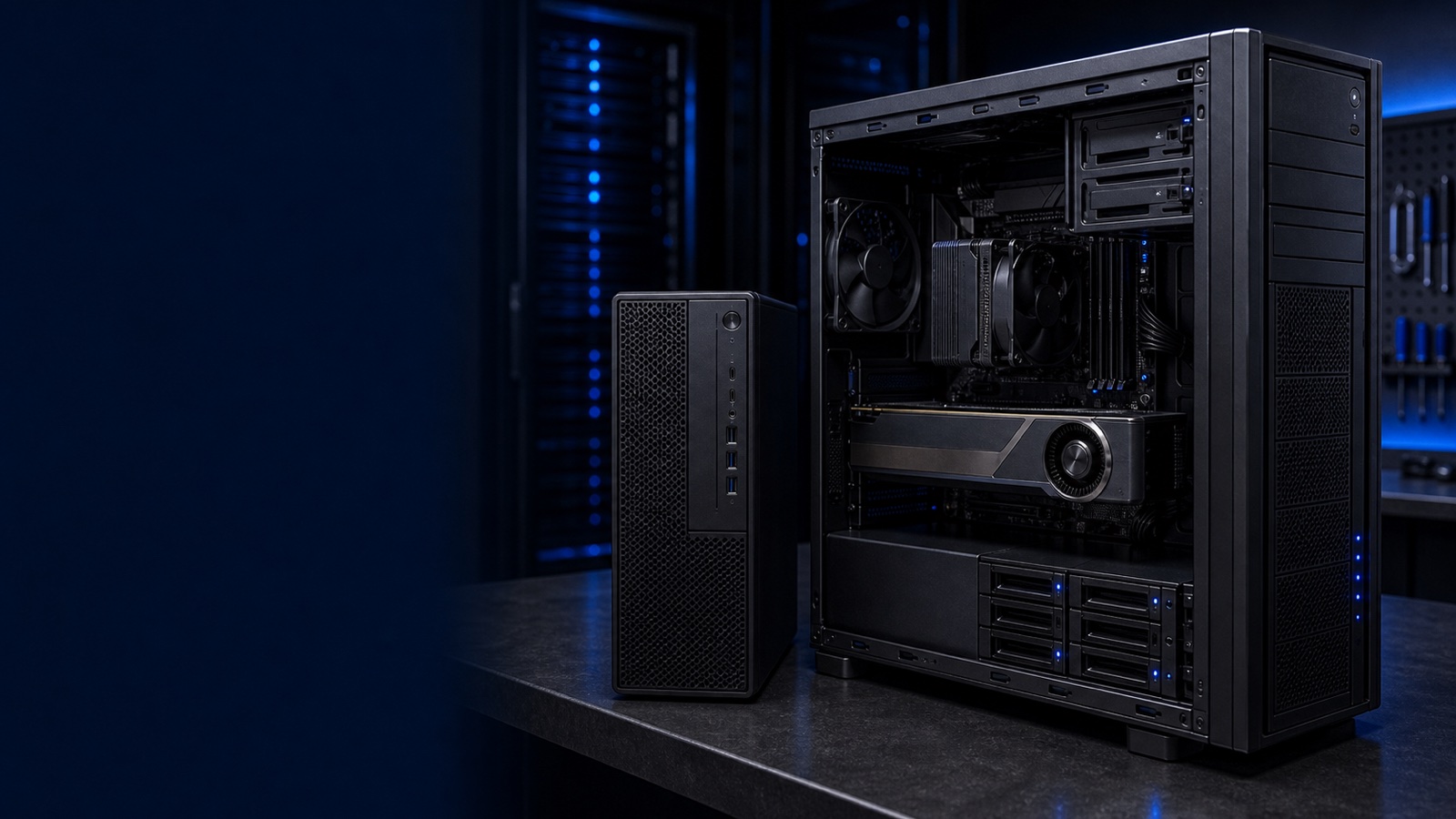
When a refresh cycle lands on your desk, the question is rarely "Dell or not." It's "OptiPlex or Precision." Both are mainstream Dell commercial desktops, both ship with the same manageability stack, and both qualify on the same federal contracts. But they are engineered for different workloads, and putting a Precision on a data-entry desk wastes budget while putting an OptiPlex under a CAD engineer creates a help-desk ticket waiting to happen. This guide breaks down where the line actually sits.
Two Product Lines, Two Design Targets
The Dell OptiPlex is a business desktop. It is built to run a standard productivity stack — browser, office suite, line-of-business apps, virtual desktop clients — reliably for a multi-year deployment, in volume, at the lowest sustainable cost per seat. OptiPlex ships in multiple chassis (Micro, Small Form Factor, Tower, and the Micro Plus / all-in-one variants) so you can match the footprint to the desk, the wall mount, or the back of a monitor.
The Dell Precision is a workstation. The Precision tower line (the 3000, 5000, and 7000 families) is engineered to drive professional applications: 3D CAD, simulation, GIS, video editing, GPU-accelerated rendering, and increasingly local AI/ML inference. Workstations differ from business desktops in ways that matter under sustained load — larger power delivery, more aggressive thermals, professional graphics, and ECC memory support on the higher tiers.
The practical takeaway: OptiPlex optimizes for fleet economics and density. Precision optimizes for compute throughput and component headroom. Choose based on the application, not the user's title.
GPU and Compute: The Decisive Difference
Graphics is the clearest fault line between the two lines.
- OptiPlex is built around integrated graphics or, in tower form factors, a modest discrete card for multi-monitor productivity. It is not designed to host a high-wattage professional GPU, and its power supply and thermal envelope reflect that.
- Precision towers are designed to carry professional graphics — NVIDIA RTX and AMD Radeon Pro class cards with ISV-certified drivers. The 7000-series tower accepts higher-wattage GPUs and, depending on configuration, more than one, with the power and cooling provisioned to match.
That ISV certification matters more than raw frame rate. Software vendors in CAD, simulation, and media (think the major mechanical, AEC, and digital-content-creation suites) certify specific Precision-plus-GPU combinations. Running those applications on a certified workstation isn't just about performance — it's about a supported configuration when you open a support case with the software vendor.
CPU headroom follows the same pattern. OptiPlex uses mainstream desktop processors. Precision tower configurations scale into higher core counts and, at the top of the line, workstation-class platforms with more memory channels and PCIe lanes — the resources that GPU-heavy and memory-bound workloads actually consume.
Expandability and Memory
If a machine needs to grow, the chassis decides whether that's a screwdriver job or a forklift.
- Memory: OptiPlex uses standard non-ECC memory appropriate for productivity work. Precision supports larger capacities, and the higher tiers support ECC memory — important for engineering and scientific work where a silently flipped bit can corrupt a long-running simulation or a multi-gigabyte dataset.
- Storage: Both lines offer NVMe SSDs. Precision towers provide more drive bays and M.2 slots, enabling RAID and tiered local storage for scratch-heavy workflows. OptiPlex storage is sized for an OS, applications, and a working set — not a local data lake.
- Slots and power: A Precision tower gives you full-height PCIe slots, additional power connectors, and a PSU rated for expansion. OptiPlex Micro and SFF chassis are deliberately constrained; expansion there means external Thunderbolt enclosures, not internal cards.
A useful rule: if the deployment will add a GPU, capture card, RAID controller, or 50%+ more RAM mid-life, start with Precision. Retrofitting an OptiPlex past its design envelope usually isn't possible.
Manageability and Security: The Common Ground
Here the two lines converge, which simplifies fleet operations. Both OptiPlex and Precision are Dell commercial-class clients and share the same management and security foundation:
- Dell Client Command Suite for BIOS configuration, driver updates, and integration with your existing endpoint-management tooling (Microsoft Configuration Manager, Intune, and similar).
- Firmware and supply-chain integrity features Dell builds into its commercial clients, including secured-component verification and BIOS protections aligned with NIST guidance.
- TPM 2.0 standard, supporting BitLocker, measured boot, and the platform requirements behind Windows 11 and modern Zero Trust baselines.
- FIPS 140-3 validated cryptographic modules available where your security policy or NIST 800-171 obligations require them.
For mixed fleets, this shared stack is the quiet win: a contracting officer or sysadmin can standardize imaging, patching, and compliance reporting across both lines without maintaining two separate operational playbooks.
Procurement and Compliance Notes
For public-sector and regulated buyers, the platform choice is only half the decision — the acquisition path is the other half. Both OptiPlex and Precision are available to federal and SLED buyers, quoted by RFQ. Configurations can be specified to meet Trade Agreements Act (TAA) compliance, and security-sensitive deployments can be aligned to FIPS 140-3 and NIST 800-171 controls. As an authorized Dell Technologies reseller, Uniqcli can confirm the right SKUs, options, and country-of-origin details against your specific contract and clause requirements before you commit a line item.
Bottom Line
Choose OptiPlex for the general workforce: knowledge workers, call centers, point-of-service, VDI endpoints, and any role where a productivity stack runs all day and density and cost-per-seat drive the decision. Choose Precision when the application demands a certified professional GPU, ECC memory, internal expansion, or sustained heavy compute — CAD, simulation, media production, GIS, or local AI work. When in doubt, let the most demanding application on the desk make the call, and size memory and GPU for where the workload is headed, not just where it is today.
Need help matching the right chassis, GPU, and compliance options? Request a quote or talk to a Uniqcli Dell specialist — we'll spec it to your workload and your acquisition requirements.