
Specifying Dell PowerEdge Memory and Storage: DIMMs, Tiers, and BOSS Boot
When a PowerEdge order ships short on memory bandwidth or boots from the wrong device class, the cost is not a return ticket. It is months of degraded throughput, a failed audit on partition encryption, or a refresh cycle that has to be re-quoted under a different contract. Memory and storage are where PowerEdge configurations most often go wrong on paper, because the rules are not intuitive and the order forms do not stop you from building something unbalanced. This guide covers how to populate DIMM channels correctly, choose between NVMe and SAS storage tiers, and specify BOSS-N1 boot devices on current-generation R660 and R760 servers.
Populate DIMM Channels for Balance, Not Just Capacity
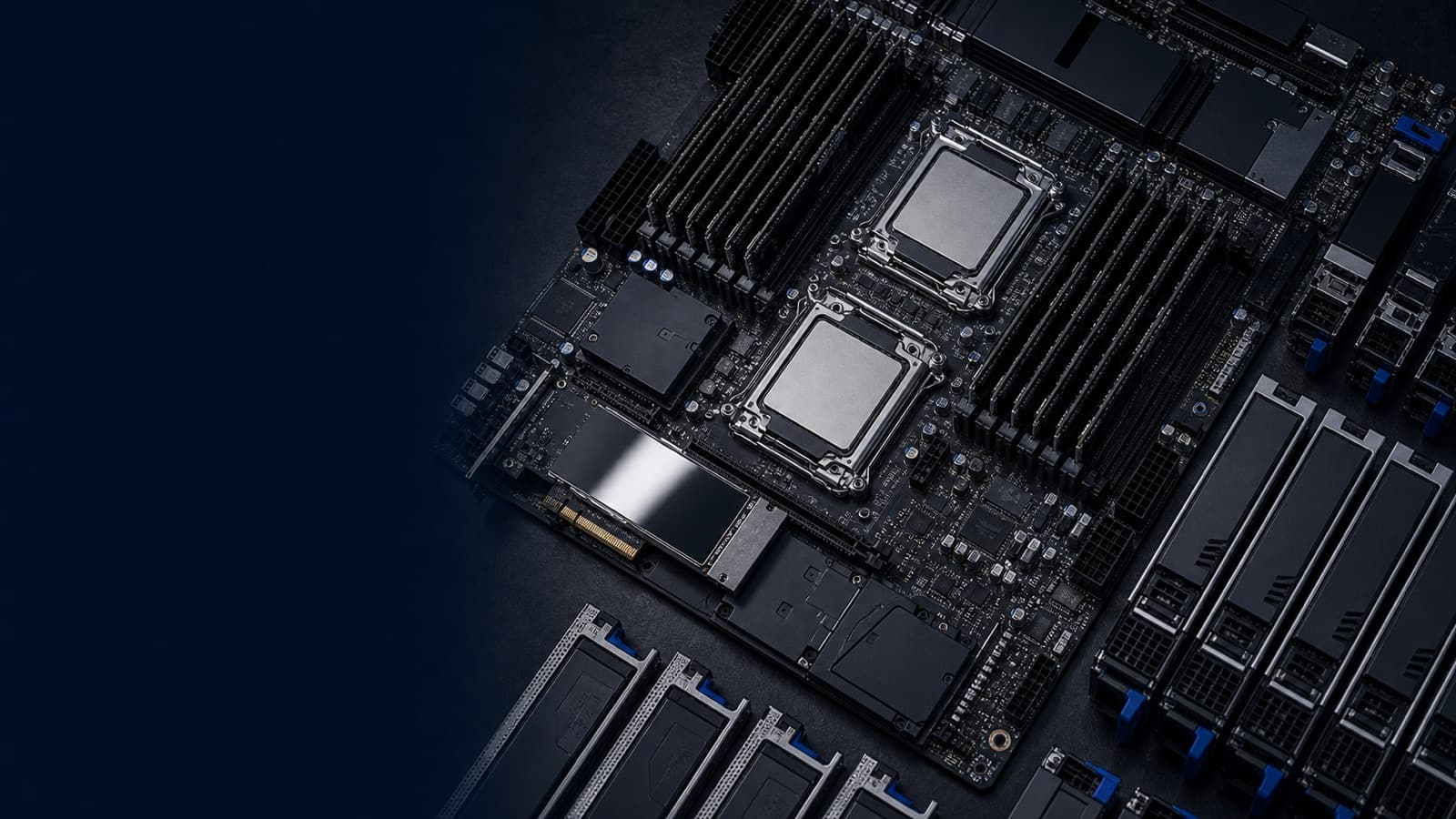
Modern PowerEdge servers built on Intel Xeon Scalable processors use an eight-channel memory architecture per socket. The single most important rule: memory performance is governed by how evenly you populate those channels, not by total gigabytes. A server with 256 GB spread across all eight channels will outrun the same 256 GB crammed into four channels, because the unused channels are wasted bandwidth.
Practical guidance when speccing a dual-socket R660 or R760:
- Populate all channels symmetrically. For peak bandwidth, install one DIMM per channel on both sockets — that means 16 DIMMs in a dual-socket system. Eight- or twelve-DIMM configurations leave channels idle.
- Match DIMMs across the system. Mixing capacities, ranks, or speeds within a channel set forces the controller to clock down to the slowest common denominator. Order identical modules.
- Watch the speed-vs-population tradeoff. Going to two DIMMs per channel raises capacity but can lower the rated transfer speed depending on processor and DIMM rank. If your workload is bandwidth-bound (HPC, in-memory analytics), favor one-DIMM-per-channel at the higher speed.
- Size for the workload, not a round number. Virtualization hosts want capacity headroom; latency-sensitive databases want populated channels. Decide which before picking a quantity.
iDRAC9 and OpenManage will report the resulting memory operating speed and flag unbalanced configurations, but it is far cheaper to get the line items right at quote time than to discover the throttle after deployment.
Choose Your Storage Tier: NVMe, SAS, and SATA
PowerEdge backplanes are configurable for different drive interfaces, and the choice drives both performance and cost. The three tiers are not interchangeable, and the right answer depends on whether you are optimizing for IOPS, capacity, or budget.
- NVMe SSD connects flash directly to the PCIe lanes, bypassing the SAS controller bottleneck entirely. This is the tier for transactional databases, virtualization with heavy random I/O, AI/ML data staging, and anything where latency is the constraint. Specify NVMe when the workload profile is read/write intensive and the budget supports it.
- SAS SSD/HDD remains the workhorse for mixed enterprise workloads. SAS drives run behind a PERC RAID controller, support dual-port redundancy for high-availability designs, and scale to large capacities. Choose SAS when you need hardware RAID resilience and broad capacity without paying the full NVMe premium.
- SATA SSD/HDD is the value tier — appropriate for bulk capacity, backup targets, boot-adjacent scratch space, and lower-duty-cycle roles. SATA lacks the dual-port redundancy and queue depth of SAS, so keep it out of latency- or availability-critical paths.
A common, sound pattern is tiering within one chassis: NVMe for the hot data tier, SAS or SATA for capacity. When the workload outgrows internal storage entirely, that is the signal to look at external arrays — PowerStore for unified block-and-file consolidation, PowerMax for mission-critical tier-zero, or PowerScale for unstructured and scale-out file data.
Specify the RAID Controller Deliberately
Internal storage behavior is set by the PERC (PowerEdge RAID Controller) you choose, and it is easy to under- or over-spec. Hardware PERC controllers with cache and battery-backed write-back give you RAID 5/6/10 with the resilience enterprise and federal workloads expect. Front-end NVMe drives may attach directly to the CPU PCIe lanes or through a controller depending on backplane configuration — confirm the lane mapping matches your redundancy requirements, because direct-attach NVMe and PERC-managed RAID are different operational models. Decide your RAID level and rebuild tolerance before the order, not after the first drive fails.
Boot From BOSS-N1, Not Your Data Drives
The mistake that quietly costs the most is booting the operating system or hypervisor from the same drives carrying production data. Dell's answer is the BOSS-N1 (Boot Optimized Storage Solution), a dedicated boot card that holds one or two M.2 NVMe devices in a hardware RAID 1 mirror, isolated from the main data backplane.
Why it belongs on essentially every server you spec:
- Mirrored boot resilience. Two M.2 devices in RAID 1 mean a single boot-media failure does not down the host. The OS keeps running on the surviving mirror.
- Data drives stay free for data. You reclaim front-bay slots that would otherwise be burned on the OS, maximizing usable capacity in the NVMe or SAS tier.
- Clean serviceability. BOSS-N1 is front-serviceable on current platforms, so a failed boot device is replaced without tearing into the data path.
- Compliance and lifecycle. Isolating the boot volume simplifies imaging, re-provisioning, and the drive-sanitization steps that matter under NIST 800-171 and FIPS 140-3 program requirements.
Always specify BOSS-N1 with two M.2 devices for the RAID 1 mirror. A single-device BOSS card boots fine but gives you no redundancy — false economy on a server you expect to run for years.
The Practical Takeaway
Get three things right and most PowerEdge configurations come out clean: populate DIMM channels symmetrically so you pay for bandwidth you actually use, match the storage tier (NVMe, SAS, or SATA) to the workload's real I/O profile, and put the OS on a mirrored BOSS-N1 card so the boot volume never competes with production data. These decisions are cheap to make correctly at quote time and expensive to fix after deployment.
Uniqcli is an authorized Dell Technologies reseller supporting federal, DoD, SLED, healthcare, and enterprise buyers, and we quote these configurations by RFQ. If you are scoping a PowerEdge refresh or a new build, request a quote or talk to a Uniqcli specialist and we will validate the DIMM, storage, and boot configuration before anything ships.