
System Erase and Secure Decommissioning of Dell PowerEdge Servers
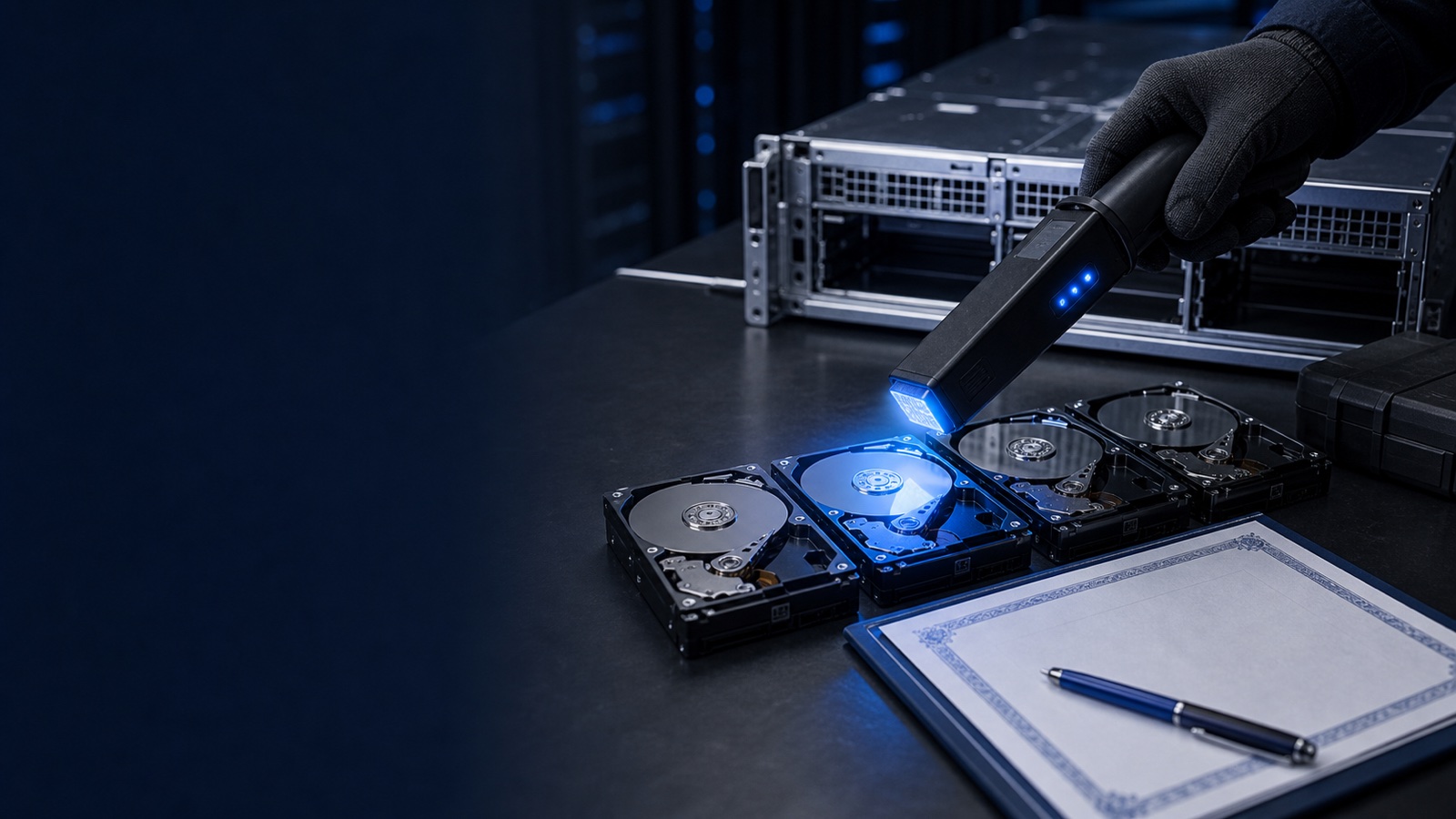
When a Dell PowerEdge server reaches end of life, the hardware is the easy part. The hard part is proving — to an ISSO, an auditor, or a contracting officer — that every byte of data on it is gone before the chassis leaves your loading dock. For federal, DoD, SLED, and healthcare environments, "we reformatted the drives" is not an answer. The benchmark is NIST SP 800-88 Rev. 1, Guidelines for Media Sanitization, and Dell builds the tooling to meet it directly into the platform.
This post covers how to use iDRAC System Erase and cryptographic erase to sanitize PowerEdge servers like the R660 and R760 at decommissioning time, and how to document the result so it survives an audit.
Understanding the NIST 800-88 sanitization levels
NIST 800-88 defines three categories of sanitization, and choosing the right one depends on the sensitivity of the data and whether the media leaves your control:
- Clear — logical techniques (overwrite, reset to factory state) that protect against simple, non-invasive recovery. Appropriate when the device stays within the organization.
- Purge — physical or logical techniques that render data infeasible to recover even with laboratory equipment. This includes cryptographic erase and the ATA/NVMe Sanitize commands.
- Destroy — physical destruction (shred, disintegrate, incinerate) so the media can never be reused.
For most reuse, redeployment, lease-return, or trade-in scenarios, Purge is the target. It satisfies the data-protection requirement while keeping the asset's residual value intact. Destruction is reserved for the highest-sensitivity media or where policy mandates it regardless of cost. The key compliance point: whichever level you select, NIST 800-88 requires verification and a documented certificate of sanitization. The action alone is not enough — you must be able to prove it happened.
What iDRAC System Erase actually wipes
iDRAC System Erase is a built-in, server-wide reset that goes well beyond drive data. Running from the Integrated Dell Remote Access Controller, it can sanitize the full range of components that retain state on a modern PowerEdge:
- Storage drives — SATA, SAS, and NVMe SSDs, plus self-encrypting drives (SEDs) via cryptographic erase
- Non-volatile cache on PERC controllers
- iDRAC and Lifecycle Controller configuration, including stored credentials, network settings, and the job queue
- BIOS and system configuration settings, returning them to default
- Embedded diagnostics and OS driver packs held in firmware
This matters because residual data hides in more places than the boot volume. Cached configuration, stored iDRAC user accounts, and controller NVRAM all leave the building with the chassis if you only wipe the OS disk. System Erase addresses the whole machine in one operation, which is exactly what an auditor expects to see in a decommissioning runbook. You can launch it from the iDRAC web UI under Maintenance, from the Lifecycle Controller at boot, or programmatically through the Redfish API for fleet-scale automation across racks of OpenManage-managed systems.
Cryptographic erase: the fast path for SEDs and NVMe
For self-encrypting drives — common across modern PowerEdge storage configurations — cryptographic erase (CE) is the most efficient Purge-level method. An SED encrypts all data at rest with an internal media encryption key. Cryptographic erase doesn't overwrite the platters or flash cells; it destroys the encryption key. Without the key, the ciphertext on the media is computationally infeasible to recover, satisfying the 800-88 Purge definition.
The advantages are significant at scale:
- Speed — a cryptographic erase completes in seconds regardless of drive capacity, versus hours for a multi-pass overwrite of a high-capacity drive
- Wear — it imposes no write cycles on flash media
- Coverage — it works uniformly across SAS, SATA, and NVMe SEDs
A critical caveat for regulated buyers: the assurance of cryptographic erase depends on the strength of the underlying encryption. Specify drives whose cryptographic modules carry FIPS 140-3 validation when your contract or security plan requires validated cryptography. The erase method is only as trustworthy as the crypto it relies on, and FIPS validation is what your ISSO and contracting officer will look for in the documentation.
Building an auditable decommissioning workflow
Sanitization is a process, not a button. A defensible PowerEdge decommissioning workflow looks like this:
- Inventory and tag every asset by serial and service tag in OpenManage, recording drive types and whether each is an SED.
- Select the level — Clear, Purge, or Destroy — per data classification and asset disposition (reuse, lease return, or disposal).
- Execute System Erase or targeted cryptographic erase via iDRAC, the Lifecycle Controller, or Redfish for batch operations.
- Verify completion through iDRAC job status and Lifecycle Controller logs.
- Generate a certificate of sanitization capturing the asset ID, method, date, operator, and verification result — the artifact your auditor actually files.
- Retain records in line with your retention policy and applicable framework (NIST 800-171, CMMC, HIPAA, or agency-specific guidance).
This discipline matters whether the server is being repurposed internally, returned at the end of a lease, or sent to disposition. The same principles extend to the broader Dell storage portfolio — PowerStore, PowerMax, PowerScale, and PowerProtect all provide their own sanitization and instant-secure-erase capabilities — so a fleet-wide data-disposal standard can span compute and storage consistently. It also applies to endpoints: Latitude laptops, Precision workstations, and OptiPlex desktops carry SEDs that warrant the same documented treatment.
Practical takeaway
End-of-life sanitization is a compliance control, not an afterthought. For Dell PowerEdge servers, the playbook is straightforward: use iDRAC System Erase to wipe the whole machine, lean on cryptographic erase for SEDs and NVMe to hit NIST 800-88 Purge quickly, specify FIPS 140-3 validated drives where your security plan demands it, and generate a certificate of sanitization every single time. Build it into your runbook now so decommissioning day is a documented routine rather than a scramble.
Planning a refresh or a fleet retirement and want the secure-erase and disposition workflow built into the acquisition from the start? Request a quote or talk to a Uniqcli specialist — we help federal, DoD, SLED, and healthcare teams procure and decommission Dell, quoted by RFQ.