
How to Size a Dell PowerEdge Server for VMware and Hyper-V Virtualization
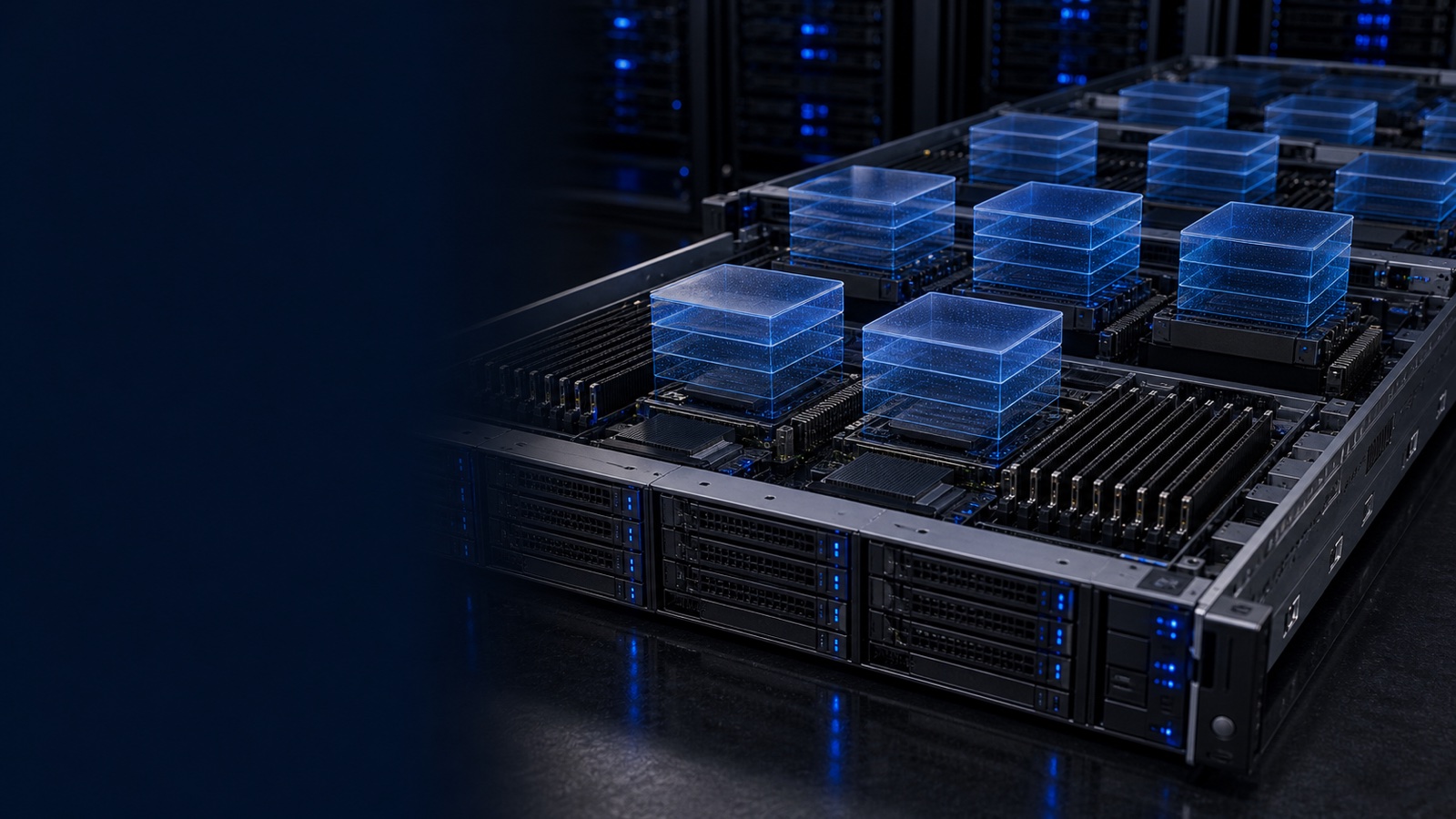
Buying a virtualization host is an exercise in arithmetic, not guesswork. Whether you are standing up a VMware vSphere cluster for a hospital network or a Hyper-V failover cluster behind a DoD enclave, the same four resources determine how many virtual machines a Dell PowerEdge R-series node will carry: cores, memory, storage I/O, and network bandwidth. Size them in that order, leave deliberate headroom, and the consolidation ratio takes care of itself. This guide walks through the math on the PowerEdge R660 and R760 so you can specify a host that hits your VM density target without overbuying.
Start With the Workload, Then Count Cores
Consolidation ratio is meaningless without a workload profile. A cluster of idle file servers behaves nothing like a VDI or database tier. Begin by classifying your VMs and assigning realistic vCPU-to-physical-core ratios:
- General-purpose / low-utilization (web, app, file, AD): 4:1 to 6:1 vCPU oversubscription is comfortable.
- Steady mid-tier (line-of-business apps, mid-size SQL): 2:1 to 3:1.
- Latency-sensitive or licensed-by-core (large databases, VDI, EHR transaction systems): 1:1 to 1.5:1, often with reservations.
A 2-socket PowerEdge R660 or R760 with 4th or 5th Gen Intel Xeon Scalable processors can be configured from roughly 16 up to 64 cores per socket. Take a dual 32-core node: 64 physical cores. At a blended 4:1 ratio that is 256 vCPUs of theoretical capacity. Hold back about 10-15% for the hypervisor and N+1 failover, and you are planning around 220 usable vCPUs per host. If your average VM needs 4 vCPUs, that is roughly 50-55 VMs per node before memory or storage becomes the real ceiling.
One caution for VMware shops: vSphere is licensed per physical core with a per-socket minimum. Stacking the highest core-count SKU is not always the cheapest path once licensing enters the spreadsheet. Sometimes more nodes with mid-range CPUs beats fewer dense nodes.
Memory Is Usually the Real Ceiling
In most real clusters you exhaust RAM long before cores. Size memory to the sum of provisioned VM memory plus hypervisor overhead, not to an oversubscription ratio — memory overcommit via ballooning or transparent page sharing should be a safety margin, not a design assumption.
- Estimate average configured RAM per VM (8-16 GB is typical for general server workloads).
- Multiply by your target VM count, then add 6-10% for ESXi or Hyper-V overhead.
- Round up to a balanced DIMM configuration that populates all memory channels.
The R660 and R760 expose 32 DDR5 DIMM slots across both sockets. Populating one DIMM per channel keeps memory bandwidth at full speed — important for memory-bound workloads. For 50 VMs averaging 12 GB, you need ~600 GB usable, so 768 GB (24 x 32GB or a balanced 16 x 48GB layout) gives clean headroom. Always confirm the population rules in OpenManage and the Dell technical guide; unbalanced DIMM layouts quietly cost you bandwidth.
Storage: NVMe Tiers, Not Spinning Ceilings
Virtualization is an IOPS and latency problem. The R660 and R760 support all-flash NVMe backplanes, and for any serious VM density you want NVMe — not SATA/SAS SSD — as the primary tier.
- vSAN / Storage Spaces Direct (HCI): Use a dual-tier design — a smaller NVMe cache/write tier plus a larger NVMe capacity tier. Size capacity to your provisioned VMDK/VHDX footprint plus the fault-tolerance overhead (mirroring or erasure coding roughly doubles raw capacity needs at FTT=1).
- Boot: Use Dell BOSS-N1 (mirrored M.2 NVMe) so your hypervisor boot device never consumes a data drive bay.
- External array: For larger or mixed estates, point the cluster at Dell PowerStore or PowerMax over NVMe/TCP or Fibre Channel and let the array handle dedupe, snapshots, and replication. PowerScale covers unstructured/file workloads, and PowerProtect handles the backup tier.
Budget IOPS the same way you budget cores: estimate per-VM IOPS at peak, sum, add headroom. A single enterprise NVMe drive delivers far more than a shelf of 10K SAS disks, so the constraint shifts to controller, network, and the array — design accordingly.
Networking: Don't Starve the Cluster
NIC bandwidth is the quietest bottleneck in a virtualization build. Every host carries VM traffic, management, vMotion or Live Migration, and — in HCI — east-west storage replication on the same wires.
- General clusters: Dual 25GbE per host is the practical baseline today; 10GbE is the floor for light workloads only.
- vSAN / S2D HCI: Plan 25GbE minimum, often dual 100GbE, because storage replication rides the network. Undersize here and rebuilds crawl.
- Separate or QoS-tag management, migration, and storage traffic. Use redundant NICs across two switches for failover.
The R660/R760 accept multiple OCP 3.0 and PCIe network adapters, so you can land dual 25GbE for VM traffic and a separate 100GbE pair for storage. For low-latency database or HPC-adjacent VMs, RDMA-capable adapters reduce CPU overhead meaningfully.
Manage, Secure, and Right-Size for the Mission
Specify iDRAC9 with the Datacenter license on every host — out-of-band power control, virtual console, telemetry streaming, and firmware orchestration are not optional at fleet scale. OpenManage Enterprise gives you cluster-wide health, baseline compliance, and one-click firmware campaigns. For federal and regulated buyers, configure the Silicon Root of Trust, Secure Boot, and FIPS 140-3 validated cryptographic modules, and align the build to NIST 800-171 controls. PowerEdge is available to federal, DoD, and SLED buyers, and Uniqcli supplies it TAA-compliant, quoted by RFQ.
The takeaway: size in order — cores to your oversubscription ratio, RAM to provisioned memory plus overhead, NVMe to IOPS and capacity with fault-tolerance overhead, and NICs to carry VM and storage traffic with room to fail over. Build in N+1 so a node can go down without stranding workloads, and you will land a defensible consolidation ratio instead of a guess.
Want a sized, quotable configuration for your vSphere or Hyper-V cluster? Talk to a Uniqcli Dell specialist and we will spec the right R660 or R760 build for your density target.