
Securing Dell Latitude Fleets: TPM, BIOS Passwords, and SafeBIOS for Endpoints
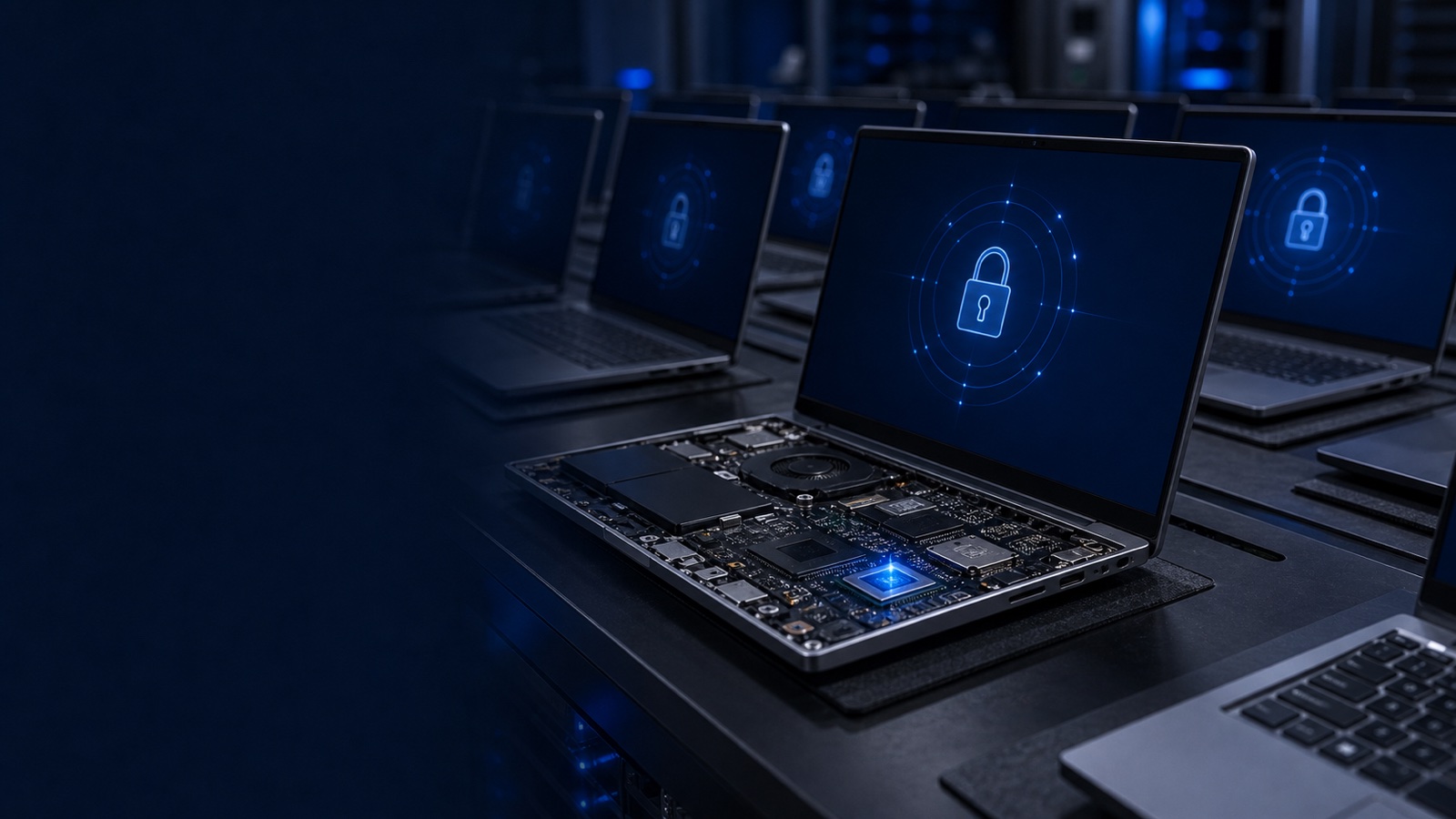
Most endpoint security programs spend their budget above the operating system — EDR agents, identity controls, conditional access — and quietly assume the hardware underneath is trustworthy. For a fleet of Dell Latitude business laptops, that assumption only holds if the silicon and firmware are configured and verified deliberately. An attacker who reaches the BIOS, disables the TPM, or implants firmware that survives a reimage sits below every tool you've deployed. This post lays out a concrete hardening baseline for Latitude endpoints — TPM 2.0, BIOS administrator passwords, and Dell SafeBIOS verification — and, just as importantly, how to enforce and audit it at scale rather than one laptop at a time.
This matters more in regulated environments. NIST SP 800-171 expects organizations handling controlled unclassified information to manage configuration baselines and protect firmware integrity, and federal, DoD, and healthcare buyers increasingly treat the device's hardware root of trust as part of the audited boundary, not an afterthought.
Start With the Hardware Root of Trust: TPM 2.0
The Trusted Platform Module (TPM) 2.0 is the anchor for almost everything else you'll do on a Latitude. It stores measurements of the boot process, seals disk-encryption keys, and provides the attestation primitives that modern OS security and Windows hardware requirements depend on. On current Latitude models the TPM is standard, but standard hardware is not the same as a verified configuration.
Your baseline should confirm, per device:
- The TPM is enabled and activated in firmware, reporting version 2.0.
- Disk encryption keys are sealed to the TPM so the drive cannot be decrypted if it's pulled and read in another machine.
- PTT/firmware TPM state matches your standard — don't allow some units to ship enabled and others disabled, or your encryption posture becomes uneven across the fleet.
The payoff is concrete: a TPM-sealed, encrypted Latitude that is lost or stolen is a data-at-rest non-event rather than a breach disclosure. The risk is configuration drift — a reimaged or RMA'd unit that quietly comes back with the TPM cleared. That's why TPM state belongs in your recurring audit, not just your provisioning checklist.
Lock the Firmware: BIOS Administrator Passwords
A device with a hardened OS and a wide-open BIOS is only half-secured. Without a BIOS administrator password, anyone with five minutes of physical access can disable Secure Boot, turn off the TPM, enable external boot, or change the boot order to start from a USB device — bypassing your OS controls entirely. This is the single most common gap on otherwise well-managed Latitude fleets.
A defensible BIOS configuration baseline includes:
- A strong, unique-per-fleet (or per-device) BIOS admin password, managed in your secrets system, never the laptop's asset tag or a shared default.
- Secure Boot enabled so only signed bootloaders run.
- External/USB boot and legacy boot options disabled unless a documented exception applies.
- TPM settings locked behind the admin password so they can't be cleared without authorization.
The operational catch is key management. A BIOS password you can't recover is a brick risk; one everyone knows is no control at all. Dell's management tooling lets you set, rotate, and clear BIOS passwords programmatically, which is what makes per-device passwords realistic instead of a spreadsheet nightmare. Treat the BIOS password store with the same rigor as any other privileged credential — scoped access, rotation, and audit logging.
Verify Firmware Integrity: Dell SafeBIOS
Configuration tells you the firmware is set correctly. Dell SafeBIOS tells you it hasn't been tampered with. SafeBIOS performs off-host BIOS verification — comparing the firmware image running on the device against a known-good measurement maintained in a secure Dell cloud environment, rather than trusting the potentially-compromised host to grade its own homework. It also surfaces BIOS configuration drift and indicators of attack so a manipulated firmware image doesn't sit silently beneath your EDR.
For a fleet, the goal is to make SafeBIOS verification continuous and centralized:
- Enable SafeBIOS off-host verification and feed its events into your SIEM alongside endpoint telemetry.
- Alert on verification failures and configuration-drift events as security incidents, not IT noise — a failed BIOS attestation is a quarantine-and-investigate signal.
- Correlate SafeBIOS findings with firmware update status so devices running outdated, vulnerable BIOS are flagged for remediation.
Firmware-level attacks are precisely the class of threat that survives reimaging and evades host-based tooling. SafeBIOS is how you get a trustworthy answer to "is this laptop's firmware actually what we think it is?" across thousands of units.
Enforcing and Auditing the Baseline at Scale
None of this is meaningful as a manual, per-laptop ritual. The control that matters is fleet-wide enforcement with continuous evidence. Dell's client-management tooling — including Dell Command | Configure for scripting BIOS and security settings, and Dell Command | Monitor for inventorying TPM, BIOS, and SafeBIOS state — lets you push your baseline through the same channels you already use, whether that's Microsoft Intune, Configuration Manager, or another modern management platform.
A workable program looks like this:
- Bake the baseline into provisioning so every Latitude leaves staging with TPM enabled, BIOS password set, Secure Boot on, and SafeBIOS active.
- Reapply on a schedule to defeat drift from RMAs, reimages, and local changes.
- Inventory continuously — pull TPM, BIOS-password, Secure Boot, and SafeBIOS status into a dashboard so you can answer an auditor with a report, not a sampling exercise.
- Standardize the hardware by ordering Latitudes from a single, consistent configuration, which keeps your baseline from fragmenting across model and firmware variants.
That last point is where procurement and security meet. Fleets assembled from mixed sources and inconsistent SKUs are far harder to baseline than ones ordered to a documented, TAA-compliant standard configuration through a known channel.
Takeaway
Endpoint security for a Latitude fleet starts below the OS: a verified TPM 2.0 as the root of trust, BIOS administrator passwords to lock the firmware, and SafeBIOS to prove that firmware hasn't been tampered with — all enforced and audited centrally rather than device by device. Get that foundation right and every control above it stands on solid ground.
Uniqcli is an authorized Dell Technologies reseller, and we help federal, DoD, SLED, healthcare, and enterprise teams standardize Latitude configurations and harden them to baselines like NIST 800-171, with TAA-compliant hardware quoted by RFQ. If you're planning a refresh or tightening an existing fleet, request a quote or talk to a Uniqcli specialist and we'll help you spec it to your security requirements.