
Server Refresh Planning: When to Retire PowerEdge and What to Replace It With
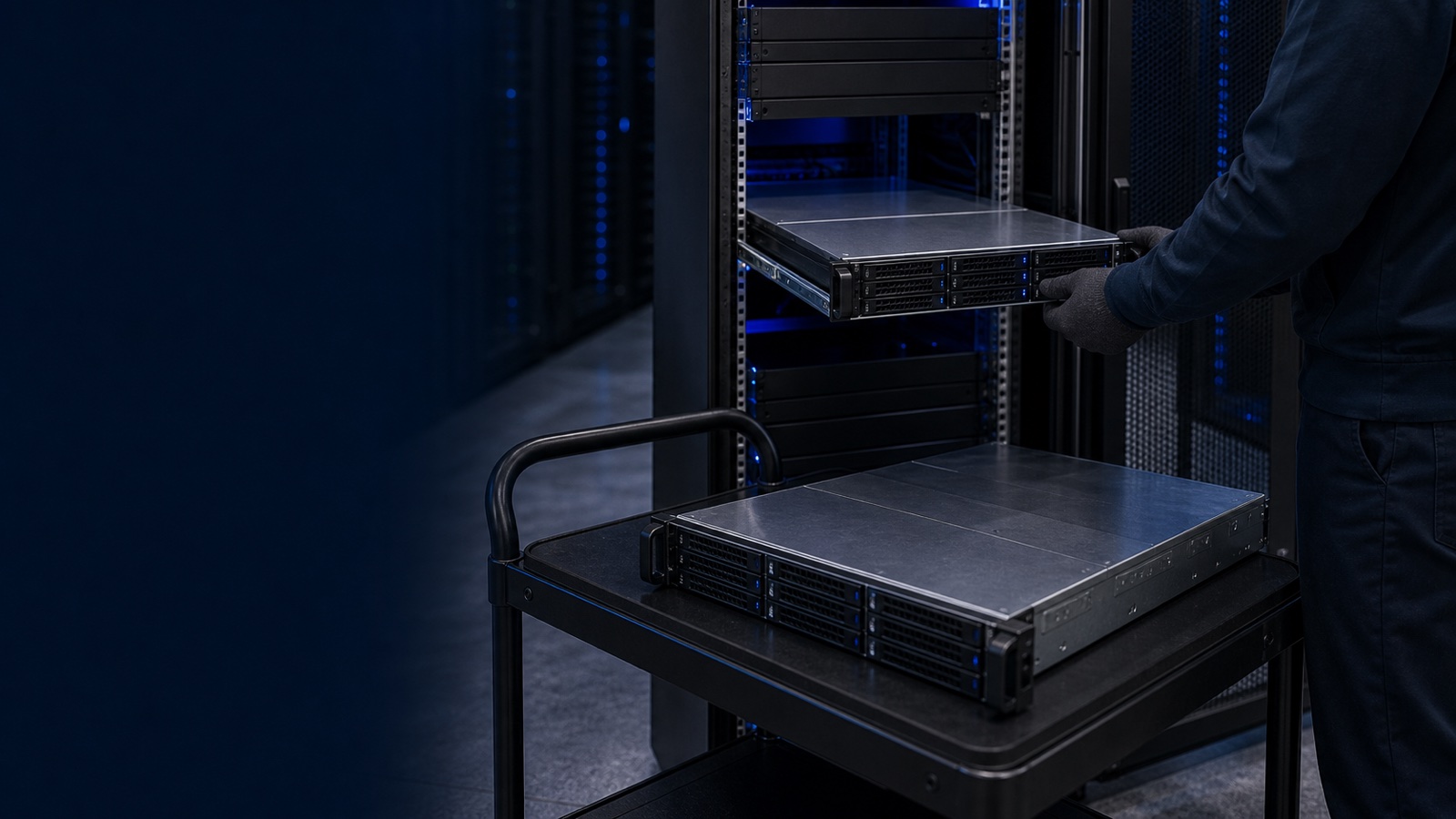
Server refresh decisions rarely fail because the hardware stopped working. They fail because nobody built the case in time. A PowerEdge that still boots can quietly become the most expensive asset in the rack once it falls off warranty, draws disproportionate power, and blocks the consolidation that a current generation makes possible. This guide lays out how to time a refresh and how to choose the replacement, with the warranty, efficiency, and generational arguments a decision-maker or contracting officer can actually defend in a budget review.
Start With Warranty and Support Lifecycle
The cleanest trigger for a refresh conversation is your ProSupport expiry date. Once a PowerEdge passes its warranty window, you are exposed in three ways at once: parts availability tightens, next-business-day or mission-critical response is gone, and firmware/security update cadence slows as the platform ages toward end-of-service-life.
Pull the data before you argue the case. iDRAC and OpenManage Enterprise give you the inventory you need without touching each box:
- Service tags and warranty status for every node, exported from OpenManage Enterprise or the Dell support API.
- Firmware and BIOS levels, so you can see which systems are drifting behind current security baselines.
- Hardware fault and predictive-failure history from iDRAC logs, which surfaces the chassis quietly throwing correctable memory errors or fan faults.
For regulated environments this matters beyond convenience. Maintaining a current, supported firmware baseline is part of staying defensible against NIST 800-171 and the configuration-management expectations baked into most federal authorizations. A server that can no longer receive validated firmware updates is a finding waiting to happen, not just an old box.
The practical rule: begin refresh planning roughly 12 to 18 months before warranty expiry. That gives you a full budget cycle and time to run the acquisition without paying a premium for urgency.
Build the Performance-per-Watt Argument
The strongest financial case for a modern PowerEdge is rarely raw speed. It is consolidation and power. Each generation of Intel Xeon and AMD EPYC has pushed core counts up substantially, which means a single current-generation R660 or R760 can absorb the workloads that previously needed several older 1U or 2U nodes.
That collapses cost across every line item that follows the server:
- Fewer physical nodes to license, patch, monitor, and support.
- Lower power and cooling draw per unit of work, which is the part facilities and energy-conscious agencies care about most.
- Reclaimed rack space and PDU capacity, often deferring or eliminating a data-center expansion.
- Reduced software licensing where products are licensed per socket or per core and consolidation lets you run denser.
Frame it as work-per-rack-U and work-per-watt rather than clock speed. When you retire four aging 2U servers and replace them with one or two current PowerEdge nodes, the savings on power, cooling, maintenance contracts, and hypervisor or OS licensing frequently fund a meaningful share of the refresh. Run the numbers against your actual utilization data from OpenManage rather than vendor maximums; a defensible, conservative model survives scrutiny far better than a best-case one.
The Generational Jump: 16G to 17G PowerEdge
The 16th-generation PowerEdge line, including the dual-socket R660 (1U) and R760 (2U), modernized the platform around current Xeon and EPYC processors, DDR5 memory, PCIe Gen5, and faster NVMe storage. If you are running 13G or 14G hardware today, moving to a 16G or 17G system is not an incremental step. It is a jump across memory bandwidth, I/O lanes, and manageability that changes what a single chassis can do.
What that generational leap buys a refresh:
- DDR5 and PCIe Gen5 dramatically widen the memory and I/O headroom that older DDR4 / Gen3 and Gen4 platforms cap out on, which is what virtualization density and data-heavy workloads actually feel.
- Higher core counts per socket, enabling the consolidation math above.
- Smarter thermal and power design, including support for denser configurations and improved airflow that keeps performance-per-watt climbing.
- A modern iDRAC and OpenManage management plane, with stronger automation, telemetry, and security features such as silicon root of trust and signed firmware.
As Dell's newer 17th-generation systems reach the catalog, the same logic applies, only more so: you are buying additional years of supported lifecycle and a larger generational gap over whatever you are retiring. The right question is not "16G or 17G" in the abstract; it is which generation is currently orderable with the lead time your project needs. A specialist can tell you what is shipping today versus what is worth waiting a quarter for.
Match the Replacement to the Workload
Refresh is the right moment to right-size, not just re-buy. Map each retiring server to a current platform by what it actually does:
- General virtualization and mixed enterprise workloads map cleanly to the R660 (1U, density-first) or R760 (2U, expansion and GPU headroom).
- Storage-bound roles are often better served by retiring the server's local storage entirely and moving to dedicated arrays: PowerStore for unified primary storage, PowerMax for mission-critical tier-0, or PowerScale for scale-out unstructured and AI data.
- Backup and cyber-recovery belongs on PowerProtect rather than aging general-purpose servers pressed into the role.
For federal and DoD buyers, confirm the configuration meets the controls you are accountable for: TAA compliance confirmed per configuration, and FIPS 140-3 validated cryptographic modules where the authorization boundary requires them. These are configuration and sourcing decisions, so settle them before the order, not after.
Practical Takeaway
Treat warranty expiry as the alarm clock, performance-per-watt as the budget argument, and the 16G/17G generational jump as the technical justification. Inventory your fleet in OpenManage, identify everything within 18 months of end-of-support, model the consolidation honestly, and bring a right-sized PowerEdge and storage proposal to your next budget cycle rather than waiting for a failure to force the decision.
Want a refresh plan tailored to your fleet? Request a quote or talk to a Uniqcli specialist and we will help you scope the right PowerEdge configuration for your workloads and compliance requirements.