
Building a TAA-Compliant Dell Bill of Materials: A Step-by-Step Guide
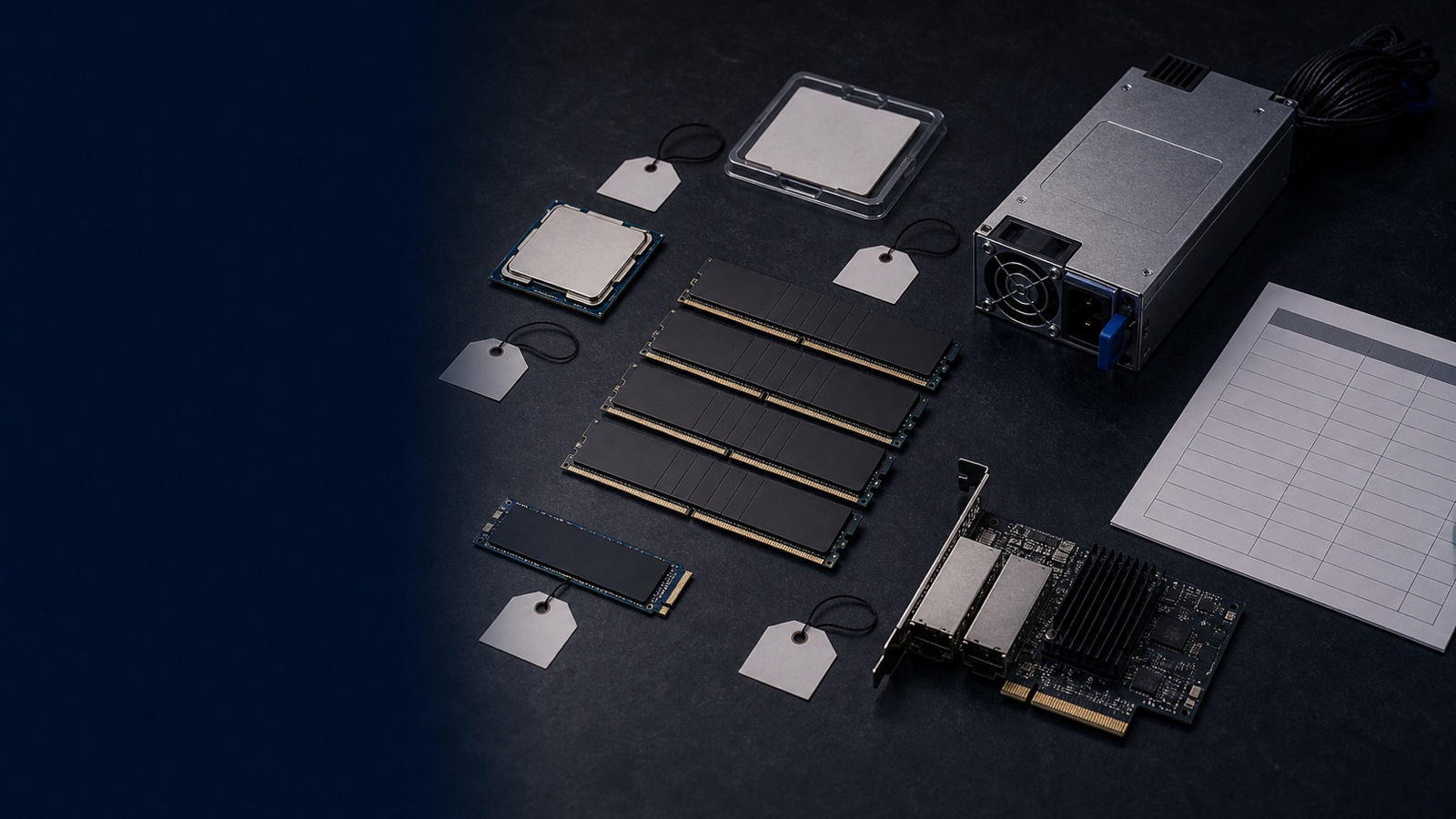
A bill of materials (BOM) is where federal compliance is won or lost. You can specify the right PowerEdge platform, the right storage tier, and the right support contract — but if a single line item ships from a non-designated country of origin, the entire order can stall in contract review or get rejected at receiving. The Trade Agreements Act (TAA) doesn't grade on a curve. It applies at the line-item level, and "mostly compliant" is not a category that exists.
This guide walks through building a TAA-compliant Dell BOM the way an experienced reseller and contracting officer actually do it: as a disciplined, SKU-by-SKU exercise rather than an assumption about a product family. The examples lean on PowerEdge and Dell client hardware, but the method applies to PowerStore, PowerMax, PowerScale, and PowerProtect lines equally.
What TAA Compliance Actually Requires
TAA compliance comes from the Federal Acquisition Regulation. For purchases above the applicable TAA dollar threshold, the government may only acquire "U.S.-made or designated country end products." For IT hardware, that turns on country of origin — specifically, where the product was manufactured or substantially transformed. A server assembled and substantially transformed in a TAA-designated country qualifies; the same model built elsewhere may not.
Two facts drive everything that follows:
- TAA status is determined per SKU, not per product family. Dell frequently maintains separate part numbers for commercial and TAA-compliant variants of the same platform. The R760 your enterprise team quotes and the R760 a DoD program needs can be different SKUs with different country-of-origin documentation.
- TAA is a sourcing and documentation requirement, not a feature you toggle. It can't be added after the fact. Either the part number you ordered carries the compliant country of origin and certification, or it doesn't.
This is also why buying from a pre-vetted catalog simplifies the problem dramatically — more on that below.
Step 1: Establish the Platform and Decompose the BOM
Start by fixing the platform, then break the configuration into every billable line. A typical PowerEdge R660 or R760 compute BOM decomposes into:
- Base server chassis (the R660/R760 SKU itself)
- Processors — Intel Xeon or AMD EPYC options
- Memory (RDIMM/RDIMM count and capacity)
- Storage drives — NVMe/SAS/SATA, plus boot device (BOSS)
- Network adapters — OCP and PCIe NICs
- Power supplies and rails/rack accessories
- iDRAC management licensing (e.g., iDRAC Enterprise/Datacenter tier)
- OpenManage Enterprise integration where applicable
- ProSupport / ProSupport Plus and Keep Your Hard Drive service
A Dell client BOM — Latitude laptops, OptiPlex desktops, or Precision workstations — decomposes similarly: the system SKU, docking stations, monitors, and warranty/service lines. Every one of these is a candidate for a TAA check. Accessories and peripherals are the lines that quietly break a BOM, because teams validate the server and forget the dock or transceiver.
Step 2: Validate Each Line Item for TAA
Now go line by line. For each SKU, confirm:
- Country of origin is U.S. or a TAA-designated country.
- A TAA-compliant variant exists for that specific configuration, and you have its exact part number — not the family name.
- Documentation is available at the part-number level: manufacturer certification and country-of-origin statements you can attach to the contract file.
Dell maintains TAA-compliant configurations across its core PowerEdge, storage, and client lines, and authorized partners can pull the country-of-origin and certification documentation for each line item. A few practical notes:
- Don't assume the family qualifies because one model does. Verify the SKU you're actually ordering.
- Watch the management and software lines. Licensing SKUs (iDRAC, OpenManage) and embedded firmware aren't typically the TAA concern — physical end products are — but confirm rather than guess on bundled hardware.
- Capture supply-chain assurance where it's offered. On TAA platforms, Dell's Secure Component Verification (SCV) provides a cryptographic inventory of as-shipped components — useful supporting evidence for supply-chain reviews and exactly the kind of integrity control that pairs well with NIST 800-171 and ATO documentation.
Step 3: Buy From a Pre-Vetted Catalog
The fastest way to keep a BOM clean is to acquire it from a pre-competed federal catalog where TAA is already enforced at the catalog level, so products are vetted for TAA compliance before you order. Buying this way doesn't eliminate the line-item discipline — you still confirm the specific SKU — but it shifts you from proving compliance to verifying it, which is a much shorter conversation in contract review.
Step 4: Layer In Adjacent Requirements
TAA rarely travels alone. Once the BOM is TAA-clean, confirm the other requirements your environment carries:
- FIPS 140-3 validation for cryptographic modules, common in storage and networking.
- DoDIN APL listing for hardware connecting to DoD networks.
- Section 508 accessibility for client devices and displays.
- NIST 800-171 / CMMC posture for the broader environment the hardware lands in.
These are separate from TAA, but contracting officers typically want them resolved on the same BOM, so handle them in one pass.
A Reusable BOM Checklist
For every line item, confirm:
- Exact TAA-compliant part number identified (not just the family)
- Country of origin documented as U.S. or TAA-designated
- Manufacturer certification available for the contract file
- Contract path confirmed
- Adjacent compliance (FIPS 140-3, DoDIN APL, 508) verified where required
- Accessories and peripherals checked, not just the primary system
The Takeaway
A TAA-compliant Dell BOM isn't a product you select — it's a process you run. Fix the platform, decompose every billable line, validate each SKU at the part-number level, route the buy through a catalog that enforces TAA, and resolve adjacent requirements in the same pass. Do that consistently and your orders clear receiving and contract review without surprises.
If you're scoping a PowerEdge, PowerStore, or Dell client refresh and need every line item confirmed TAA-compliant with country-of-origin documentation ready for your contract file, request a quote or talk to a Uniqcli specialist. As an authorized Dell Technologies reseller, we build federal-ready BOMs and quote them by RFQ.