
Building a Backup and Disaster Recovery Strategy with Dell PowerProtect
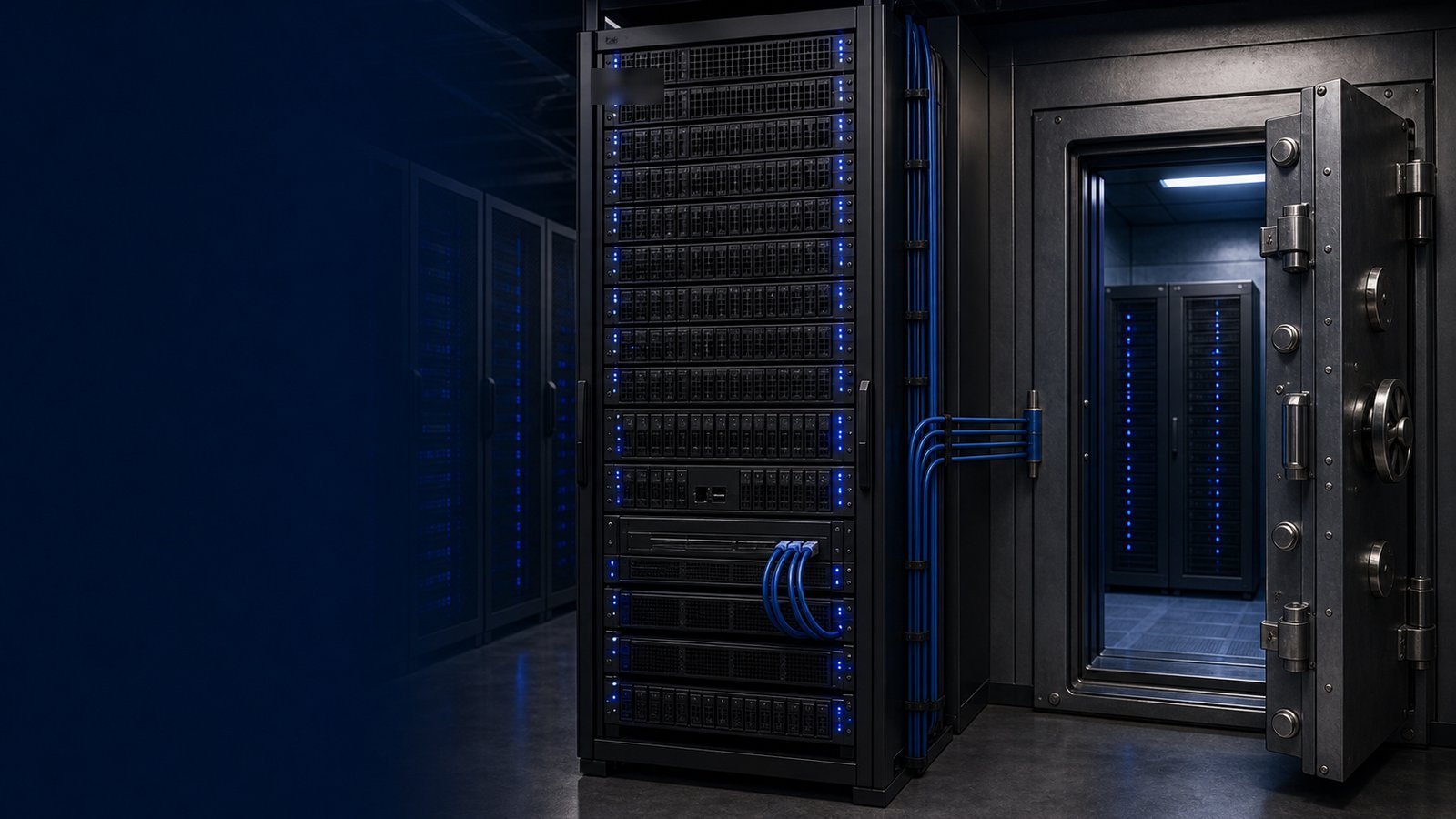
Data loss and unplanned downtime remain among the costliest risks in IT operations, and the threat surface keeps expanding. Ransomware campaigns now target backup repositories first, hardware fails without warning, and regional outages can take a site offline for days. "Backup" alone is no longer a strategy. Modern organizations need a layered architecture that combines efficient, immutable backup storage with policy-driven orchestration and an isolated recovery environment that an attacker cannot reach.
Dell's data protection portfolio is built around exactly that layering. Dell PowerProtect Data Domain provides deduplicated, immutable backup storage; Dell PowerProtect Data Manager orchestrates discovery, scheduling, and recovery; and Dell PowerProtect Cyber Recovery adds an air-gapped vault with intelligent ransomware analytics. This guide explains how each piece works, how they fit together, and the practical steps to deploy them — whether you are protecting VMware workloads on-premises, replicating to a cloud target, or standing up a cyber-resilient vault for a federal or healthcare environment.
Understanding the Role Each Component Plays
It helps to be precise about what each product does, because the three are often conflated in marketing.
PowerProtect Data Domain is purpose-built backup storage. Its variable-length, inline deduplication reduces stored backup data dramatically — Dell cites reduction ratios up to 65:1 depending on data type and retention. It is the landing zone for your backup software, integrating with Veeam, Commvault, Veritas NetBackup, Oracle RMAN, and Dell's own tools through the DD Boost protocol, which performs deduplication at the source so only unique segments cross the network. Data Domain's Data Invulnerability Architecture continuously verifies data integrity and self-heals, and Retention Lock enforces immutability so backups cannot be altered or deleted before their retention expires.
PowerProtect Data Manager is the software control plane. Instead of stitching together point tools, it automatically discovers workloads — virtual machines, databases, file systems, Kubernetes — applies SLA-driven protection policies, and centralizes monitoring, reporting, and self-service recovery. It coordinates where copies land and how long they persist.
PowerProtect Cyber Recovery is the last line of defense. It maintains an isolated vault, physically or logically air-gapped from production, that connects only briefly to replicate a clean copy of critical data, then disconnects. Inside the vault, the CyberSense analytics engine uses machine learning to scan copies for signs of corruption or ransomware, giving teams a known-good restore point and a confident recovery path after an attack.
Together these implement the "3-2-1-1" model: multiple copies, on multiple media types, at least one off-site, and at least one immutable and isolated.
Current PowerProtect Data Domain Models and Where They Fit
Dell's Data Domain lineup spans small offices through hyperscale data centers, all running DD OS:
| Model | Typical Fit | Notes |
|---|---|---|
| DD3410 | SMB and branch | Entry cyber-resilience with full Retention Lock and CyberSense support |
| DD6410 | Midsize data center | Balanced capacity and throughput for mixed workloads |
| DD9410 | Large enterprise | High ingest rates for consolidated backup domains |
| DD9910 | Hyperscale | Maximum capacity and performance, all-flash options available |
A Data Domain Virtual Edition runs the same DD OS as software in VMware, Hyper-V, or public cloud, which is useful for remote sites or cloud-tier retention without dedicated hardware. Sizing should be driven by your daily change rate, retention window, and recovery-time objectives rather than raw capacity alone — the Uniqcli team routinely models this with buyers before quoting.
A Reference Deployment Flow
A typical rollout follows a predictable sequence:
- Inventory and classify workloads. Identify Tier 1 systems needing the tightest recovery objectives versus archival data tolerant of longer windows.
- Stand up Data Domain. Configure DD Boost storage units, enable Retention Lock, and integrate with your existing backup ISV or Data Manager.
- Define policies in Data Manager. Map workloads to SLA-based protection policies and set replication to a secondary site or cloud.
- Establish the Cyber Recovery vault. Replicate critical data sets into the air-gapped vault and enable CyberSense scanning to validate copies.
- Test recovery, repeatedly. Run non-disruptive recovery rehearsals so RTOs are proven, not assumed.
Procurement Notes for Federal and Regulated Buyers
For agencies and regulated enterprises, the architecture's immutability, air-gapping, detailed audit logging, and chain-of-custody reporting map directly to zero-trust and data-resilience mandates. Uniqcli is an authorized Dell Technologies reseller, and we supply PowerProtect Data Domain appliances, Data Manager, and Cyber Recovery on a compliant federal path, quoted by RFQ, with TAA-compliant configurations available where contract terms require them. We can also bundle PowerProtect with the PowerEdge R660 or R760 compute and PowerStore or PowerMax primary storage that often sit alongside it, so a refresh lands as one coordinated order.
The Bottom Line
Resilience is a layered discipline, not a single product. PowerProtect Data Domain gives you efficient, immutable storage; Data Manager gives you policy-driven orchestration; and Cyber Recovery gives you an isolated, intelligently validated copy that survives an attack on production. Built together, they let you recover quickly and prove it on demand. To size a Dell PowerProtect architecture for your workloads and procurement needs, reach out to the Uniqcli team for a configuration and quote.