
Are Dell UltraSharp Monitors TAA Compliant for Government?
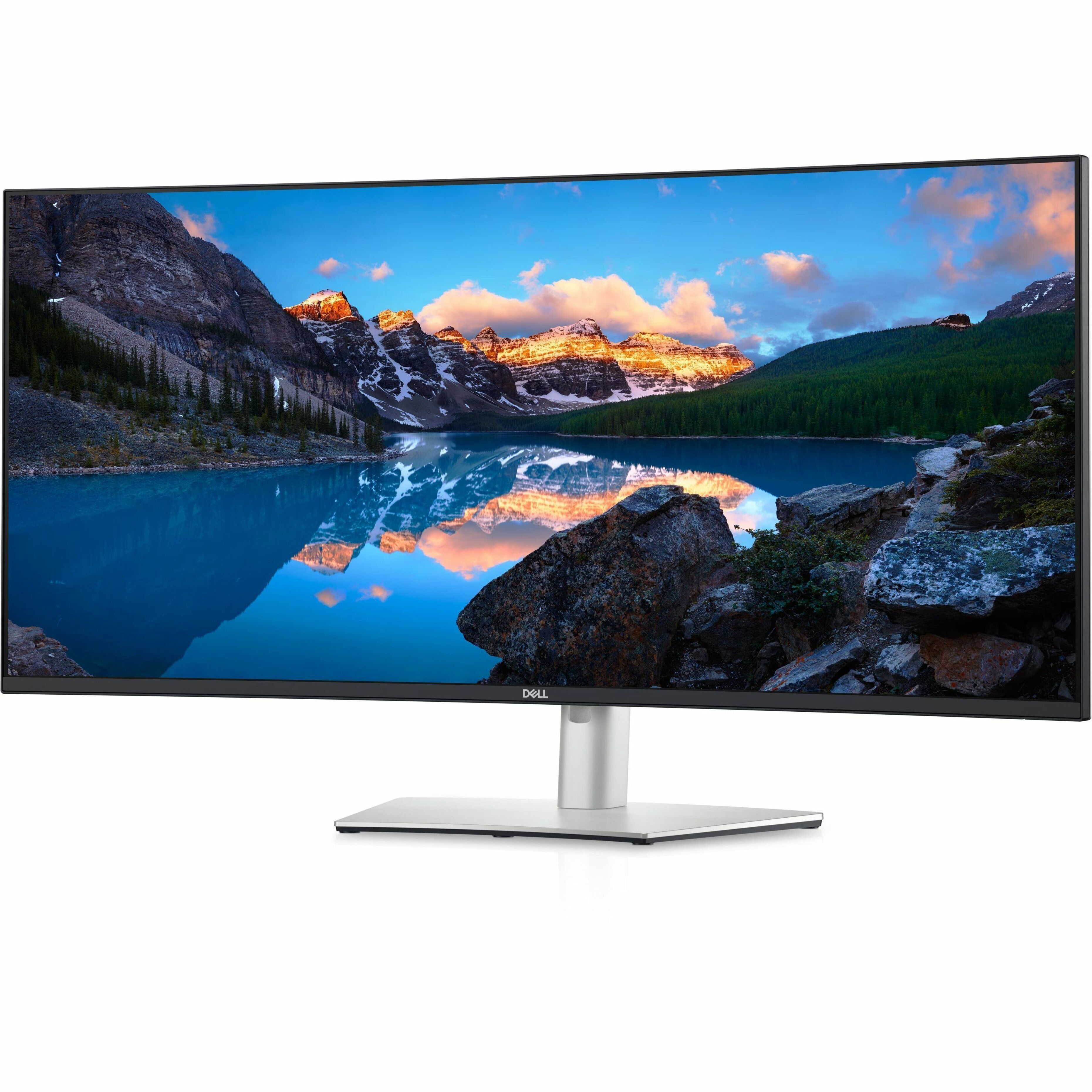
Dell UltraSharp monitors are commonly available in TAA-compliant configurations, as are the P-series and E-series lines, provided the monitor on the quote was made or last substantially transformed in the United States or a designated country. That gets confirmed per line, not inferred from the product name, and it has nothing to do with where the laptop next to it was built.
Monitors get assumed compliant by association. The Latitude was quoted as TAA-compliant, the UltraSharp rode along on the same PO, and nobody asked where the monitor came from.
The laptop's TAA status does not transfer to the monitor
The Trade Agreements Act (19 U.S.C. 2501 et seq.) and the FAR clauses that implement it, FAR 52.225-5 and 52.225-6, apply the compliance test to each end product the government acquires. A Latitude laptop is one end product. The UltraSharp on the same desk is another.
A compliant Latitude tells you nothing about the monitor beside it, even when both sit on one quote, one PO, and one pallet; laptops and displays come out of different plants.
The practical rule: if a line has its own part number, it has its own country of origin and needs its own confirmation. Still choosing hardware? The roundup of best Dell monitors for government offices sorts the lines by desk type; this post is the paperwork behind them.
How a monitor's country of origin is determined
For TAA purposes, country of origin is where the product was wholly manufactured or, when parts come from several countries, where it was last substantially transformed into a new and different article of commerce with a distinct name, character, or use.
For a display, that is generally where the panel, driver electronics, power supply, and chassis become a finished monitor. The panel may come from one country and final assembly from another.
Monitors in the same Dell family can therefore carry different countries of origin: one model can be assembled at more than one site, and different sizes can come from different plants. Origin also shifts as manufacturing moves, so last year's confirmation does not cover this year's order.
A designated country under the TAA is one on the list at FAR 25.003, which pulls in four groups: World Trade Organization Government Procurement Agreement countries, Free Trade Agreement partners, least developed countries, and Caribbean Basin countries. The list governs, not whether you can name a trade deal with the country stamped on the box. A monitor last substantially transformed in the United States or in one of those countries passes; one transformed elsewhere does not.
The same test, applied to systems rather than displays, runs through the federal guide to Dell TAA compliance.
UltraSharp, P-series, and E-series: what "commonly available" means
All three of Dell's business display lines are commonly available in TAA-compliant configurations. The phrase is deliberate: a compliant build can typically be sourced, and no unit qualifies automatically because of the badge on the bezel.
UltraSharp
UltraSharp is the premium line, the one analysts, GIS teams, and imaging groups ask for on color accuracy and screen size. Confirm origin per model and size; a finding for one size does not carry to another.
P-series (Professional)
P-series is the volume line, bought by the pallet. An unconfirmed origin here stops a receiving dock rather than one desk, so the confirmation belongs on the quote, not in a phone call after delivery. The UltraSharp versus P-series comparison sorts out the practical differences; for TAA, both are confirmed the same way.
E-series (Essential)
E-series is the budget line for shared spaces, kiosks, and call centers. Price tier tells you nothing about origin either way, so confirm it per model and size like any other line. Where each fits on a floor plan is laid out in P-series versus E-series.
Every line on the PO is its own end product
A desk refresh rarely ships as a bare monitor. Docks, arms, cables, soundbars, and webcams ride along, and each is its own end product under the TAA test when it appears as its own line.
| Line type | Origin question | Typical buying path | What goes in the file |
|---|---|---|---|
| Monitor (UltraSharp, P-series, E-series) | Where was this display assembled, as configured? | GSA Schedule, GWAC or IDIQ task order, open market | Origin confirmation for the model and size quoted |
| Docking station | Where was the dock assembled? Not the laptop's origin. | Same vehicle as the system or monitor | Origin confirmation, plus the NDAA Section 889 representation |
| Monitor arm or stand (its own line) | Where was the arm manufactured? | Same vehicle as the monitor, or open market | Origin confirmation for that line |
| Cables, adapters, soundbars, webcams | Where was each accessory manufactured? | Bundled on the monitor quote, or open market | Origin confirmation per accessory line |
A stand that ships inside the monitor box is covered by that monitor's origin. An arm or dual-monitor mount quoted as its own line is its own end product.
Docks get assumed to inherit the system's status. They do not; a dock's origin is confirmed on its own. If you are still picking the dock, start with the dock and monitor selection guide.
Docks and webcams also get a look under NDAA Section 889, which restricts covered telecommunications and video surveillance equipment from named entities. Section 889 is a different rule from the TAA, as is the Buy American Act; clearing one says nothing about the others.
Which buying path applies
The acquisition vehicle determines whether the TAA applies and what the contracting officer needs in the file.
- GSA Multiple Award Schedule. Schedule purchases are TAA-covered. Every monitor, dock, and accessory on the order must be a compliant end product, confirmed per line.
- GWAC or agency IDIQ task order. Applicability follows the contract's clauses. Federal IT hardware vehicles commonly carry FAR 52.225-5; treat monitors as covered unless the contracting officer says otherwise in writing.
- Open market. Whether the clause applies depends on the dollar value and the solicitation. Ask the contracting officer before assuming either way.
- GPC micro-purchase. Purchases below the micro-purchase threshold are generally not TAA-covered under the FAR, but agency policy governs. Many agencies direct cardholders to buy compliant hardware anyway. Read the GPC micro-purchase guide for Dell hardware before leaning on the small-dollar exception.
Vehicle-by-vehicle detail lives in the TAA procurement guide for federal IT, and the government industry page lists the vehicles Uniqcli quotes against.
Section 508 is a separate gate
TAA asks where the monitor was made. Section 508 asks whether every employee can use it.
Section 508 of the Rehabilitation Act requires federal agencies to buy information and communications technology that people with disabilities can use, and displays are in scope. The agency's 508 coordinator or accessibility office assesses the product, but the standards and any documented exception ride in the solicitation under FAR 39.203, so the contracting officer stays in the loop.
A TAA-compliant UltraSharp is not automatically a 508-cleared UltraSharp, and the reverse holds too. Request the accessibility conformance documentation for the exact model alongside the origin confirmation, and file both.
How Uniqcli validates TAA on a monitor quote
Uniqcli is an independent reseller and systems integrator that sells and configures genuine Dell Technologies products. On a monitor quote, TAA validation runs line by line rather than by product family.
For each display, dock, stand, and accessory quoted as its own line, we confirm country of origin for that exact configuration against current manufacturer data, flag anything unconfirmed before the quote goes out, and hand back a per-line record for the contracting officer's file. Docks and webcams get the Section 889 check.
Browse current lines in the monitor catalog, then request a TAA-validated quote with your vehicle, models, and quantity per model. The quote comes back with origin confirmed per line, so the monitor never rides on the laptop's paperwork.
Frequently asked questions
Are Dell UltraSharp monitors TAA compliant?
UltraSharp monitors are commonly available in TAA-compliant configurations, confirmed per part number on your quote rather than assumed from the badge. Ask your reseller for a written country-of-origin statement tied to that part number, with the date it was pulled from current manufacturer data. Assembly sites move, so a confirmation filed last fiscal year is not evidence for this year's reorder.
Is a monitor's country of origin the same as the laptop it ships with?
No. Each end product is judged on where it was made or last substantially transformed, so a display and the system beside it can land on opposite sides of the test. Watch bundled quotes: when a system, dock, and display are rolled into one configured line item, ask for origin broken out by part number before the package reaches the contracting officer.
Are Dell P-series and E-series monitors TAA compliant?
Both lines are commonly available in TAA-compliant configurations, confirmed the way UltraSharp is: per part number, at quote time. Screen size matters more here than line name. A 22-inch and a 27-inch in the same family can come off different assembly lines, so a confirmation for one size does not cover the other. Get it in writing before the PO is cut.
Do monitor stands, docks, and cables need to be TAA compliant?
Yes, whenever they appear as their own line items on a TAA-covered order. The test while reading a quote is blunt: anything with its own part number and its own price is its own end product with its own country of origin. That catches replacement stands, spare cables, and arms bought later as spares, which often ship from a different plant than the display.
Can I buy TAA-compliant Dell monitors under the micro-purchase threshold?
Yes, and whether you are required to depends on your agency rather than the FAR. Purchases below the micro-purchase threshold are generally not TAA-covered, but plenty of agencies tell cardholders to buy compliant hardware anyway, and some route IT hardware through the IT shop at any dollar value. Check your purchase card guidance first, then ask for the compliant configuration regardless.
Does Section 508 apply to monitors in addition to TAA?
Yes, and it is a separate review with separate paperwork. For a display, the manufacturer's accessibility conformance report holds the answers: contrast and brightness range, whether on-screen display controls are labeled and reachable, whether buttons can be identified by touch, and the tilt, swivel, and height range a seated or standing user needs. Request it by exact model number; one report rarely covers a family.
What documentation should a TAA-compliant monitor quote include?
Four things per line: the part number, a country-of-origin statement for that exact configuration, the date origin was verified, and the contract vehicle the line is sold under. Docks, webcams, and other telecommunications or video gear add the Section 889 representation. If accessibility sits in the solicitation, attach the conformance report per model. Assembling that set before award beats chasing it afterward.