
Dell Networking Instant On for Small Business Wi-Fi
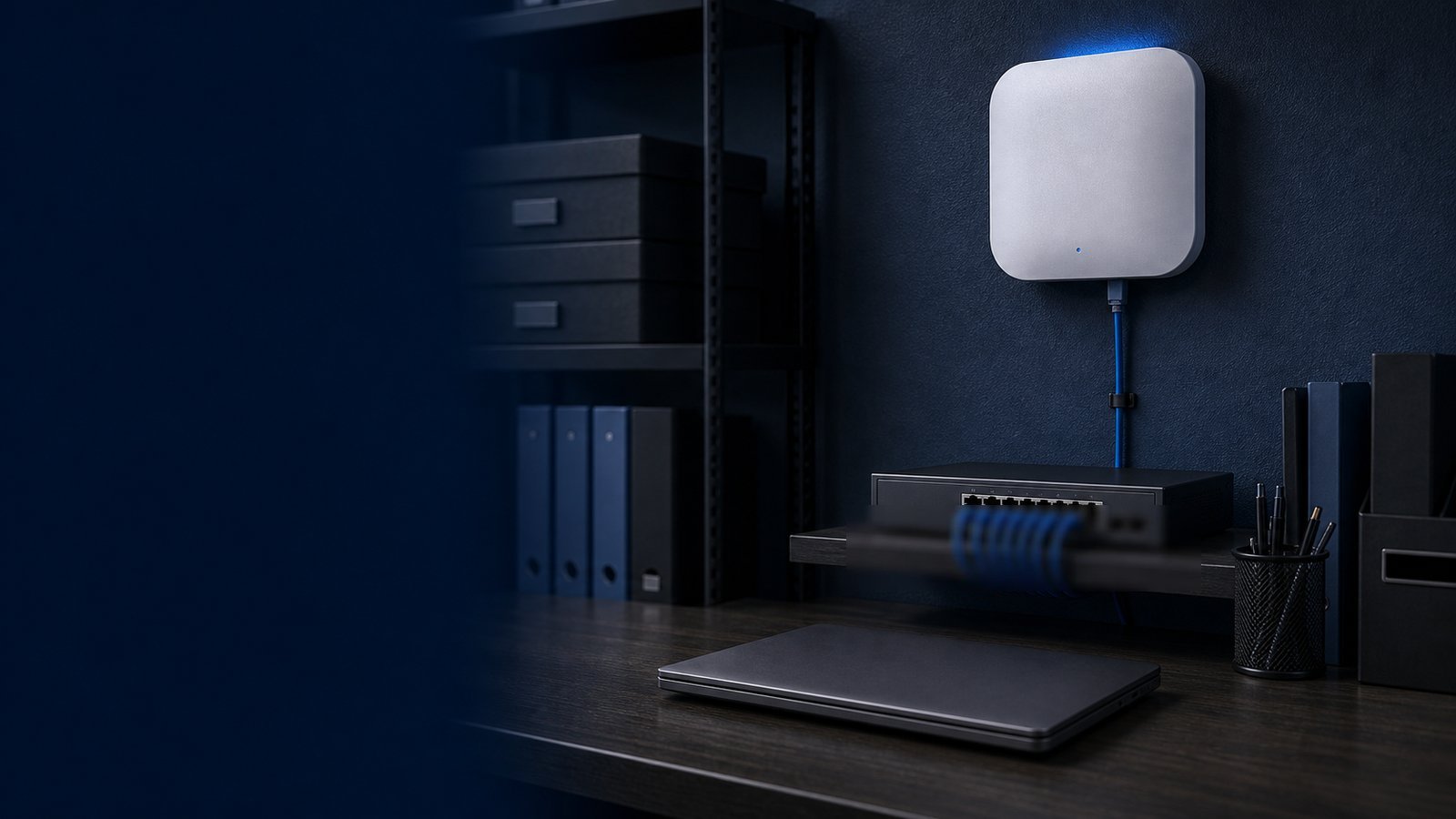
Running a reliable Wi-Fi network should not require a dedicated IT department, enterprise licensing agreements, or a steep learning curve. Dell Networking Instant On was designed with exactly that reality in mind — delivering business-grade wireless and wired infrastructure that a small-business owner or office manager can deploy, monitor, and troubleshoot from a smartphone app. Whether you are outfitting a 10-person professional office, a retail storefront, a dental clinic, or a growing co-working space, Instant On gives you the hardware and cloud management tools to run a fast, secure, and scalable network without the complexity or cost of full enterprise networking gear.
This guide covers every meaningful layer of the Instant On ecosystem: access point models, switch options, the management app, security defaults, and when Instant On is the right fit versus when it makes sense to step up to a more enterprise-oriented platform like Dell PowerSwitch with Dell SmartFabric Manager. If you want to browse current Dell Instant On hardware pricing, Uniqcli carries the full portfolio as an authorized Dell partner.
What Is Dell Networking Instant On?
Dell Networking Instant On is Dell's purpose-built, cloud-managed networking platform for small businesses. It bundles Wi-Fi access points, smart-managed PoE switches, and a free mobile/web management application into a cohesive system. The key architectural difference from Dell's enterprise line is simplicity by design: Instant On removes the options that most small businesses will never use, surfacing only the controls that matter — SSIDs, VLANs, bandwidth limits, guest portals, and device visibility.
The platform is vendor-managed in the cloud at no monthly subscription cost. There are no licensing tiers, no per-AP fees, and no expiring support contracts required to access cloud management. You buy the hardware, create a free Instant On account, and onboard devices in minutes. That zero-subscription model is one of the most frequent reasons small businesses choose Instant On over competing SMB platforms that bundle annual cloud fees into the total cost of ownership.
The Access Point Lineup: Wi-Fi 6 and Wi-Fi 6E Models
Instant On offers a focused set of indoor and outdoor access points, all built around modern Wi-Fi standards. The current portfolio includes both Wi-Fi 6 (802.11ax) and the newer Wi-Fi 6E tier for businesses that want access to the uncongested 6 GHz band.
AP22 — Entry Wi-Fi 6 for Offices and Retail The AP22 is a 2x2 dual-band Wi-Fi 6 access point with an aggregate throughput of up to 1.66 Gbps (574 Mbps on 2.4 GHz, 1,200 Mbps on 5 GHz). It supports OFDMA and MU-MIMO for cleaner handling of multiple clients simultaneously — critical in retail environments where smartphones, card readers, tablets, and printers compete for airtime. It connects over a standard 1 GbE uplink and is powered via PoE.
AP22D — In-Room Wi-Fi 6 with Built-in Switch The AP22D is a wall-plate access point designed for individual offices, hotel rooms, or exam rooms in a healthcare setting. It integrates a 2.5 GbE uplink with four 1 GbE downstream ports, giving you wired and wireless connectivity from a single low-profile device. Aggregate wireless throughput reaches 1.44 Gbps. The AP22D is ideal when you need to connect a desktop, a phone, and a wireless client from one wall outlet without running additional cabling.
AP25 — High-Capacity Wi-Fi 6 for Busy Spaces The AP25 steps up to 4x4 spatial streams and includes a 2.5 GbE uplink, enabling aggregate wireless throughput up to 5.3 Gbps. The wider uplink pipe matters when you have dense client environments — conference rooms during all-hands meetings, open-plan offices with 50+ people, or any space where simultaneous high-definition video calls are the norm. The AP25 supports 160 MHz channel bandwidth for maximum 5 GHz throughput in less congested environments.
AP32 — Wi-Fi 6E for Future-Ready Deployments The AP32 is Instant On's tri-band Wi-Fi 6E access point, operating across 2.4 GHz, 5 GHz, and the new 6 GHz band. Total aggregate throughput reaches approximately 3.6 Gbps and the AP32 supports up to 75 simultaneous clients. The 6 GHz radio is exclusive to Wi-Fi 6E-capable devices, which means newer laptops, phones, and tablets can use a completely clean spectrum while legacy devices continue operating on 5 GHz or 2.4 GHz without interference. The AP32 is the strongest long-term choice for businesses equipping new offices today.
AP27 — Outdoor Coverage The AP27 is a dual-radio outdoor access point rated for weather-exposed environments. It supports up to 75 simultaneous users and is suited for outdoor dining areas, parking structures, retail loading docks, or campuses where indoor APs cannot reach. All Instant On outdoor models are designed to operate without additional weatherproof enclosures.
All Instant On APs support smart mesh networking — you can extend coverage wirelessly between APs without running a cable to every device, which is especially useful in historic buildings or retail spaces where cable runs are cost-prohibitive.
Switches: Wired Infrastructure That Pairs Seamlessly
Instant On access points pair with a family of smart-managed PoE switches in the 1830 and 1930 Series, both manageable from the same Instant On app. Adding a switch to your site automatically makes PoE ports, VLANs, and cable diagnostics visible in the same dashboard you use to manage your APs.
1830 Series — Available in 8, 24, and 48 ports with PoE and non-PoE variants. PoE budgets of 65W (8-port), 195W (24-port), and 370W (48-port) are sized for deploying APs, IP phones, and basic IoT devices. Uplinks are 1G SFP. The 1830 is the right choice for branch offices and small retail locations with straightforward Layer 2 requirements.
1930 Series — Designed for businesses that need more headroom. The 1930 adds 10G SFP+ uplinks, Layer 3 static routing, and a higher density of SFP slots. If you are connecting a NAS, a server, or a higher-bandwidth aggregation switch, the 1930's 10G uplinks eliminate the bottleneck that a 1G uplink would create when multiple APs are sharing a single backhaul. The 1930 is the recommended choice for most growing businesses.
You can browse the full switch portfolio on Uniqcli's networking page alongside AP bundles configured for common deployment scenarios.
Access Point Comparison: Choosing the Right Model
| Model | Standard | Bands | Spatial Streams | Max Throughput | Uplink | Best For |
|---|---|---|---|---|---|---|
| AP22 | Wi-Fi 6 | 2 (2.4 + 5 GHz) | 2x2 | ~1.66 Gbps | 1G PoE | Small offices, retail |
| AP22D | Wi-Fi 6 | 2 (2.4 + 5 GHz) | 2x2 | ~1.44 Gbps | 2.5G PoE + 4x1G LAN | In-room, wall-plate deployments |
| AP25 | Wi-Fi 6 | 2 (2.4 + 5 GHz) | 4x4 | ~5.3 Gbps | 2.5G PoE | Dense offices, large conference rooms |
| AP32 | Wi-Fi 6E | 3 (2.4 + 5 + 6 GHz) | 2x2 | ~3.6 Gbps | 1G PoE | Future-ready offices, high-density |
| AP27 | Wi-Fi 6 | 2 (2.4 + 5 GHz) | 2x2 | — | 1G PoE | Outdoor environments |
Note: throughput figures are aggregate, real-world performance varies by client count, interference, and channel width.
Cloud Management: The Instant On App
The Dell Instant On mobile and web app is the nerve center of the platform. Available for iOS and Android and accessible via browser at the Instant On web portal, the app provides:
- Zero-touch site setup — an integrated wizard walks through adding APs and switches in sequence, auto-discovering devices added to the same network
- Real-time device visibility — see every wired and wireless client, its IP address, vendor, and signal quality at a glance
- Guest portal — configure a separate guest SSID with a branded splash page, time-limited access, or voucher-based authentication without touching the main business network
- Bandwidth limiting and QoS — prioritize video calls and business apps; cap bandwidth per user or SSID to prevent a single device from saturating the link
- Alerts and notifications — push notifications when a device goes offline, with historical uptime logs for basic SLA tracking
- Two-factor authentication (2FA) — admin login protection to prevent unauthorized configuration changes
The app supports management of up to 125 APs and switches per site. Multi-site management is supported, so businesses with multiple locations can manage every site from a single account. No local controller hardware is required — the cloud infrastructure is operated by Dell with no recurring cost to the customer.
Security Built Into Every Access Point
Enterprise Wi-Fi security features ship enabled by default on Instant On, rather than requiring manual configuration:
- WPA3 Personal and Enterprise — the current industry standard for wireless encryption, replacing the aging WPA2 protocol
- Wireless Access Control Lists (ACLs) — restrict which devices can join specific SSIDs based on MAC address allowlists
- SSID isolation — keep devices on the guest network from seeing or communicating with devices on the corporate network
- Built-in Trusted Platform Module (TPM) — hardware-level key storage to protect device credentials and prevent spoofing at the AP level
- Rogue AP detection — Instant On can alert you when unauthorized access points are broadcasting on the same channels in your environment
For healthcare organizations managing protected health information or retailers operating under PCI-DSS, network segmentation via VLANs and dedicated SSIDs for point-of-sale systems is configurable directly from the app. This is not a substitute for a full security audit, but it means Instant On customers are not starting from a blank, insecure baseline.
When Instant On Is the Right Fit — and When It Is Not
Instant On is purpose-built for a specific range of deployment scenarios. Understanding the ceiling is as important as understanding the capabilities.
Instant On is a strong fit when:
- Your business has fewer than 75-100 concurrent wireless users
- You do not have a dedicated network administrator on staff
- You need a guest Wi-Fi portal and SSID segmentation but not advanced AAA (RADIUS, Zero Trust)
- Your budget does not accommodate recurring cloud licensing fees
- You want a setup that a capable, non-technical employee can manage day to day
Consider Dell PowerSwitch + Dell SmartFabric Manager when:
- You are scaling past 25 APs or into a multi-building campus
- You need dynamic routing, BGP, or OSPF at the network edge
- Compliance requirements mandate detailed logging, user-level policy enforcement, or NAC
- You have existing Dell enterprise infrastructure to integrate with
Uniqcli's networking team regularly helps businesses evaluate this crossover point. If you are unsure which platform fits your growth plans, our networking product page includes configuration guides, and you can contact our team for a no-cost architecture review.
Deployment Best Practices for Small Businesses
A few implementation decisions make a significant difference in Instant On performance outcomes:
- AP placement height — mount APs at ceiling height, ideally 9–12 feet. Avoid placing APs in corners or behind large metal objects like server racks or refrigerators.
- One AP per 2,500–3,000 sq ft as a baseline in open-plan environments; reduce to 1,500–2,000 sq ft in environments with many interior walls, cubicle panels, or storage shelving that attenuates signal.
- Use the 5 GHz or 6 GHz band for performance — configure modern devices to prefer 5 GHz or 6 GHz and reserve 2.4 GHz for legacy devices and IoT endpoints that only support older standards.
- Run a dedicated SSID for IoT devices — printers, cameras, and smart thermostats often have weak security profiles. Segmenting them onto their own VLAN-backed SSID limits blast radius if one device is compromised.
- Match your switch to your AP — if you deploy AP25s with 2.5G uplinks, ensure your PoE switch supports multi-gig PoE ports (the 1930 Series with PoE+ is the natural pairing). Running a 2.5G AP through a 1G switch negates the throughput advantage.
- Plan for PoE budget early — calculate total PoE draw across all APs and any IP phones before selecting switch models. Leave at least 20% headroom for future device additions.
If you are sourcing hardware for a new office build-out, our team can produce a bill of materials and configuration quote based on your floor plan and expected device count.
How Uniqcli Helps
Uniqcli is an authorized Dell and Dell Networking partner serving small businesses, federal agencies, SLED institutions, and enterprise buyers. We stock the complete Dell Networking Instant On access point and switch portfolio and can configure bundles matched to your space size, user count, and budget. We also help customers navigate the decision between Instant On and full Dell enterprise platforms — without the bias of a single-vendor sales pitch.
Whether you need a three-AP kit for a new office, a multi-site rollout for a regional retail chain, or just an honest second opinion on what your current Wi-Fi infrastructure is missing, we can help. Request a quote or reach out to our networking team to get started. There is no minimum order, and quotes are typically returned within one business day.