
Managed vs Unmanaged Switches: Which Does Your Network Need?
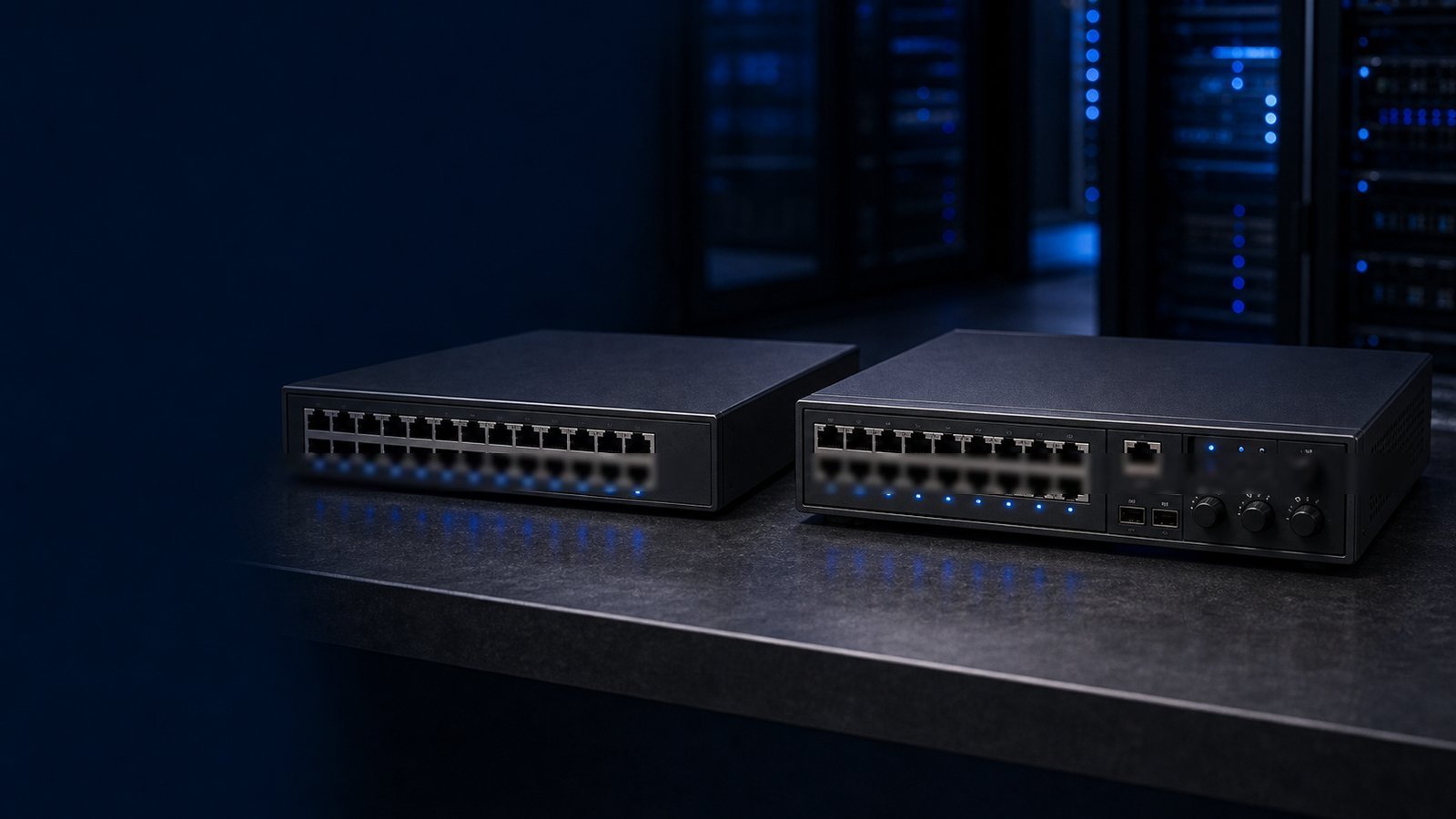
Every network starts with a switch — but not every switch is the right fit for every environment. Whether you are refreshing an aging campus LAN, wiring a new clinic, or standing up infrastructure for a government facility, the first decision point is almost always the same: managed vs unmanaged switch. Get it wrong and you either overpay for complexity you will never use, or you box yourself into a network that cannot scale, segment, or secure traffic the way your organization demands.
This guide breaks down exactly what separates managed from unmanaged switches, where each type belongs, and how to map the decision to real-world Dell and Dell products available today. We cover the technical distinctions without the fluff, so your team can walk away with a clear, defensible recommendation.
What Is an Unmanaged Switch?
An unmanaged switch is a Layer 2 device that does exactly one thing: forward Ethernet frames between connected devices. There is no login prompt, no web interface, no CLI, and no configuration file. You plug it in, and it works.
Unmanaged switches learn MAC addresses automatically using standard 802.1D bridging. All ports operate in the same broadcast domain. Traffic is forwarded based on MAC tables; everything else is flooded. That simplicity is both the device's greatest strength and its fundamental constraint.
Typical characteristics of unmanaged switches:
- Zero configuration required — true plug-and-play
- No management plane (no IP address, no SNMP, no SSH)
- All ports share a single broadcast domain
- No VLAN support (unless a handful of hard-coded "QoS priority" settings count)
- Low upfront cost and no ongoing administration overhead
- Fan-less operation is common in smaller port-count models
Dell's current unmanaged offering lives in the Dell Networking 1430 series — a line of fixed-port Gigabit switches available in 5-, 8-, 16-, 24-, and 26-port configurations with PoE and non-PoE variants. The 1430 includes automated QoS for voice and video prioritization, Energy Efficient Ethernet (802.3az), and PoE budgets up to 124 W on the 16-port PoE model. Those features are baked in at the hardware level; they require no admin intervention.
What Is a Managed Switch?
A managed switch gives network administrators full programmatic control over every port, every VLAN, every traffic flow, and every security policy on the device. Managed switches expose their control plane through a web GUI, a command-line interface (CLI), SNMP, REST APIs, and increasingly through cloud-native management platforms such as Dell Networking Central.
Where unmanaged switches are transparent to the network, managed switches are active participants. They can segment traffic, enforce policy, detect anomalies, mirror traffic to monitoring tools, aggregate links, and feed telemetry upstream to a network management system.
Capabilities that only managed switches provide:
- VLANs (802.1Q): logically segment the network without additional physical cabling
- Spanning Tree Protocol (STP/RSTP/MSTP): loop prevention and redundant path management
- Link Aggregation (LACP / 802.3ad): bundle ports for increased bandwidth and redundancy
- Quality of Service (QoS): prioritize latency-sensitive traffic such as VoIP, video conferencing, and EHR systems
- Access Control Lists (ACLs): permit or deny traffic at the port or VLAN level
- SNMP / sFlow / IPFIX telemetry: real-time visibility into traffic volume and anomalies
- Port mirroring (SPAN): feed traffic copies to IDS/IPS or packet-capture tools
- Port security and 802.1X authentication: enforce device identity before granting network access
- DHCP snooping and dynamic ARP inspection: protect against common Layer 2 attacks
- MACsec encryption: encrypt traffic at the wire level between switches
For regulated environments — federal agencies, SLED, healthcare, financial services — these features are not optional. They are often required by compliance frameworks including FISMA, HIPAA, CMMC, and state-level security standards.
Side-by-Side Comparison
| Feature | Unmanaged Switch | Managed Switch |
|---|---|---|
| Configuration | None — plug-and-play | Full CLI, web GUI, cloud management |
| VLANs | Not supported | 802.1Q VLANs, up to thousands of IDs |
| QoS | Automated / basic | Granular per-port and per-flow policies |
| Spanning Tree | Basic (hardware) | STP, RSTP, MSTP — configurable |
| Link Aggregation | Not available | LACP / 802.3ad |
| Port Security / 802.1X | Not available | Full support |
| SNMP / Telemetry | Not available | SNMP v1/v2c/v3, sFlow, REST streaming |
| ACLs | Not available | Layer 2–4 ACLs, role-based policies |
| MACsec Encryption | Not available | Supported on select models (e.g., CX 6300) |
| Firmware Updates | Rare / manual | Centrally managed, scheduled |
| Cost | Low ($50–$400 typical) | Moderate to high (varies widely by series) |
| Skill Requirement | None | Network admin expertise required |
| Best For | Home, small office, branch AV | Enterprise, campus, data center, regulated |
When an Unmanaged Switch Makes Sense
Unmanaged switches have a legitimate place in modern networks — even inside large enterprises — when the use case is genuinely isolated and simple.
Good candidates for unmanaged deployment:
- Break-room or conference-room device clusters where a handful of PCs or printers need connectivity and the upstream port already lands in the right VLAN
- Retail point-of-sale islands with a dedicated upstream connection from a managed aggregation switch
- AV and display systems in a physically secured room where all devices are from a single vendor and traffic isolation is handled upstream
- Small branch office with one subnet and a managed router or firewall at the perimeter handling segmentation
- Home office connectivity for remote workers using a corporate-managed VPN client
The key qualifier in each case is that the unmanaged switch is operating inside an already-controlled network segment. Segmentation, security, and policy enforcement exist at another layer — the unmanaged switch is just a port multiplier.
When You Need a Managed Switch
The majority of enterprise, government, healthcare, and education deployments require managed switches at every layer of the network hierarchy. Here is why each environment tips the balance:
Enterprise campus and headquarters: Multi-department buildings need traffic segmentation via VLANs (guest Wi-Fi, employee LAN, IoT, printers), redundant uplinks via LACP or ECMP, and centralized visibility. A flat, unmanaged network in this environment is both a security liability and an operational nightmare.
Federal and SLED facilities: Compliance mandates almost universally require network segmentation, access control, audit logging, and encrypted management traffic. The Dell Networking CX 6400 series, for instance, holds DoDIN APL listing, NDcPP certification, FIPS validation, and USGv6 compliance — credentials that unmanaged hardware cannot obtain by definition.
Healthcare and clinical networks: HIPAA requires controls that protect electronic protected health information (ePHI) in transit. Clinical devices — infusion pumps, imaging systems, EHR workstations — must be isolated from general-purpose networks. 802.1X authentication ensures only authorized devices connect, and per-device ACLs prevent lateral movement in the event of a compromise. None of this is achievable with unmanaged hardware.
K-12 and higher education: CIPA compliance for student networks, research VLAN isolation, and PoE for wireless access points across large campus footprints all demand managed switching. Many state e-rate programs now require management capabilities as a baseline for funded equipment.
Data centers and high-availability environments: Redundant paths, fast failover, advanced routing protocols (OSPF, BGP, EVPN, VXLAN), and zero-touch provisioning are non-negotiable. No unmanaged switch comes within scope of a data center design.
The Dell Networking CX Switch Portfolio for Managed Deployments
Dell's answer to managed switching for enterprise and regulated markets is the Dell PowerSwitch switch series, running the AOS-CX operating system — a database-centric, fully programmable OS designed for high availability, automation, and cloud-native management. Browse the full lineup at Uniqcli's Dell PowerSwitch switch catalog.
CX 6000 Series: Entry-level access switches for branch offices and small enterprise sites. Runs AOS-CX with Layer 2 switching, basic Layer 3 static routing, and PoE options. Ideal when you need managed capabilities at a modest price point.
CX 6100 Series: A step up from the 6000, adding greater PoE budgets and improved performance for enterprise branch and SMB access-layer deployments. Supports dynamic segmentation with Dell SmartFabric Manager integration.
CX 6200 Series: Enterprise access-layer switches with advanced security features, PoE+, and IoT-ready profiles. Well-suited for healthcare access closets and education deployments where device identity enforcement matters.
CX 6300 Series: Full Layer 3 enterprise access and aggregation switches with MACsec 256-bit encryption, BGP, OSPF, EVPN/VXLAN support, role-based micro-segmentation, and deep QoS. This is the workhorse for enterprise campus aggregation and mid-size data center top-of-rack deployments.
CX 6400 Series: Modular aggregation and core switches built for large enterprise campus and data center deployments. Carries federal certifications (DoDIN APL, NDcPP, FIPS, USGv6) and supports line-rate forwarding across high-density configurations.
CX 8325 / 8360 Series: Compact and enterprise-class data center and core switches with 100 G uplinks and AI-driven management via Dell SmartFabric Manager.
CX 9300 Series: High-performance 400 G data center switches for the most demanding spine-layer and HPC workloads.
All CX switches integrate with Dell Networking Central, enabling cloud-based zero-touch provisioning, AI-powered network insights, and policy management across thousands of switches from a single pane of glass. Need help scoping the right model? Request a quote or explore available inventory at the Uniqcli shop.
Cost, Complexity, and Total Cost of Ownership
The sticker price of an unmanaged switch is lower — often by a significant margin at the access layer. But total cost of ownership (TCO) tells a more complete story.
Unmanaged switches cost more in practice when:
- A security incident caused by a flat network results in a breach response engagement, compliance penalty, or audit finding
- Troubleshooting a connectivity issue requires physical investigation because there is no telemetry to query
- The network needs to be re-architected to support VLANs or IoT isolation that was not planned for originally
- PoE budget overruns cause silent port shutdowns with no alert mechanism
Managed switches justify their cost when:
- A network admin can isolate a problem in minutes using sFlow or SNMP data instead of hours of physical cable tracing
- A ransomware event is contained to a single VLAN instead of spreading laterally across the entire LAN
- Zero-touch provisioning allows a remote branch switch to come online without an on-site engineer
- A compliance audit is satisfied by exportable configuration logs and access records
For organizations procuring under federal contracts, SLED cooperative purchasing agreements, or healthcare capital budgets, the managed switch investment is generally the only defensible choice. Consult our networking guides for deeper dives into switch selection by vertical.
Smart Managed Switches: The Middle Ground
Worth mentioning briefly: a category called smart managed or web managed switches exists between unmanaged and fully managed. These devices offer a web interface with basic VLAN, QoS, and port monitoring capabilities but typically lack a CLI, advanced routing, or full API access.
Dell's Dell Networking 1930 series occupies this space — it offers web-managed VLAN support and basic QoS suitable for growing SMBs that have outgrown pure plug-and-play but are not yet operating an enterprise network. The 1930 is a reasonable stepping stone, but organizations with compliance obligations or complex segmentation requirements should move directly to the CX series rather than treating smart-managed as a long-term solution.
Key Questions to Ask Before You Buy
Before finalizing a switch order, work through this checklist with your network team or purchasing partner:
- How many distinct user groups or device types need network isolation? If the answer is more than one (employees + guests, clinical + administrative, IT + OT), you need managed switches with VLAN support.
- Does your compliance framework specify network segmentation controls? HIPAA, CMMC Level 2+, FISMA Moderate, and most state data privacy laws do.
- Will you be deploying wireless access points, VoIP phones, or IP cameras via PoE? These devices benefit from per-port power management and QoS — features only managed switches can deliver with precision.
- Do you have staff or a partner to manage the switches? Managed switches require expertise. If you lack in-house capability, factor in a managed services engagement or ensure your reseller provides post-sales support.
- What is your growth trajectory? A network that works fine as unmanaged today may need to triple in device count or add a new building within two years. Managed infrastructure scales; unmanaged infrastructure gets replaced.
If you need help working through these questions for your specific environment, reach out to our team at /contact. Uniqcli's networking engineers can assess your existing infrastructure and recommend the right Dell PowerSwitch series and licensing model for your requirements.
How Uniqcli Helps
Uniqcli is an authorized Dell and Dell Networking partner with deep experience supporting federal agencies, SLED institutions, healthcare systems, and enterprise IT teams. We do not push products — we match the right hardware to your requirements, validate compliance needs, and help you navigate Dell pricing programs, cooperative contracts, and compliant federal procurement.
Whether you are replacing end-of-life switching infrastructure, expanding to a new site, or designing a greenfield campus network, our team can scope, source, and support the right Dell PowerSwitch solution from day one.
Get a custom quote or contact our networking team to start the conversation. You can also explore our full Dell PowerSwitch switch catalog to compare models and availability.