
Wi-Fi 6E vs Wi-Fi 7: Should You Wait to Upgrade?
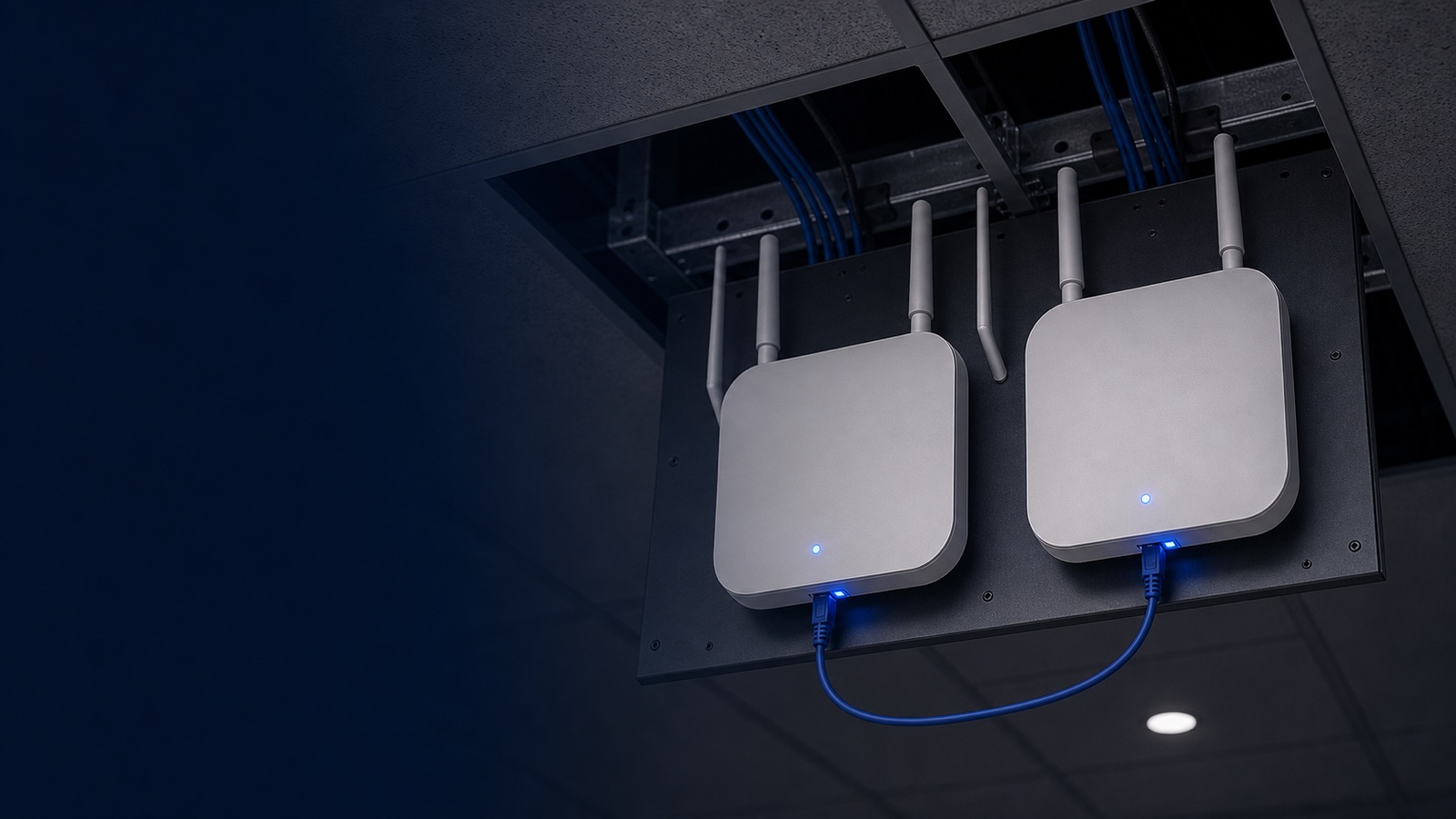
Wi-Fi 6E delivered a genuine leap forward when it arrived: a clean 6 GHz band, up to seven 160 MHz channels, and dramatic interference relief in high-density environments. For many organizations that deployed Wi-Fi 6E infrastructure in 2022–2024, the hardware is performing well and the investment is far from exhausted. Yet Wi-Fi 7 (IEEE 802.11be) has been shipping in enterprise-grade access points since 2024, and the performance gap between the two generations is wider than any previous Wi-Fi upgrade cycle.
So what is the honest answer for IT leaders, network engineers, and procurement teams evaluating wireless infrastructure today? The decision hinges not just on raw throughput numbers, but on your device ecosystem, application mix, density requirements, and how much life remains in your existing APs. This post breaks down every dimension of the wifi 6e vs wifi 7 question so you can make a defensible, budget-conscious decision.
The Core Standards: What Changed Between Wi-Fi 6E and Wi-Fi 7
Wi-Fi 6E (802.11ax Extended) is, at its core, Wi-Fi 6 with access to the 6 GHz band added by the FCC's 2020 ruling. It uses the same underlying PHY and MAC as Wi-Fi 6 — OFDMA, 1024-QAM, MU-MIMO, target wake time, BSS coloring — but gains a band that was previously unavailable to unlicensed Wi-Fi. That band offers up to 1,200 MHz of spectrum in the U.S., far more room than the congested 2.4 GHz and 5 GHz spaces. The result is lower interference and predictable channel availability, especially in dense urban or campus environments.
Wi-Fi 7 (802.11be) is a full specification revision, not an extension. The headline improvements are:
- Multi-Link Operation (MLO): A Wi-Fi 7 client can maintain simultaneous active connections across two or more bands — for example, 5 GHz and 6 GHz at the same time. The access point and device dynamically load-balance and failover between links at the MAC layer, reducing effective latency by 50–75% compared to single-link Wi-Fi 6E connections.
- 320 MHz channel width: Wi-Fi 7 doubles the maximum channel width from 160 MHz to 320 MHz in the 6 GHz band, roughly doubling peak throughput on a single link.
- 4096-QAM (4K-QAM): Compared to Wi-Fi 6E's 1024-QAM, 4K-QAM encodes approximately 20% more data per symbol under favorable signal conditions, pushing the theoretical maximum aggregate data rate to 46 Gbps across all radios.
- Multi-RU (Resource Unit) puncturing: Wi-Fi 7 can "punch out" specific sub-channels in a 320 MHz channel that are occupied by interference, using the remaining clean sub-channels rather than dropping to a narrower channel entirely. This is especially valuable in the 6 GHz Low Power Indoor (LPI) environment, where incumbents can cause sporadic interference.
- 16-stream MU-MIMO: Wi-Fi 7 doubles the maximum spatial stream count from 8 to 16, enabling more simultaneous high-throughput client connections.
Spectrum and Band Usage: How Each Generation Uses 6 GHz
Both generations use the same three frequency bands — 2.4 GHz, 5 GHz, and 6 GHz — but they use the 6 GHz band differently.
Wi-Fi 6E opens 6 GHz access but is constrained to 160 MHz maximum channel width and single-link operation. Each client connects to exactly one radio at a time. When the 5 GHz radio is congested, the client must roam (or be steered) to the 6 GHz radio — a process that introduces handoff latency and momentary packet loss.
Wi-Fi 7's MLO eliminates this distinction. Under MLO, a compatible client doesn't "roam" between bands — it maintains parallel associations. Packets are steered in real time to whichever link is least congested. For latency-sensitive applications such as voice, video conferencing, real-time patient monitoring, or industrial sensor data, this is a qualitative change, not merely a quantitative speed bump.
Side-by-Side Specification Comparison
| Feature | Wi-Fi 6E (802.11ax) | Wi-Fi 7 (802.11be) |
|---|---|---|
| IEEE Standard | 802.11ax | 802.11be |
| Frequency Bands | 2.4 GHz, 5 GHz, 6 GHz | 2.4 GHz, 5 GHz, 6 GHz |
| Max Channel Width | 160 MHz | 320 MHz |
| Max Modulation | 1024-QAM | 4096-QAM |
| Multi-Link Operation | No | Yes |
| Max Spatial Streams | 8 | 16 |
| Max Aggregate Throughput | ~9.6 Gbps | ~46 Gbps |
| Channel Puncturing | No | Yes |
| OFDMA | Yes (DL + UL) | Yes (enhanced) |
| MU-MIMO | Yes (8x8) | Yes (up to 16x16) |
| Typical Latency Reduction vs. Wi-Fi 6 | ~25–30% | ~50–75% (with MLO) |
| WPA3 Security | Required | Required |
| Target Enterprise Use Case | High-density, IoT, general campus | High-density, real-time, AI/IoT edge compute |
Dell Networking Wi-Fi 6E Portfolio: What You May Already Have
Dell Networking's 630 Series and 650 Series represent the Wi-Fi 6E generation for indoor enterprise deployments, while the AP-635 targets mid-density environments with a cost-effective tri-band configuration.
- Dell Networking 630 Series (AP-633, AP-635): Tri-band 2x2:2 MIMO across all three bands, up to 3.9 Gbps aggregate, dual 2.5 Gbps Ethernet ports, integrated Bluetooth 5 and 802.15.4/Zigbee. A strong fit for general-purpose office and classroom deployments.
- Dell Networking 650 Series (AP-655): Flagship Wi-Fi 6E with 4x4 MIMO, up to 7.8 Gbps combined peak data rate, dual 5 Gbps Ethernet ports, and ultra tri-band filtering to minimize inter-channel interference. Designed for the most demanding high-density environments — auditoriums, conference floors, dense clinical areas.
Both series support WPA3, Enhanced Open, BSS Coloring, and full integration with Dell Networking Central for cloud-managed operations. If your organization deployed these APs in 2022–2024 under a 5-year refresh cycle, your existing infrastructure has real remaining life.
Explore the full range of Dell Networking access points available from Uniqcli to see current inventory and configurations.
Dell Networking Wi-Fi 7 Portfolio: The 700 Series
Dell Networking launched its 700 Series Wi-Fi 7 access points beginning in 2024. These are not spec-sheet upgrades — they represent a platform shift that adds edge compute capability alongside the wireless improvements.
- Dell Networking 730 Series: Indoor flagship Wi-Fi 7 APs with tri-band coverage, support for 320 MHz channels in 6 GHz, MLO, and dual IoT radios (BLE 5.4 and 802.15.4/Zigbee). Critically, the 730 Series doubles the SDRAM and flash of previous generations, enabling application-specific containers to run locally on the AP — a meaningful capability for AI-at-the-edge and real-time data processing without round-tripping to a central controller.
- Dell Networking 750 Series (AP-755): The high-capacity indoor flagship. Up to 10 Gbps wired uplink via dual 10GbE ports, 4x4 MIMO in 6 GHz, and the same edge compute container support. Designed for the most demanding high-client-count environments.
- Dell Networking 760 Series (AP-765): Hardened outdoor / industrial-grade Wi-Fi 7 with IP67 rating, built for warehouses, manufacturing floors, stadiums, and large outdoor public venues. Delivers up to 5.8 Gbps in 6 GHz (4x4 configuration).
All 700 Series APs include integrated GNSS receivers and barometric sensors for floor-level location mapping, supporting IEEE 802.11az (Next Generation Positioning) — a notable advantage for healthcare asset tracking and federal facility management use cases.
Browse current networking products and Dell access point options or request a quote tailored to your deployment scale.
Should You Wait? A Segment-by-Segment Verdict
The honest answer varies significantly by buyer segment, application profile, and the age of your current wireless infrastructure.
Upgrade to Wi-Fi 7 now if:
- Your AP fleet is 4–5+ years old and approaching end of software support
- You are planning a new facility, building expansion, or major renovation — infrastructure investment is naturally synchronized
- You support high-density environments (large lecture halls, clinical environments with many simultaneous monitoring devices, open trading floors, dense warehouses)
- Your application portfolio includes real-time video, VR/AR training, telemedicine, or any latency-sensitive workload
- You are deploying AI inferencing at the network edge — the 730/750 Series container capability becomes a genuine differentiator
- You are managing a mix of IoT sensor protocols (Zigbee, Thread, BLE) and want consolidated management via a single AP platform
Extend your Wi-Fi 6E lifecycle if:
- Your 630 or 650 Series APs were deployed in 2022–2023 and remain under active support contracts
- Your current client device fleet is predominantly Wi-Fi 6 or Wi-Fi 6E — Wi-Fi 7 benefits are maximized only with Wi-Fi 7 client devices
- Your use cases are primarily general-purpose office connectivity, and current performance is meeting SLAs
- Budget cycles favor a phased approach: upgrade high-density or mission-critical areas first, standard office areas later
A practical middle path: Many organizations are deploying Wi-Fi 7 in high-priority zones — emergency departments, lecture halls, distribution center floors, operations centers — while extending Wi-Fi 6E life in standard office and classroom spaces. This tiered refresh strategy captures Wi-Fi 7's latency and density benefits where they matter most, without forcing a full campus-wide forklift upgrade.
For guidance on phased deployment planning, see our networking guides or connect with the Uniqcli team directly.
Infrastructure Readiness: The Wired Side of the Wi-Fi 7 Equation
One aspect of the wifi 6e vs wifi 7 conversation that often gets overlooked in marketing materials: the wired infrastructure requirements change with Wi-Fi 7.
Wi-Fi 6E APs with 2.5 Gbps or 5 Gbps uplinks are well-served by standard Cat6 cabling and existing multi-gig switch ports. Wi-Fi 7 APs — particularly the Dell Networking AP-755 with dual 10 Gbps ports — demand Cat6A cabling and 10GbE switching capacity at the edge.
Before committing to a full Wi-Fi 7 rollout, assess:
- Cabling plant: Is your structured cabling Cat6A, or will you need remediation?
- Edge switching: Do your access-layer switches support 10 Gbps or multi-gig (2.5G/5G) PoE+ ports?
- PoE budget: Wi-Fi 7 APs typically draw more power (up to 802.3bt / PoE++ class 6 or higher). Confirm your switch PoE budget covers full-speed operation.
Dell Networking's CX switching portfolio — the CX 6200, CX 6300, and CX 6400 series — provides the multi-gig and 10 GbE access-layer foundation that pairs cleanly with 700 Series APs. Uniqcli can assess your full wired-plus-wireless stack as part of a single engagement. Visit our shop to explore compatible switching options, or contact us for a full infrastructure readiness assessment.
Security and Management Considerations
Both Wi-Fi 6E and Wi-Fi 7 mandate WPA3 and support Enhanced Open (OWE) for open network encryption. The security baseline is consistent between generations. The differences are operational:
- Dell Networking Central manages both 6E and Wi-Fi 7 APs under a unified cloud dashboard, so management complexity does not increase with a mixed fleet during a phased migration.
- AI-driven RF optimization in Dell SmartFabric Manager becomes meaningfully more powerful with Wi-Fi 7 APs, as MLO and channel puncturing create more degrees of freedom for dynamic interference mitigation.
- Zero Trust integration: Dell's Policy Enforcement Firewall (PEF) and Zero Trust integration remain consistent across generations, so your existing NAC and segmentation policies carry forward.
For federal and SLED buyers operating under FedRAMP, FISMA, or CMMC requirements: Dell Networking Central's GovCloud offering supports compliant cloud management. Wi-Fi 7 does not introduce new compliance requirements beyond what Wi-Fi 6E already mandated, and WPA3-Enterprise with 192-bit mode is supported on both generations.
Total Cost of Ownership: Thinking Beyond AP Unit Price
Wi-Fi 7 APs carry a higher per-unit list price than comparable Wi-Fi 6E models. But a realistic TCO analysis includes more variables:
- Refresh cycle length: If Wi-Fi 7 APs serve a 6–7 year lifecycle versus 5 years for Wi-Fi 6E, the amortized annual cost difference shrinks.
- AP density reduction: Wi-Fi 7's superior capacity and MLO can, in some high-density scenarios, allow fewer APs to serve the same client population at higher quality — reducing cable drops, PoE ports consumed, and installation labor.
- Edge compute avoided cost: The 730/750 Series container capability can eliminate dedicated edge servers in some IoT and AI inferencing deployments, shifting cost from separate hardware to the AP platform.
- Support contract alignment: Aligning new AP purchases with fresh Dell support contracts and Dell SmartFabric Manager subscriptions ensures consistent coverage — fragmented support terms across mixed generations create management overhead.
Request a detailed quote from Uniqcli to model TCO across your specific site count, client density, and refresh schedule.
How Uniqcli Helps
Uniqcli is an authorized Dell and Dell Networking partner with experience designing and procuring wireless infrastructure for federal agencies, SLED institutions, healthcare organizations, and enterprise clients. We can help you evaluate whether your current Wi-Fi 6E deployment warrants extension, identify where Wi-Fi 7 investment delivers the highest ROI, model full infrastructure readiness including switching and cabling, and structure procurement to align with your budget cycles and acquisition rules.
Whether you are ready to start a Wi-Fi 7 refresh or simply want an honest second opinion on your current network, the Uniqcli team is ready to help. Contact us to speak with a networking specialist, or request a quote for Dell Networking 700 Series access points and supporting infrastructure today.