
Choosing Dell Business Laptops: Latitude vs XPS vs Precision for Your Workforce
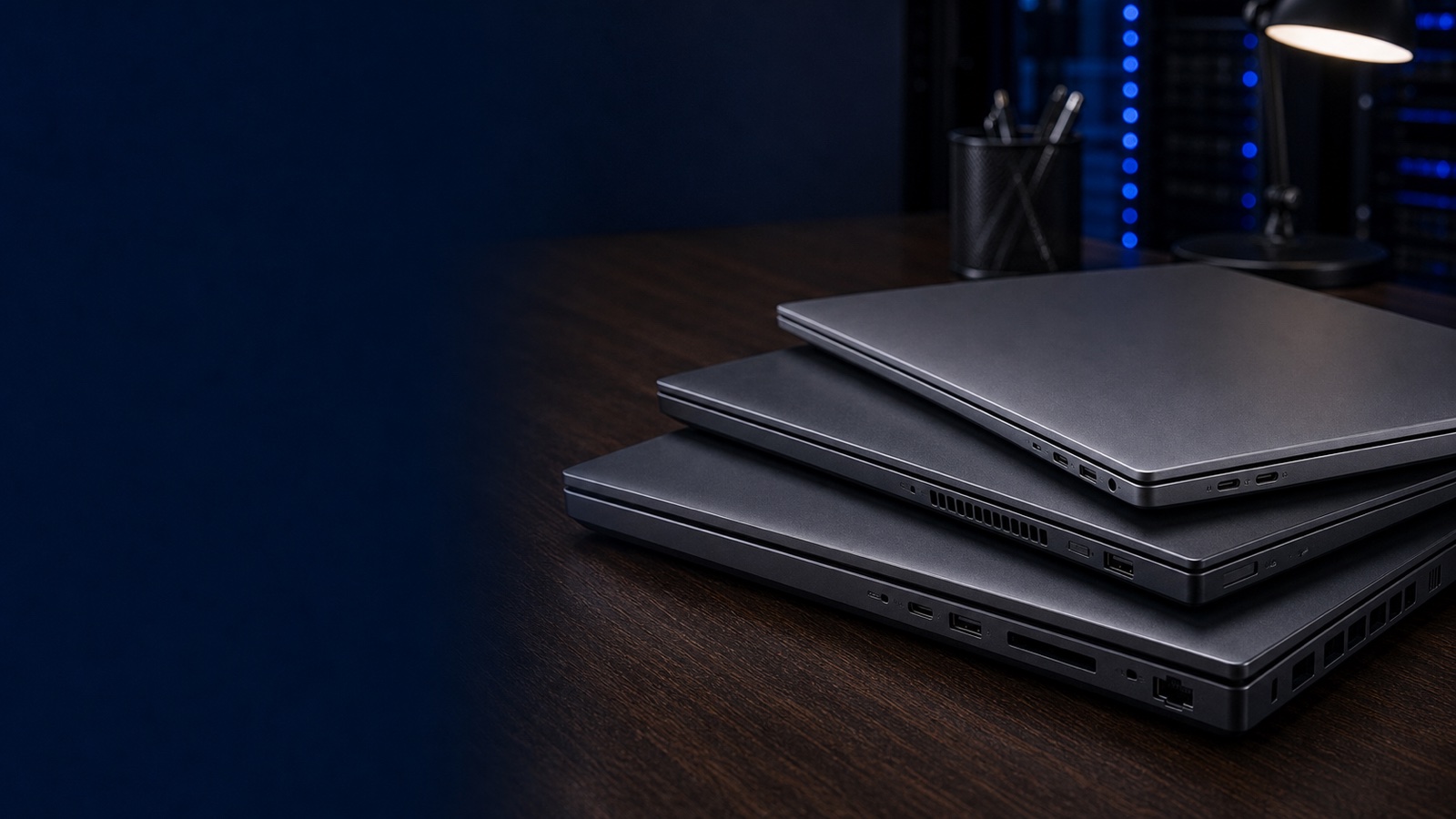
If your workforce runs the gamut — field staff who live on the road, executives who want thin-and-light premium hardware, and engineers rendering CAD or training models locally — buying a single laptop SKU for everyone is the wrong call. Dell's client lineup is deliberately segmented into three families that map cleanly onto those use cases: Latitude (mainstream business), XPS (premium consumer-grade design), and Precision (mobile workstation). Getting the mapping right controls cost, reduces help-desk friction, and keeps your security and procurement teams happy. This guide breaks down where each family fits, what to standardize on, and how regulated buyers should approach the purchase.
The Three Families at a Glance
The fastest way to think about Dell's business laptops is by the workload and the buyer behind it, not by spec sheets alone.
- Latitude — the corporate workhorse. Built for fleet deployment: manageable, durable, security-forward, and available in a wide range of screen sizes and price points. This is what the majority of your knowledge workers should carry.
- XPS — premium and design-led. Thin chassis, high-end displays, excellent build quality. It overlaps Dell's consumer line but is frequently requested by executives and creative staff who want a flagship feel. Strong on aesthetics and portability, lighter on enterprise-specific manageability features.
- Precision — ISV-certified mobile workstations. These exist for engineering, scientific computing, GIS, video production, and increasingly local AI/ML inference. They carry workstation-class GPUs (NVIDIA RTX), support for ECC memory on higher tiers, and certification against applications like SOLIDWORKS, AutoCAD, ArcGIS, and DaVinci Resolve.
Note that Latitude and Precision sit firmly inside Dell's commercial portfolio alongside OptiPlex desktops, which means they share the same management tooling, support structure, and TAA-compliant configuration paths your data-center gear already uses.
Latitude: Standardize Your Fleet Here
For most organizations, Latitude is the default and should cover 70 to 80 percent of seats. The reason is operational, not just financial. Latitude is engineered for fleet life:
- Manageability — broad support for modern management stacks, Intel vPro options for out-of-band control, and clean imaging behavior that keeps reimaging and zero-touch deployment predictable.
- Security posture — TPM 2.0, firmware-level protections, optional smart-card and contactless readers for PIV/CAC workflows, and configurations that support FIPS 140-3 validated cryptographic modules where your security baseline requires them. These matter directly for NIST 800-171 alignment in CUI environments.
- Lifecycle consistency — Latitude families hold a stable platform long enough to standardize a single image across a procurement cycle, which lowers your support burden.
Within Latitude, segment by role: ultraportable models for travel-heavy staff, mainstream 14-inch units for general office work, and ruggedized variants for field, warehouse, or clinical settings where drops and spills are routine. Buying the right size class per role beats forcing one chassis on everyone.
XPS: Premium Seats, Used Deliberately
XPS earns its place for a specific slice of the workforce — typically leadership and design-adjacent roles where presentation, display quality, and weight are decisive. The hardware is excellent. The caveat for IT is that XPS originates from Dell's premium consumer line, so it does not always carry the full set of commercial manageability and long-lifecycle guarantees that Latitude does.
Practical guidance:
- Treat XPS as a curated exception, not a fleet standard. Approve it for defined roles rather than letting it sprout across the org.
- Confirm the specific configuration supports your management and security baseline before committing — vPro availability and port selection vary by model.
- Budget for it as a premium tier. The cost delta over a comparable Latitude is real and should be justified by role, not preference alone.
For a mixed workforce, a clean policy is: Latitude by default, XPS by exception with sign-off, Precision by workload.
Precision: When the Work Demands a Workstation
Precision is not a "nicer laptop" — it is a different class of machine. You move a user to Precision when the application stack genuinely needs it:
- ISV certification — engineering and creative applications are certified and supported on Precision hardware, which means driver-validated stability rather than best-effort consumer GPU behavior.
- Workstation GPUs — NVIDIA RTX professional graphics for CAD, simulation, rendering, and local model inference.
- Memory and storage headroom — higher RAM ceilings, ECC options on upper tiers, and multi-drive configurations for large datasets.
The discipline here is to gate Precision behind an actual workload test. A user who "feels slow" usually needs more RAM or an SSD upgrade on a Latitude, not a workstation. Reserve Precision — and its higher price and weight — for staff whose certified applications and GPU-bound work clearly require it. This keeps your spend honest and your fleet lighter.
How Regulated Buyers Should Approach the Purchase
For federal, DoD, SLED, and healthcare buyers, the device decision is only half the job; the acquisition path is the other half. A few practices keep procurement clean:
- Confirm TAA compliance on the specific configurations you intend to buy, and retain documentation for supply-chain reviews and ATO packages.
- Buy through a pre-competed contract — Dell client hardware is widely available to federal, DoD, and SLED buyers, which simplifies competition and compliance.
- Standardize images and security baselines per family so that a Latitude fleet, an XPS exception pool, and a Precision group each have a documented, repeatable configuration aligned to NIST 800-171 and your agency baseline.
- Plan the lifecycle, including warranty tier, accidental-damage coverage for field units, and docking standardization so a user can move between desks without a hardware mismatch.
Practical Takeaway
Map devices to roles, not to preference. Make Latitude your fleet standard for general knowledge workers, allow XPS as a signed-off premium exception for leadership and design roles, and reserve Precision for users whose ISV-certified, GPU-bound, or memory-heavy workloads genuinely require a mobile workstation. Standardize images, docking, and security baselines within each family, and buy configurations you have confirmed are TAA-compliant through the contract that fits your organization.
If you are scoping a mixed laptop refresh and want help drawing the Latitude/XPS/Precision lines for your roles, talk to a Uniqcli specialist or request a configured quote — we will align the right Dell client hardware to your workforce, security baseline, and procurement path.