
Dell Latitude vs Precision: When Your Users Need a Mobile Workstation
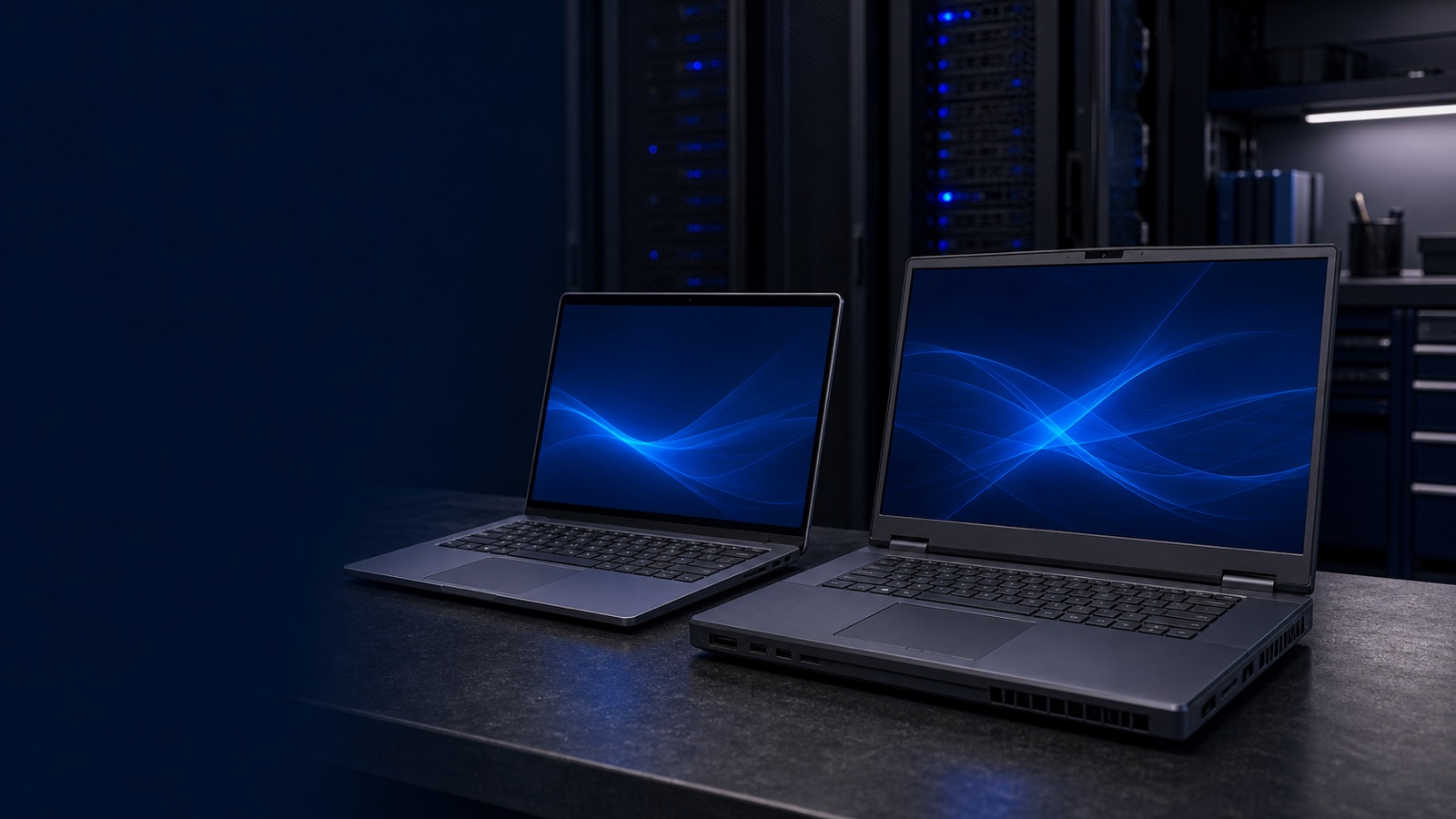
Most users in your fleet do not need a mobile workstation. They need a fast, secure, manageable laptop that boots quickly, drives a couple of monitors, and survives three or four years of travel. That is exactly what a Dell Latitude is built to do — and putting those users on a Dell Precision mobile workstation wastes budget on silicon they will never touch. But a meaningful slice of your users — engineers, analysts, GIS specialists, designers, researchers — hit a wall on a Latitude that no spec bump fixes. For them, the Precision's certified GPU, error-correcting memory, and ISV validation are not luxuries; they are the difference between work that completes and work that crashes.
This guide draws the line clearly so you can spec the right machine the first time instead of fielding upgrade tickets six months in.
What Each Line Is Actually For
The two families solve different problems, and the naming makes that explicit once you know the pattern.
Latitude is Dell's business-class laptop line — the mainstream fleet device. Models like the Latitude 5450 (mainstream), 7450 (premium ultralight), and the Rugged / Rugged Extreme series cover knowledge workers, executives, and field staff. Integrated or modest discrete graphics, standard non-ECC memory, and a chassis tuned for thinness, battery life, and weight. This is what 80% of a typical organization should be carrying.
Precision is Dell's workstation line, and the mobile Precision units are full workstations in a laptop form factor. They carry professional GPUs — NVIDIA RTX professional-class or comparable — support for higher-capacity and often ECC memory, more aggressive thermal designs, and, critically, ISV certification: Dell and the software vendor jointly test and validate the exact hardware configuration against applications like SolidWorks, CATIA, AutoCAD, Revit, ANSYS, ArcGIS Pro, and Adobe's creative suite.
That last point is the whole argument. A Latitude can technically open a CAD file. A certified Precision is supported by the software vendor to run it in production.
The Signals a Latitude Has Run Out of Road
You do not need to benchmark anything. Listen to how users describe their work and the hardware tier reveals itself. A Latitude is no longer enough when users:
- Run ISV-certified professional applications — CAD/CAM, BIM, simulation, finite element analysis, or geospatial tools where the vendor publishes a certified-hardware matrix and support hinges on running listed configurations.
- Manipulate large 3D models, point clouds, or high-resolution assemblies that stutter, fail to render, or exhaust GPU memory on integrated graphics.
- Need ECC memory because a multi-hour simulation or render cannot tolerate a single silent bit-flip corrupting a result.
- Do GPU-accelerated compute — local AI/ML inference and model fine-tuning, CUDA workloads, video transcoding, or scientific computing that a laptop iGPU simply cannot service.
- Edit 4K/8K video or color-critical imagery where panel accuracy, sustained GPU throughput, and fast local NVMe scratch space gate the workflow.
If none of those describe a user, stop — buy them a Latitude and move on. Paying the Precision premium for a spreadsheet-and-Teams workload is a procurement finding waiting to happen.
The Cost Conversation, Framed Honestly
A mobile Precision costs more than a Latitude, weighs more, and runs its fans harder under load. Those are real trade-offs, not marketing footnotes. The question is not "which is better" — it is "what does the wrong choice cost?"
Put a CAD engineer on a Latitude and you pay three times: in lost productivity while models crawl, in an unplanned hardware swap once the complaints escalate, and in the support hours spent chasing crashes that an ISV will not help you debug because the configuration was never certified. Put a generalist on a Precision and you have simply overspent on capability that sits idle, plus carried extra weight for no benefit.
The Precision premium pays for itself only when the user's billable or mission output depends on the capability. For a contracting officer, that framing maps cleanly to justification: the workstation tier is defensible when the requirement document names certified applications and performance-bound tasks, and it is not when it does not. Spec to the workload, document the requirement, and the line item defends itself.
Both Lines Share the Same Fleet Foundation
One reason standardizing across Latitude and Precision is painless: they ride the same management and security rails, so a mixed fleet is not two fleets.
- Manageability — both integrate with Dell's commercial deployment and update tooling, so imaging, BIOS/firmware updates, and lifecycle management stay consistent whether a user carries a Latitude or a Precision.
- Security — Dell SafeBIOS, Trusted Platform Module hardware roots of trust, and supply-chain assurance options apply across both lines, supporting NIST 800-171 control objectives and FIPS 140-3 validated cryptographic module requirements where your environment demands them.
- Procurement — both are available to federal and public-sector buyers, quoted by RFQ, with Trade Agreements Act (TAA) compliant configurations for federal and DoD buyers.
That shared foundation means you can put exactly the right tier in each user's hands without fragmenting your image, your patch cadence, or your compliance posture.
The Practical Takeaway
Default every user to a Latitude. Reserve Precision mobile workstations for the specific people whose work requires a certified professional GPU, ECC memory, GPU-accelerated compute, or ISV-validated applications — and write that requirement down so the spend is documented. The cost difference is real, but so is the cost of putting a workstation user on an ultrabook. Match the machine to the workload and both numbers work in your favor.
If you are refreshing a mixed fleet and want help drawing that line — spec'ing certified Precision configurations for your engineers while keeping the rest of the fleet on the right Latitude — request a quote or talk to a Uniqcli specialist. We will help you configure TAA-compliant builds, quoted by RFQ.