
Dell Networking for the Data Center: Choosing PowerSwitch Top-of-Rack Models
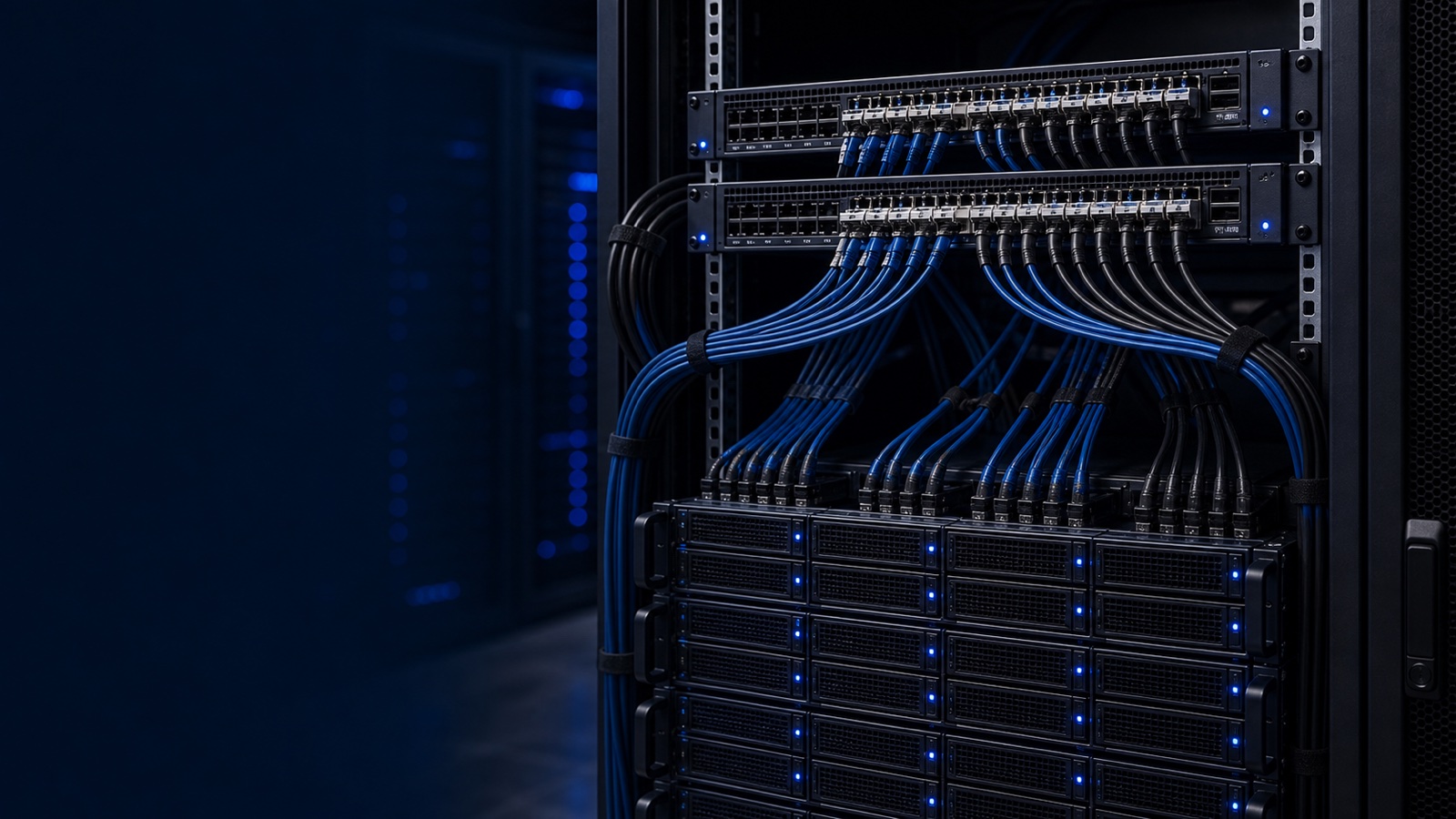
Modern data-center traffic doesn't move the way it used to. A decade ago, most packets traveled north-south — client to server and back. Today, with virtualized PowerEdge clusters, distributed PowerStore arrays, vMotion, replication, and AI training jobs, the majority of bandwidth is east-west: server to server and server to storage, inside the rack and across the fabric. Your network has to be designed for that reality, not against it.
Dell PowerSwitch is the networking layer Dell Technologies builds to sit underneath its own compute and storage. Running SmartFabric OS10 — a Linux-based, disaggregated network operating system — the S-series and Z-series switches give you an open, standards-based fabric that's been validated against PowerEdge servers and PowerStore, PowerMax, and PowerScale storage. This guide walks through how to pick the right top-of-rack (ToR) model and assemble a leaf-spine fabric that won't bottleneck your most important workloads.
Start With the Port Speed Your Servers Actually Use
The single most important ToR decision is matching switch downlink speed to your server NIC speed. Over-buying wastes budget; under-buying creates a bottleneck you'll fight for the life of the rack.
- 10GbE servers (legacy or low-throughput): A PowerEdge R660 with a 10GbE rNDC pairs cleanly with the S5212F-ON or S5224F-ON, which provide SFP28 ports that auto-negotiate down to 10G while leaving you a 25G upgrade path.
- 25GbE servers (the current mainstream): Most new R660 and R760 builds ship 25GbE NICs. The S5248F-ON (48x 25GbE + 6x 100GbE uplinks) is the workhorse ToR for these racks. The S5296F-ON doubles the downlink count for dense racks.
- 100GbE servers (AI, HPC, heavy storage): GPU-accelerated PowerEdge nodes and all-NVMe PowerStore controllers increasingly want 100GbE host links. The S5232F-ON (32x 100GbE) serves as both a high-speed leaf and a small spine.
The rule of thumb: count your NIC ports per rack, add ports for iDRAC out-of-band management and any storage-specific links, then size the leaf so you have headroom for one more server generation.
Build the Fabric as Leaf-Spine, Not Core-Aggregation-Access
East-west traffic punishes the old three-tier design, because any two servers in different racks may have to traverse the core. A leaf-spine (Clos) fabric fixes this: every leaf connects to every spine, so any server is exactly one hop from any other server across the fabric. Latency becomes predictable and bandwidth scales horizontally.
A typical Dell build looks like this:
- Leaf layer: S5248F-ON or S5232F-ON switches as ToR, two per rack for redundancy, configured as a VLT (Virtual Link Trunking) pair so each server dual-homes with active-active uplinks and no spanning-tree blocking.
- Spine layer: Z9432F-ON (32x 400GbE, breakout-capable to 100G) or S5232F-ON for smaller fabrics. Spines do nothing but move traffic between leaves — keep them clean and uniform.
- Uplinks: Size leaf-to-spine bandwidth against your oversubscription target. A 3:1 ratio is common for general virtualization; storage-heavy and AI fabrics often justify 1.5:1 or lower.
VLT is worth emphasizing because it gives you chassis-like resilience from two fixed switches. A leaf can fail or be upgraded with OS10 In-Service Software Upgrade while servers keep forwarding over the surviving peer — important when your maintenance windows are short and your SLAs aren't.
Match the Fabric to PowerStore and PowerEdge Traffic Patterns
The reason to buy Dell networking with Dell compute and storage is validation. Dell publishes deployment guidance for PowerStore and PowerEdge on PowerSwitch fabrics, and the design choices map directly to how that traffic behaves:
- Storage east-west: PowerStore's scale-out architecture moves data between appliances; iSCSI, NVMe/TCP, and replication all generate sustained east-west flows. Put storage on the same low-latency leaf-spine fabric as compute and enable the right flow control / lossless settings rather than bolting on a separate storage network.
- VLAN and overlay scale: Use SmartFabric OS10's support for VXLAN with BGP EVPN when you need L2 segments stretched across racks or multi-tenant isolation — common in consolidated SLED and healthcare environments.
- Management plane: Keep iDRAC and switch management on a dedicated out-of-band path. OpenManage Enterprise gives you a single console for server lifecycle, and SmartFabric Services can automate fabric configuration so leaf-spine buildout isn't a manual, error-prone exercise.
This is also where buying as a system pays off operationally: one vendor for the server, the array, the switch, and the management software means one support path when something misbehaves at 2 a.m.
Don't Forget Compliance and Procurement Realities
For federal, DoD, and SLED buyers, the switch selection is only half the job — the acquisition path and compliance posture matter just as much.
- TAA compliance is required for most federal purchases; confirm country-of-origin on the specific PowerSwitch SKUs you're quoting.
- FIPS 140-3 validated cryptography matters wherever management traffic or stored credentials touch the switch; verify the OS10 release and module status for your build.
- NIST 800-171 controls extend to network infrastructure handling CUI — segmentation, logging, and access control on the fabric are part of your assessment scope.
- A single pre-competed contract can carry both the PowerEdge/PowerStore and the PowerSwitch line items on one order, simplifying the buy.
Practical Takeaway
Pick the leaf speed to match your server NICs (25GbE S5248F-ON for mainstream R660/R760 racks, 100GbE S5232F-ON for AI and all-NVMe storage), pair leaves with VLT for resilience, and standardize on a Z9432F-ON or S5232F-ON spine sized to your oversubscription target. Design the fabric around east-west PowerStore and PowerEdge traffic from day one, and lean on SmartFabric OS10 and OpenManage to keep it manageable. Doing this as one validated Dell system — rather than stitching switches from a third vendor onto Dell compute — removes both the integration risk and the finger-pointing.
Sizing a new fabric or refreshing an aging ToR layer? Request a quote or talk to a Uniqcli PowerSwitch specialist — we'll help you match the right leaf, spine, and optics to your PowerEdge and PowerStore environment, quoted by RFQ.