
Dell Pro vs Latitude for Government Fleets: What Changes
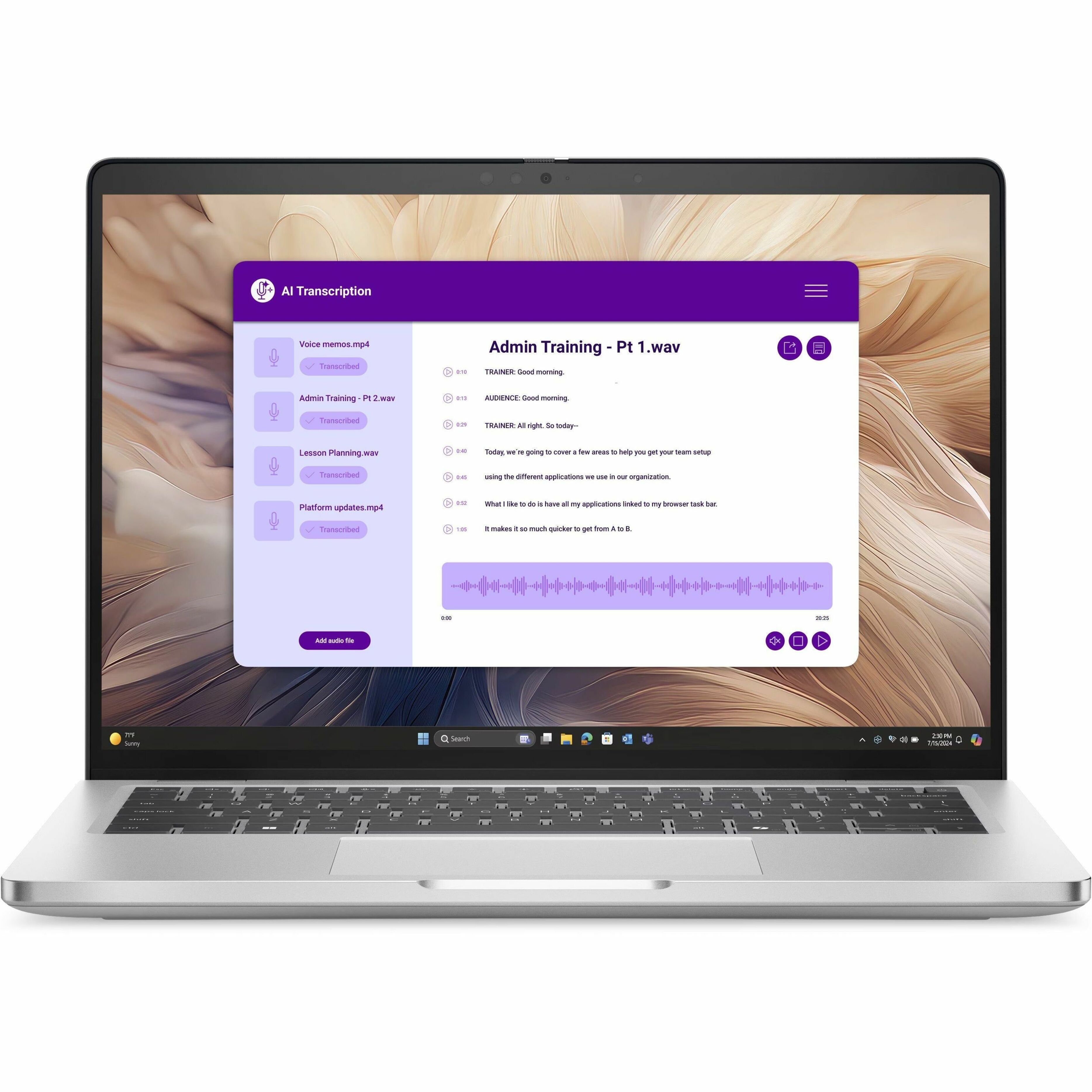
Dell Pro is the successor brand to Latitude in Dell's commercial laptop line. A federal buyer standardized on TAA-compliant Latitude configurations mostly needs a naming and tier mapping. The commercial security and management stack, the chassis durability program, and the TAA test all carry forward at the tier level. Confirm vPro and MIL-STD testing on the specific configuration, since manageability follows the silicon and drop testing follows the chassis. What you update is the family string in your RFQ template, the tier label in your standards document, and the family named in any brand-name justification.
That matters because most agency purchase packages are written against a literal string. A requirement reading "Latitude 5450 or equal" still functions, and it narrows the responsive pool every time a vendor offers the current equivalent. Fixing the template once costs less than fixing it per solicitation.
Where the rename actually lands
| Element | What changes | What stays the same | File action |
|---|---|---|---|
| Family name | New commercial laptops ship as Dell Pro | Imaging, endpoint security, support options | Replace family strings with capability language |
| Tier labels | 3000 / 5000 / 7000 give way to Base, Plus, Premium | A three-rung essential, mainstream, premium ladder | Update the seat-tier table in your standards doc |
| TAA determination | Nothing. It was never keyed to the badge | Country of origin per configuration, same test both lines | Keep a country-of-origin line item on every quote |
| Brand-name justification | The family named in the memo is out of date | The salient characteristics you actually needed | Restate around characteristics and note the rename |
| Docks and accessories | Nothing new to this rename | USB-C and Thunderbolt docking across the line | Confirm wattage, display count, and port type per model |
| Image and management | One extra image variant during the overlap | TPM 2.0, vPro options, Windows 11 Pro, Dell BIOS tooling | Validate the image on a pilot unit per chassis |
Map your tier standard before you touch the spec
The old series numbers were doing real work inside requirements documents, so remap them first. On the Dell Pro versus Latitude comparison, Dell Pro Base lines up with the 3000 tier, Dell Pro Plus with the 5000 tier, and Dell Pro Premium with the 7000 tier.
Treat that as the starting point for a like-for-like quote, then check the specification. Tier names mark a position in the ladder. A given Dell Pro Plus build can land against a 7000-series machine depending on display, chassis, and silicon, which the Dell Pro Plus and Latitude 7450 comparison shows line by line.
If your standard reads "Latitude 5000 for general staff, Latitude 7000 for travel seats," the replacement text is "mainstream commercial tier" and "premium ultraportable tier," with salient characteristics under each. The Dell business laptop selection guide walks that ladder from the workload side.
TAA did not change, because it was never about the badge
Trade Agreements Act coverage (19 U.S.C. 2501 et seq.) reaches your buy through FAR 52.225-5 and the certificate at FAR 52.225-6. It turns on the country of origin of the end product: manufactured in the United States or a designated country, or substantially transformed there. That test runs at the configuration and build-location level, so a brand name never satisfied it.
The framing for both lines is the one you should already be using. Dell Pro and Latitude commercial laptops are commonly available in TAA-compliant configurations, and you confirm country of origin on the quote for the exact configuration you are buying. A catalog model number opens the conversation; the determination attaches to the configuration.
Adjacent rules stay put. GSA Schedule orders are TAA-covered. Micro-purchases below the threshold are generally not TAA-covered, though agency policy often imposes it anyway, so read local policy. The Buy American Act is a separate rule with a separate test. NDAA Section 889 covers telecom and video surveillance equipment, worth a look when you spec WWAN. The federal TAA procurement guide and the Dell TAA compliance guide cover the documentation trail.
Write the requirement by capability so either line can bid
The goal is a specification that a current Dell Pro configuration and an in-stock Latitude configuration can both satisfy without an exception. That means salient characteristics, not families:
- Display size and resolution class, touch or non-touch.
- Processor class with vPro or equivalent remote manageability, stated as a capability either line can answer.
- Memory and storage floors, and whether the drive must be self-encrypting.
- TPM 2.0 discrete module and firmware attestation support.
- MIL-STD-810 class durability testing, if the mission needs it.
- Port set matching your dock standard, and whether WWAN is required.
- Warranty term, service level, and onsite response.
- TAA compliance with country of origin stated per configuration offered.
- Imaging, BIOS configuration, and asset tagging at delivery.
Write "commercial-grade business laptop, mainstream tier" plus that list and both lines compete. The Dell RFQ checklist covers the line items buyers forget until award, and the best Dell laptops for government and DoD breakdown maps mission profiles to tiers.
Brand-name justifications need one added paragraph
A signed justification naming a Latitude family is still valid, but it is stale in a way a reviewer will notice. Keep the reasoning about salient characteristics and standardization, then add a sentence stating that Dell renamed the line and that the named Latitude family and the corresponding Dell Pro tier both satisfy the characteristics described.
Two cautions. Build the argument on the validated image, the docking standard, or the spares pool when that is your real reason, since those stand on their own terms. And avoid asserting a discontinuation you cannot document: Latitude configurations remain quotable, and availability of a given build is a supply question for the quote.
Docks, accessories, and the fleet security posture
Docking is where the transition bites operationally, and it has always been a per-model question. Dell's commercial USB-C and Thunderbolt docks are built to work across the notebook line, while power delivery wattage, display count, and Thunderbolt versus USB-C only ports differ by configuration. Confirm dock support per model, especially where shared desks run a mixed pool.
Security tooling is the easier half. Both lines run the same foundation: TPM 2.0, vPro options where the silicon supports them, Windows 11 Pro, BitLocker, and Dell firmware and BIOS management tooling. The controls you enforce on a Latitude estate, covered in securing Dell Latitude fleets with TPM, BIOS, and SafeBIOS, transfer to Dell Pro as policy edits.
Running both lines during the transition
Running both is normal and usually the lower-risk path. Phase Dell Pro into new seats and scheduled refreshes while the Latitude estate stays in service, keep one management baseline, and re-validate the image on a small pilot batch. The costs are bounded: a second spares line for chassis-specific parts, one extra image variant, and a dock audit at shared desks. Weigh those against a single-line buy that stretches delivery or pushes you off the TAA-compliant configuration you needed.
How Uniqcli validates TAA and configuration on the quote
Uniqcli is an independent reseller and systems integrator that sells and configures genuine Dell Technologies products, and validation happens at the line-item level before you see a price. For each configuration we state the country of origin of the end product as configured, so your contracting officer gets the fact the TAA determination rests on instead of a brand-level assurance. We flag options that carry a separate Section 889 or supply-chain review, WWAN modules in particular. We map your Latitude tier standard to the Dell Pro tier and confirm salient characteristics line by line, so the quote attaches to a capability-based requirement without an exception. We check dock and display support per model, and pricing is configuration-specific, so confirm it on your quote.
Browse Dell business laptops, see how we support public-sector buyers, and send your fleet standard and seat counts for a TAA-validated quote with country of origin stated per configuration.
Frequently asked questions
Is the Dell Pro line available in TAA compliant configurations?
Yes, Dell Pro commercial laptops are commonly available in TAA-compliant configurations, exactly as Latitude configurations are. Ask for the country of origin of the end product as configured, stated on the quote line for the part you are buying, and keep that statement with the file. If a build comes from a non-designated country, the fix is usually a different build location or a small configuration change, so raise it during the quote. Treat any blanket "this model is compliant" claim as unfinished work.
Does a Latitude or equal RFQ still work after the Dell Pro rename?
It works, and it costs you responses. In a brand name or equal requirement, the named item is shorthand for the characteristics that follow it, so a vendor offering a current Dell Pro configuration has to argue equivalence against a family that no longer ships. Some bid an exception, some call for clarification, some pass. List the characteristics explicitly and drop the family name, and the same vendors answer without the round trip.
What does a contracting officer need in the file for a Dell Pro purchase?
The same package a Latitude buy needed, with current names. That means the requirement stated as salient characteristics, the quote showing the exact configuration and its country of origin, the TAA certificate under FAR 52.225-6 where the acquisition is covered, any Section 889 representation, and the brand-name justification if you used one. Add a one-line note that Dell Pro succeeds Latitude, so a reviewer next year does not read the two names as two evaluations.
When is buying Latitude still the better call than Dell Pro?
When lead time, spares, or the image decide the buy. An in-stock Latitude configuration that ships this quarter beats a longer-lead Dell Pro build on a use-or-lose fiscal deadline. The same holds when you add seats to a team already running one chassis, where a matching machine reuses the spares pool, the dock, and the validated image with no pilot cycle. Ask for lead times on both lines in the same quote and let the delivery date decide.
Does the rename affect warranty, support contracts, or asset records?
Warranty and support terms are quoted per configuration, so the coverage you buy does not change because the family name did, and existing Latitude contracts run to their term. The work is on your side: asset records, CMDB entries, and receiving checklists that match on the string "Latitude" need a Dell Pro value added, and reports filtered on family name need the same edit. Handle it before the first delivery.
How do I handle a BPA or IDIQ written against Latitude families?
Ask your contracting officer early, because the answer depends on how the vehicle is written. One that describes categories and characteristics usually absorbs the rename at the order level with a clarification. One that lists Latitude families as fixed line items may need a modification first. Either way the lead time is administrative, so start it a quarter before the refresh and use the interval to restate the line items around capability.