
Dell OptiPlex vs Latitude: Desktop or Laptop for the Standard Office Worker
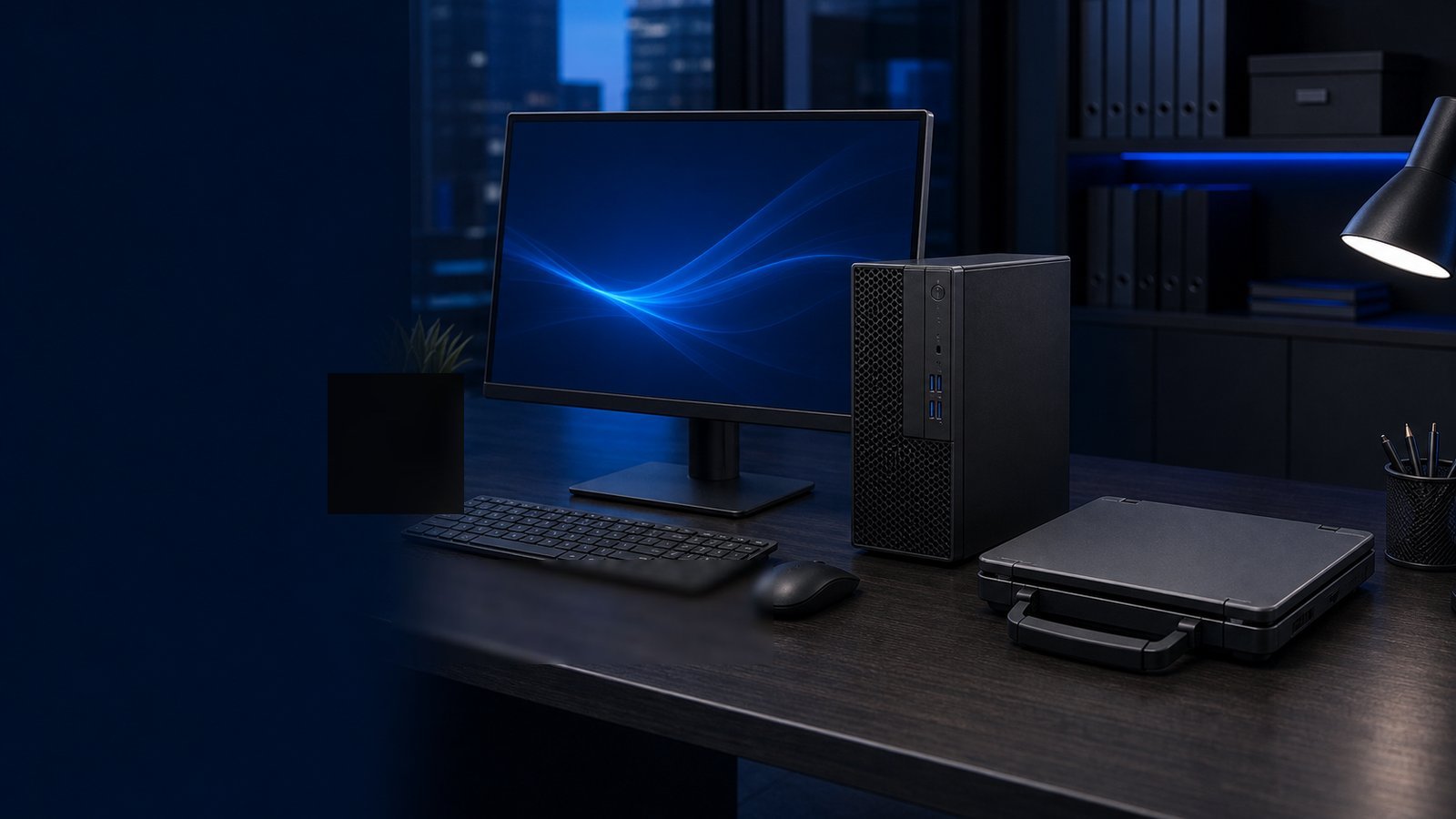
Every workforce-refresh cycle forces the same question onto IT leaders and contracting officers: do we standardize the standard office worker on a Dell OptiPlex desktop or a Dell Latitude laptop? It's not a spec-sheet question — both lines run the same Intel and AMD silicon, the same Windows image, and the same management stack. It's a decision about mobility, total cost of ownership, and how your workforce actually operates. This guide breaks down where each platform wins for the knowledge worker who lives in email, Office, a browser, and a line-of-business app.
The Core Tradeoff: Fixed Productivity vs. Mobility
The OptiPlex and Latitude families exist to solve the same problem from opposite ends. OptiPlex is Dell's commercial desktop line — tower, small-form-factor (SFF), and Micro chassis built for a fixed desk. Latitude is the commercial laptop line, spanning the ultraportable 7000 series down to the value-oriented 3000 series.
For a worker who sits at the same desk every day, an OptiPlex Micro tucked behind a monitor delivers more performance per dollar, better thermals, and a longer service life. For a worker who moves between a desk, conference rooms, home, and travel, a Latitude eliminates the friction of being tethered — and in many agencies and health systems, that mobility is now the baseline expectation, not a perk.
The honest framing: OptiPlex optimizes acquisition cost and durability; Latitude optimizes workforce flexibility and continuity. Most fleets end up mixed. The job is matching the platform to the role, not picking one winner.
Total Cost of Ownership, Not Sticker Price
Sticker price favors the desktop. A comparably configured OptiPlex SFF or Micro almost always costs less up front than a Latitude with similar CPU and memory, because the laptop pays a premium for the display, battery, chassis engineering, and integrated components. But acquisition cost is only the opening line of a TCO model. Decision-makers should weight:
- Peripherals. A desktop needs a monitor, keyboard, and mouse it doesn't ship with. A Latitude needs only a dock and external display for desk use — and many workers are productive on the built-in panel alone.
- Power draw. OptiPlex Micro and laptop-class platforms sip power; full towers draw more. Across thousands of seats, the energy line is real.
- Repair and lifecycle. Desktops are easier and cheaper to service — tool-less chassis, standard DIMMs and drives, swappable PSUs. Laptop repairs more often mean depot service or whole-unit swaps.
- Refresh cadence. Desktops frequently stretch to a longer service life because they aren't subjected to drops, spills, and battery degradation.
- Continuity and downtime. A laptop lets a user keep working through a facility closure or relocation. For some missions, avoided downtime dwarfs the hardware delta.
Run the model over a full 4-to-5-year lifecycle. The desktop usually wins on pure hardware cost; the laptop often wins once you price in mobility, resilience, and the cost of a stranded worker.
Manageability and Security Are a Wash — Which Simplifies the Choice
A frequent objection is that laptops are harder to secure and manage. With Dell's commercial lines, that gap has largely closed. Both OptiPlex and Latitude support:
- Dell Client Command Suite for scripted BIOS configuration, driver updates, and imaging at scale.
- Modern management via Microsoft Intune and the same Windows enterprise image across both form factors.
- Hardware root-of-trust and firmware protections, TPM 2.0, and FIPS 140-3-validated cryptographic modules on configurations that require them.
- A consistent path to NIST 800-171 and CMMC alignment for defense-contractor and federal environments, plus encryption controls that map to HIPAA safeguards in healthcare.
Because the security and management story is effectively identical, that dimension should not drive the desktop-vs-laptop decision. The real differentiator returns to physical risk posture: a laptop leaves the building, so it raises the stakes on full-disk encryption, endpoint DLP, and asset tracking. Those are policy controls you already need — not reasons to avoid mobility.
Procurement and Standardization for Regulated Buyers
For federal, DoD, SLED, and healthcare buyers, the platform choice is also a procurement-discipline choice. A few practical notes:
- Standardize on a small SKU matrix. Pick one or two OptiPlex configurations and one or two Latitude configurations rather than letting every requisition spec a snowflake. Standardization slashes imaging, spares, and support overhead.
- TAA compliance. Verify country-of-origin on the specific configuration you intend to buy; both lines have TAA-compliant build options suitable for federal contracts.
- Buy through a pre-competed contract. OptiPlex and Latitude are routinely available to federal, DoD, and SLED buyers, which streamlines compliant acquisition and consolidates reporting.
- Plan the refresh as a program, not a transaction. Align warranty terms (ProSupport and accidental-damage coverage matter more on mobile fleets) and asset disposition up front.
A clean two-platform standard — desktop for fixed roles, laptop for mobile roles — gives you predictable pricing, simpler help-desk runbooks, and a defensible audit trail.
A Simple Decision Framework
Use role, not preference, to drive the assignment:
- Choose OptiPlex when the worker is desk-bound (call centers, fixed clinical workstations, data-entry, lab and admin seats), when you need maximum performance per dollar, or when durability and easy in-house repair lower lifetime cost.
- Choose Latitude when the worker travels, hot-desks, or splits time between office and home, when business continuity through disruption matters, or when leadership has set a mobility-first standard.
- Choose both — deliberately — when roles are mixed. Document the criteria so requisitions self-sort instead of defaulting to whatever's cheapest that quarter.
For most modern office workforces, the trend favors Latitude as the default with OptiPlex reserved for genuinely fixed, performance-sensitive, or cost-sensitive roles. But there's no universal answer — only the answer your TCO model and mission profile produce.
Takeaway: Don't let sticker price decide. Map roles to mobility needs, run a full-lifecycle TCO comparison, and standardize on a tight SKU matrix you can buy compliantly by RFQ. That discipline saves more over four years than shaving a few dollars per seat ever will.
Need help right-sizing OptiPlex and Latitude configurations for your fleet — with TAA-compliant SKUs? Request a quote or talk to a Uniqcli specialist, and we'll build the BOM around how your people actually work.